Operation Guide 250ML Lighting Control Consoles
55 MAINTENANCE
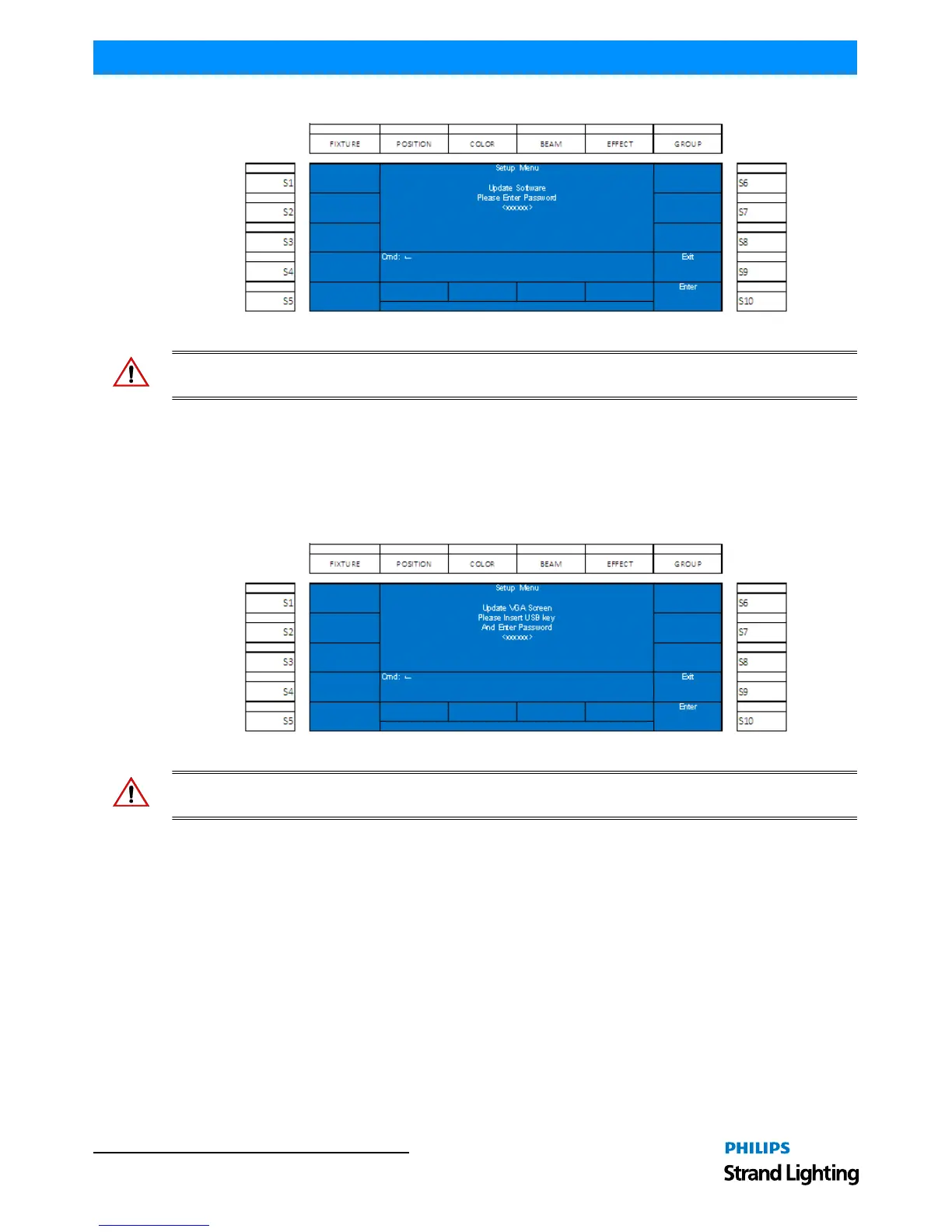
Use Encoder D to navigate to the Update Software option and press to select.
Figure 87: Setup Menu - Software Update Screen
WARNING! This action is password protected for the safety of the show data. This action is not recoverable, nor
reversible. Password: 168168.
3. Update VGA Screen
This shall allow the user to update the video output software of the 250ML Control Console. Please download the
latest version of the 250ML software from www.strandlighting.com. Insert the USB key with the software into the
USB port on the top of the console. Do not use the port on the back plate of the desk as this is reserved for a USB
light.
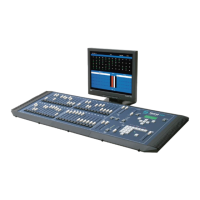
Use Encoder D to navigate to the Update VGA Screen option and press to select.
Figure 88: Setup Menu - Update VGA Screen
WARNING! This action is password protected for the safety of the show data. This action is not recoverable, nor
reversible. Password: 168168.


 To Next Page