Operation Guide 250ML Lighting Control Consoles
9 OVERVIEW
• Main Console LCD Display - primary programming display. This 7-inch color display will display the
Command Line, recording commands, all configuration information, 10 softkey labels and 4 encoder's informa-
tion.
•
Shift - used to gain access to the Setup environment as well as access to additional advanced commands.
•
Shift + UNTAG = Setup
•
Shift + ENTER = Encoder Intensity control on selected channels.
•
Shift + Encoders = can gain access to advanced features on some items. For example, on Fade Up /
Fade Down this will allow for time adjustment in 1/10th second.
5. Text Conventions
When a key is referred to in the manual it will be in hard brackets. For instance [RECORD] would refer to the record
button. A softkey command on the LCD screen will be written inside ( ). So for instance the (S9-Enter) would refer to
a softkey option available on the LCD screen. For operational information, refer to "OPERATION" on page 22.
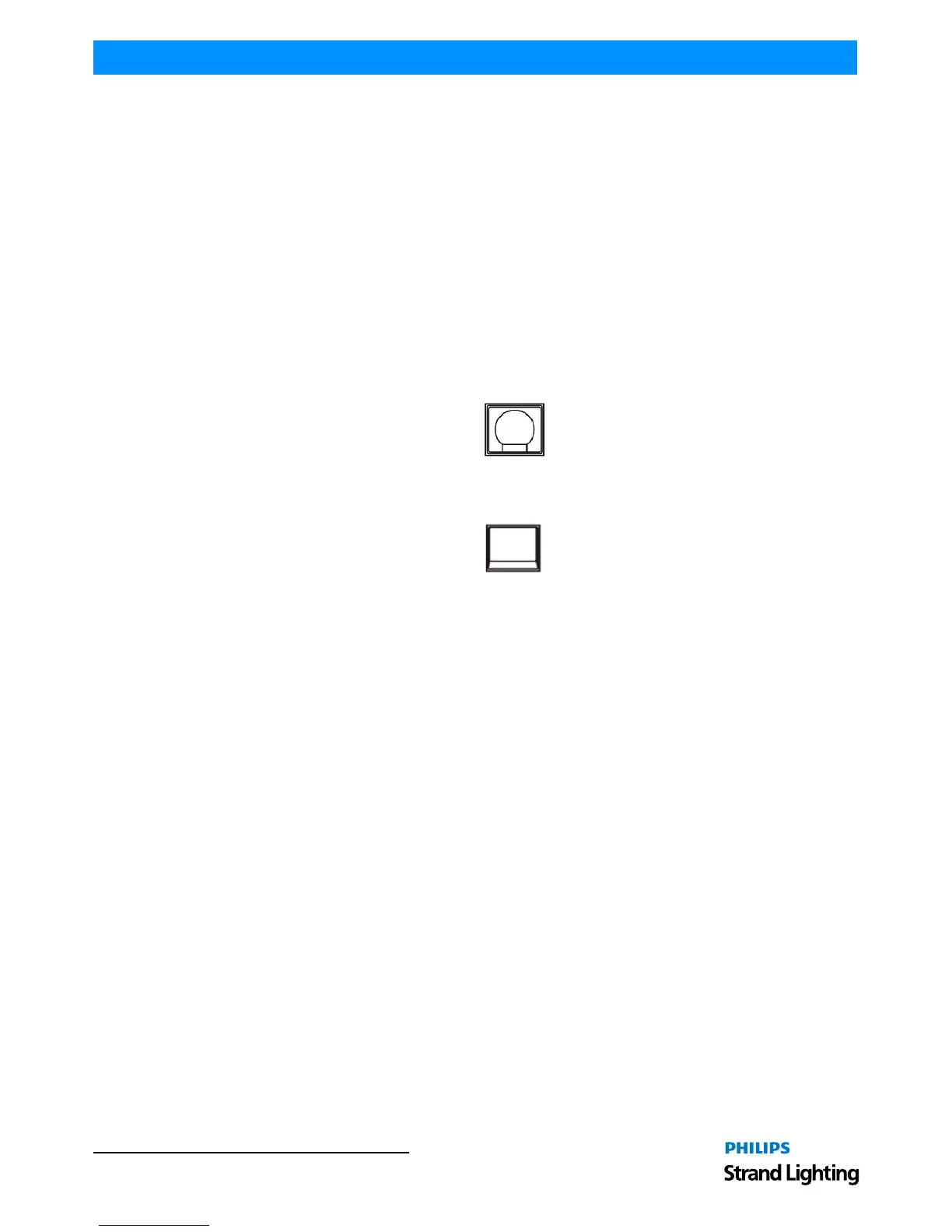
The example in Figure 1 represents any command button like Record used in teaching examples.
Figure 1: Command Button Example
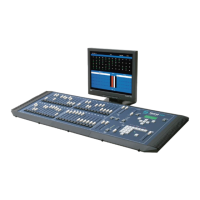
The example in Figure 2 represents any bump button or softkey used in teaching examples.
Figure 2: Bump Button Example


 To Next Page