Test Mode 56
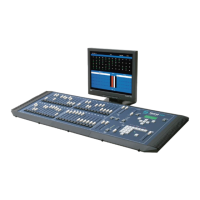
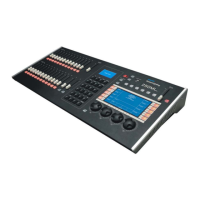
250ML Lighting Control Consoles
Operation Guide
4. Test Mode
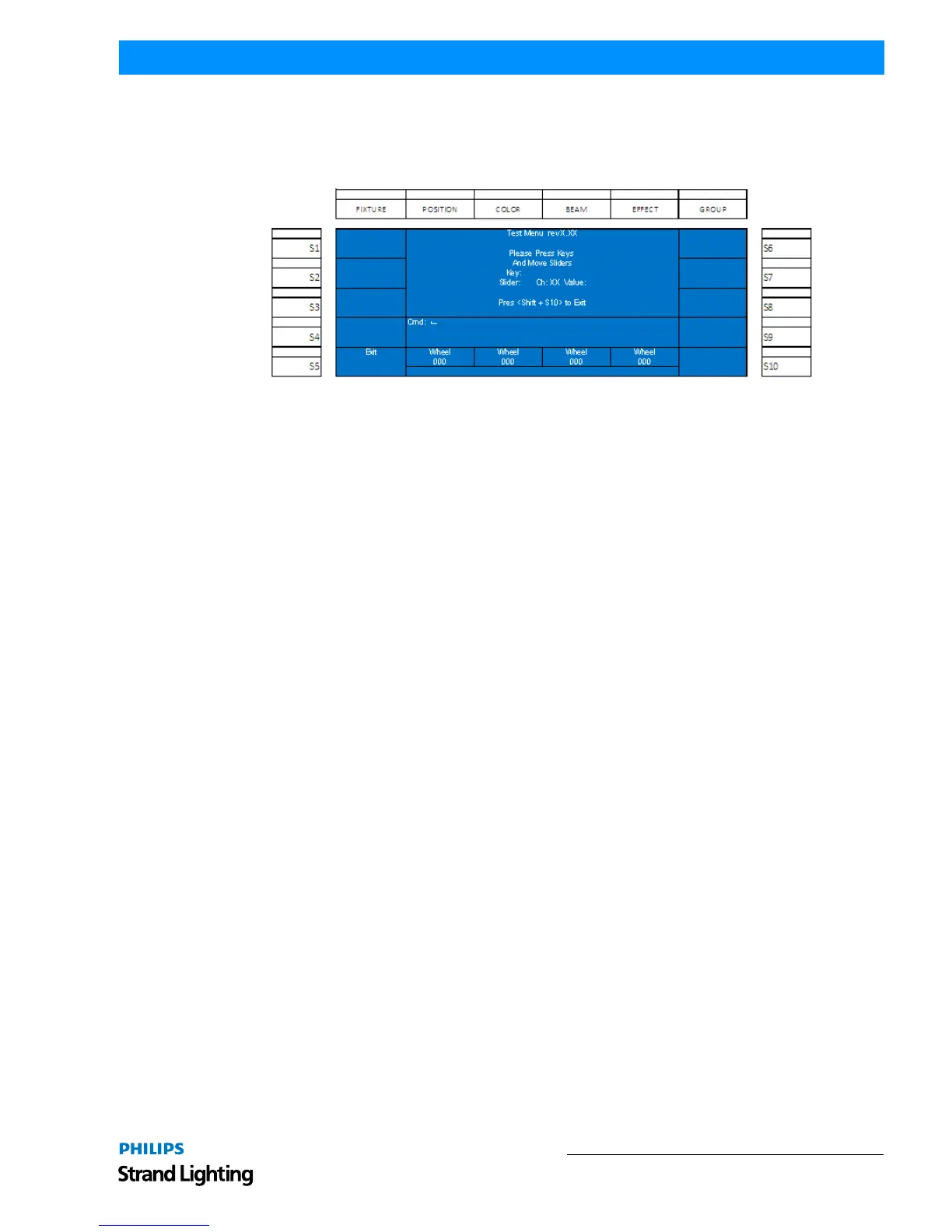
This shall allow the user to test the functionality of the hardware. Once the test mode is running, all buttons shall light
up and activating all hardware items (buttons and sliders) shall provide on screen feedback to the onboard color
screen for confirmation of functionality.
Once all tests have been completed, press [SHIFT] + [S10] to exit the text routine.


 To Next Page