14
Watching a Blu-ray disc
o watc
a
u-ray
isc
nsert a
u-ray
sc
nto your p
aye
.
2
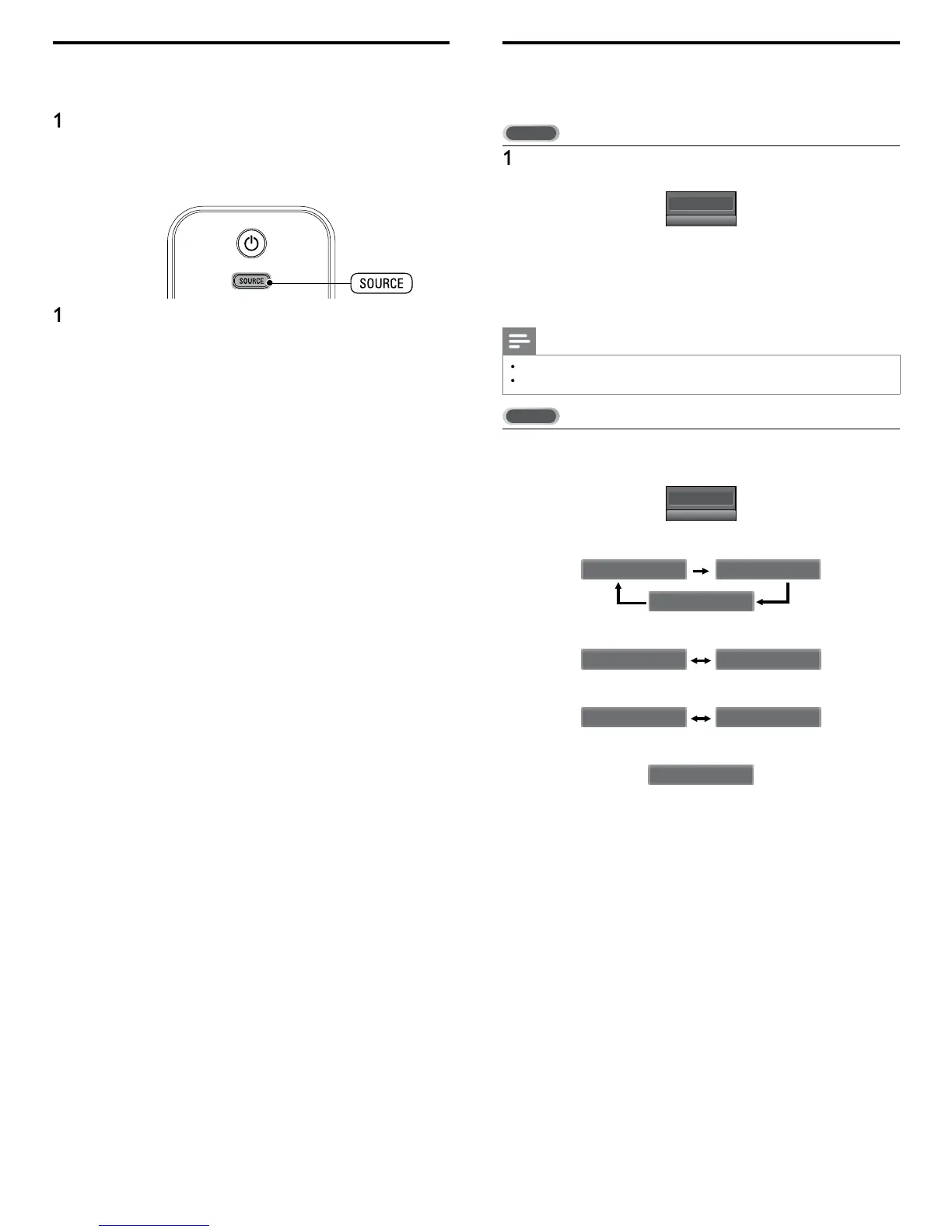
ress
play) on the remote control of the Blu-ray Disc playe
.
e
u-ray
sc m
g
t automat
ca
y p
ay on t
e
If the picture does not appea
ress SOURC
repeate
y to se
ect t
e
u-ray
sc p
ayer an
ait a few seconds for the picture to appea
.
2 Use the remote control of the Blu-ray Disc player to play the disc
Switching audio mode
s sect
on
escr
es
ow to sw
tc
au
o
anguage
n
g
ta
mo
e an
ow to sw
tc
au
o
n ana
og mo
e
ress SA
to
s
a
t
e current
se
ecte
an
ua
e an
t
e
umber of available lan
ua
es
11.1
English 1/3
2
ress SA
repeate
y to cyc
e t
roug
e ava
a
e au
o
anguages
vailable lan
ua
es differ de
endin
on the broadcast
the
s
sp
aye
w
en t
e au
o
anguage cannot
e acqu
re
, or t
e
ac
uired lan
ua
es are other than En
lish, S
anish or French
Note
AP
oes not contro
externa
au
o
ev
ces
he information dis
la
will automaticall
disa
ear in a few seconds
ress SA
to
sp
ay t
e current
y se
ecte
au
o mo
e.
e
receiving an MTS broadcast, press repeatedly to cycle through the
ava
a
e au
o c
anne
11
SAP / STEREO
en a
au
o are ava
a
e
SAP / STEREO SAP / MONO
SAP / STEREO
SAP / STEREO
SAP / STEREO
SAP / MONO
en stereo an
monaura
au
o are ava
a
e
MONO / STEREO MONO / STEREO
MONO / STEREO MONO / STEREO
When SAP and monaural audio are available
MONO / STEREO MONO / STEREO
SAP / MONO SAP / MONO
en on
y monaura
au
o
s ava
a
e
MONO
Cannot be swit
hed
TEREO : Outputs stereo-audio
AP : Outputs second audio program
MONO : Outputs mono-audio












 To Next Page