24
7 Install channels
he fi rst time you set up your TV, you are prompted to select a menu
anguage and to install TV and digital radio channels (if available). This
chapter provides instructions on how to reinstall and fi ne-tune channels
Selecting your menu language
ress
on t
e remote contro
an
se
ect
anguage
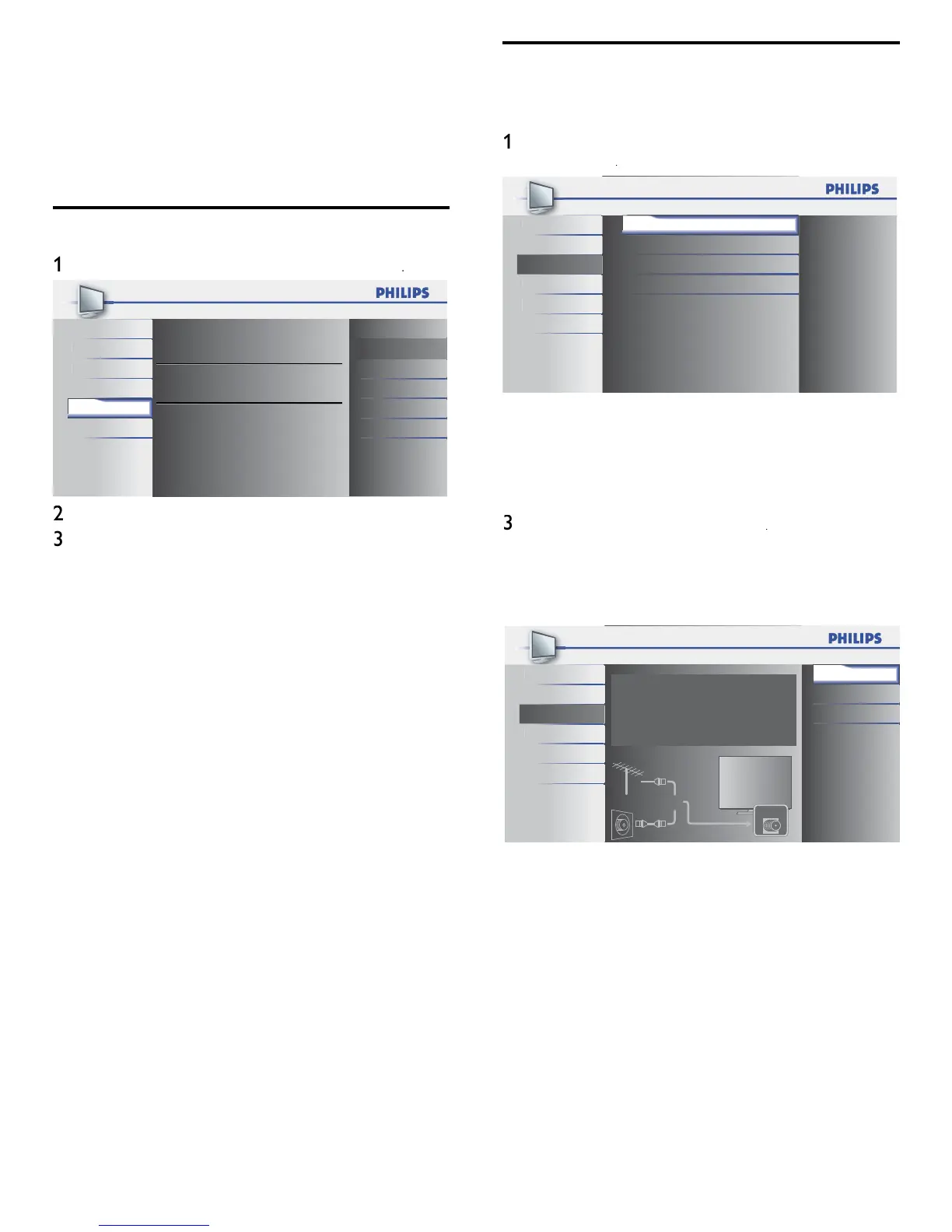
Select your menu language.
Seleccione el idioma para el menú.
Sélectionnez la langue du menu.
English
Español
Français
Pi
t
r
ound
English
Setu
Language
USB
Select a lan
ua
e and
ress
to confi rm
our choice
ress
to ex
t
Autoprogram
Before you install channels, ensure that you are registered with you
ca
e
prov
er an
t
at your equ
pment
s correct
y connecte
ress
on t
e remote contro
an
se
ect
etu
>
utoprogram
Pi
t
r
oun
Setup
eatures
an
USB
Autoprogram
Channel List
Add Channels
Antenna
2
ress
to start t
e
nsta
at
on
If you run
utoprogram
w
en you
ave
oc
e
c
anne
s, a
message appears as
ng to enter you
.
nter you
n
r
er to comp
ete t
e
nsta
at
on
If you have forgotten your PIN, reset it as described in ‘Changing
our PIN’ on page 18.
Select
ntenn
o
able
an
ress
en
ntenn
s se
ecte
, t
e
etects antenna s
gna
s.
t
earches for NTSC and ATSC channels available in your area
en
able
s se
ecte
, t
e
etects s
na
s su
e
cable. It searches for NTSC, ATSC, and Cable channels
ava
a
e
n
our area
Antenna
Cable
Back
Autoprogram will rescan all channels.
Auto programming may take more than 20
minutes to complete.
Select your signal source.
Antenna
Cable
Or
ANT.IN
i
t
r
ound
Setup
angua
USB
en autoprogramm
ng
s comp
ete, t
e
owest memor
ze
anne
w
e
sp
aye
o
ow t
e on-screen
nstruct
ons to comp
ete t
e
nsta
at
on











 To Next Page