18
• [Perfect Natural Motion]Reduces
eld and line icker to display
movement smoothly.
• [100Hz Clear LCD]Sets the TV
refresh rate to a maximum of
100Hz to provide superior motion
sharpness, better black level, high
contrast with a icker-free, quiet
image and a larger viewing angle.
• [Advanced sharpness]Enables
superior sharpness, especially on
lines and contours in the picture.
• [Dynamic contrast]Automatically
enhances contrast in an image.
• [Dynamic backlight]Adjusts the
brightness of the TV backlight to
match lighting conditions.
• [MPEG artefact reduction]Smoothes
out transitions on digital pictures.
You can switch this feature on or off.
• [Colour enhancement]Makes
colours more vivid and improves the
resolution of details in bright colours.
You can switch this feature on or off.
• [PC mode]Enables picture settings
adjustment when a PC is connected to
the TV via HDMI. If enabled, you can
select [Picture format] > [Unscaled]
which provides maximum detail for
display of PC content.
• [Light sensor]Dynamically adjusts picture
settings to match lighting conditions.
• [Picture format]Changes the picture
format.
• [Auto format mode]Sets the picture
format to automatically ll or
automatically zoom into the screen.
Tip
If • [Auto format mode] is disabled, select
[Picture format] > [Auto format] to enable
the option.
• [Picture shift]Adjusts the position of the
picture.
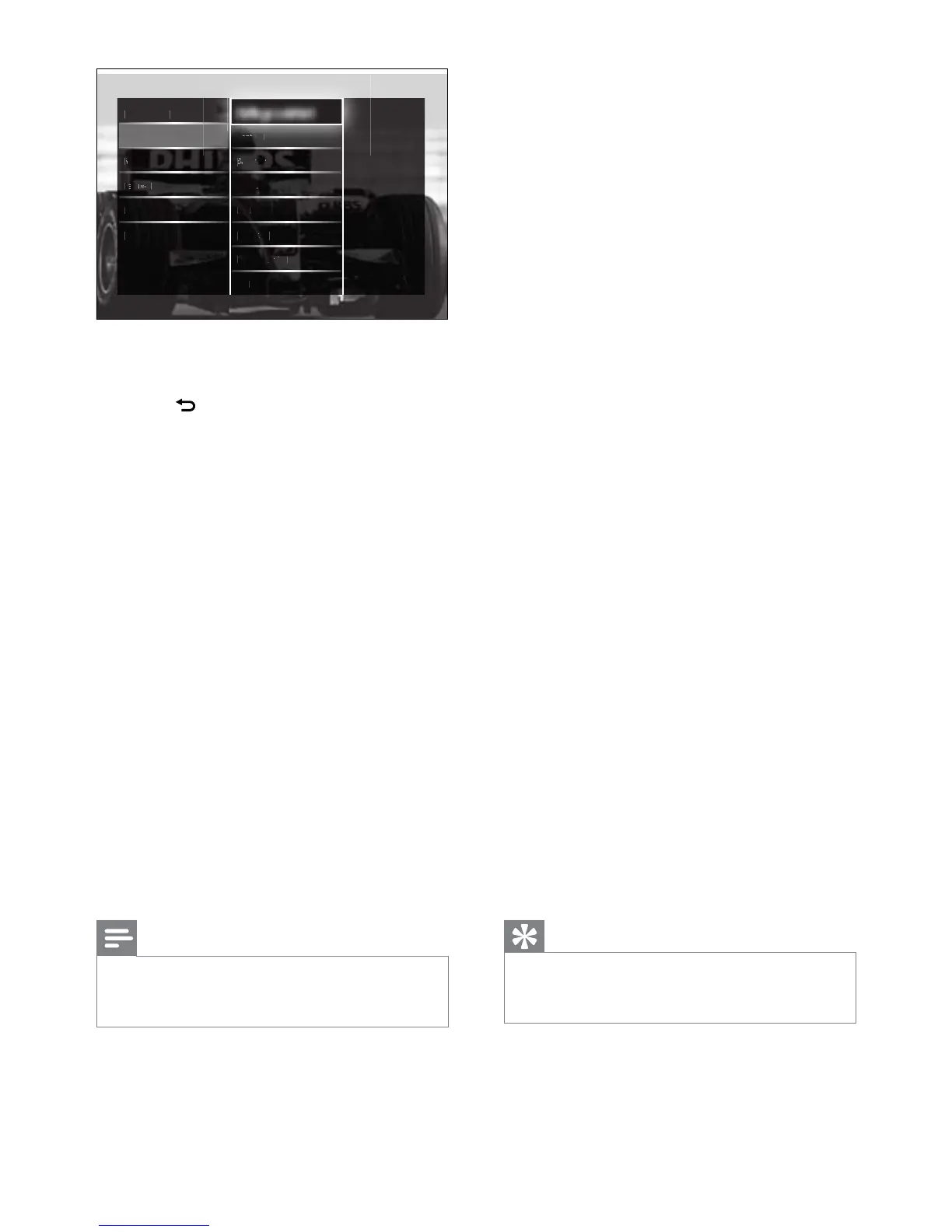
6 Press the Navigation buttons and OK to
select and adjust a picture setting.
7 Press BACK to exit.
The following picture settings can be
congured. Depending on the format of the
picture source, some picture settings are not
available.
• [Settings assistant]Use settings assistant
to guide you through the best picture and
sound settings.
• [Contrast]Adjusts the intensity of bright
areas, keeping dark areas unchanged.
• [Brightness]Adjusts the intensity and
details of dark areas.
• [Colour]Adjusts colour saturation.
• [Hue]Compensates colour variations in
NTSC encoded transmissions.
• [Sharpness]Adjusts the level of sharpness
in image details.
• [Noise reduction]Filters and reduces
noise in an image.
• [Tint]Adjusts the colour balance in an
image.
Note
Before you adjust • [Custom tint], select [Tint]
> [Custom], then press OK to enable the
option.
• [Custom tint]Make a customised tint
setting.
• [Pixel Plus HD]/[Pixel Precise HD]Gives
access to advanced picture settings:



 To Next Page