48
3 Click Add Folder.
An » Add Media window appears.
4 Click Browse and select folders to share.
5 When all folders are selected, click
Submit.
Media les are ready to be accessed »
from the TV.
In Twonky Media v4.4.2 (Macintosh
OS X)
Enable media sharing
1 In Mac OS X, start Twonky Media.
Twonky Media appears. »
2 In the Basic Setup box, click Clients/
Security.
Clients/Security settings appear. »
3 Click Enable sharing for new clients
automatically, then click Save Changes.
Media sharing is enabled. »
3 In the Media Sharing Service box, click
Start Sharing.
A window appears, informing you that »
Media Sharing Service started.
4 Click OK.
Add folders for media sharing
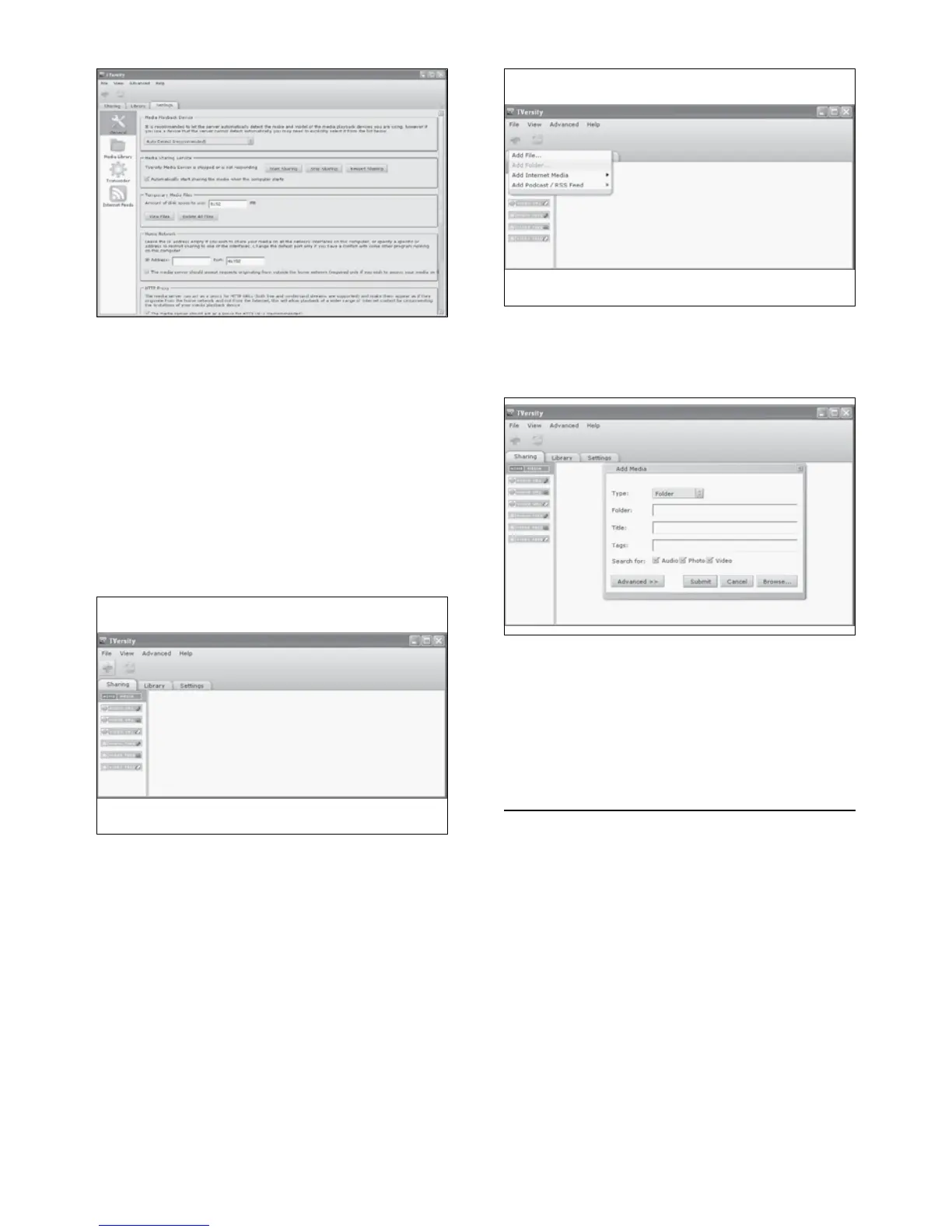
1 In TVersity, click the Sharing tab.
The » Sharing options appear.
2 Click the green plus icon
Options to add les and folders appear. »
EN



 To Next Page