12
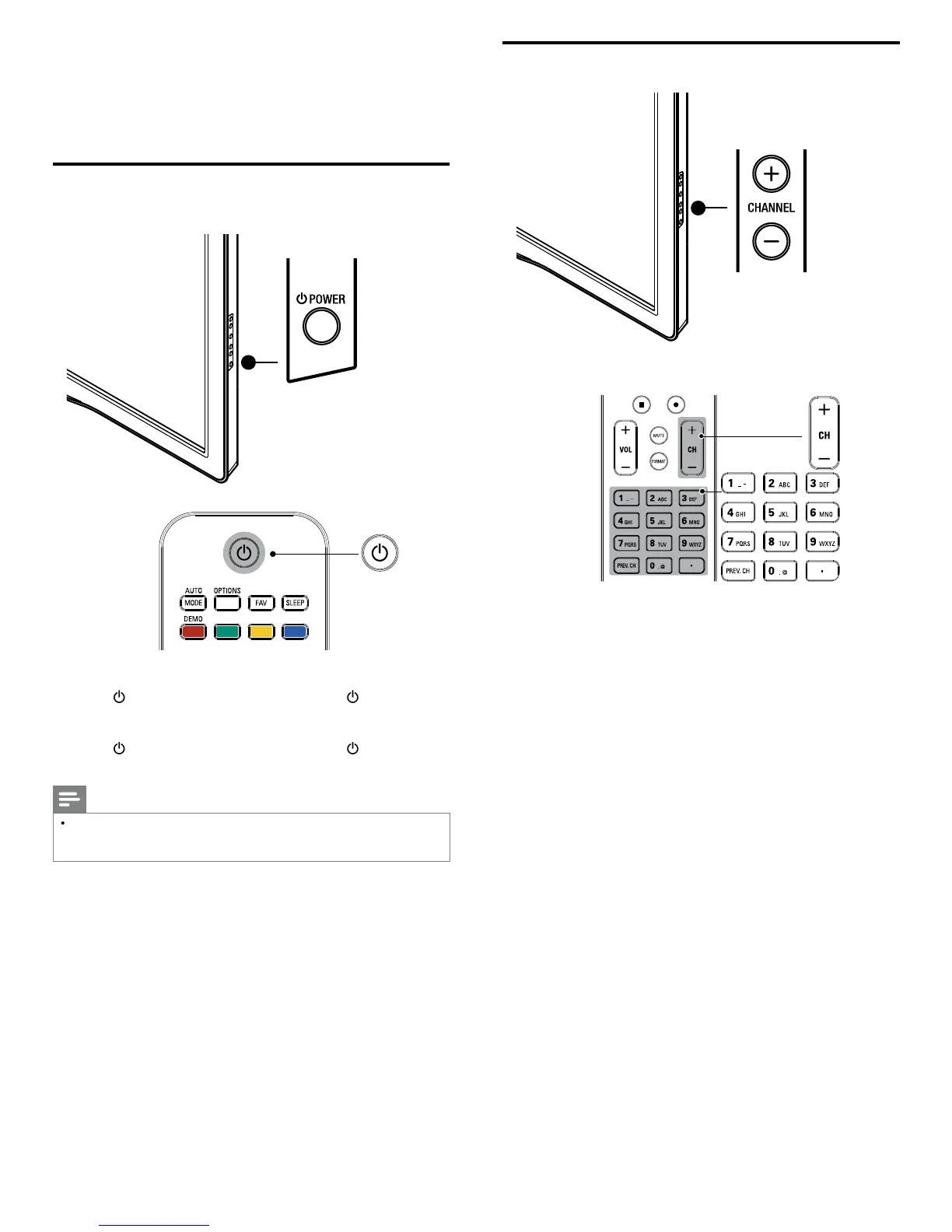
Switching channels
ress
HANNEL + / − on the side of the TV
ress
H + / − or enter a num
er on t
e remote contro
or di
ital channels,
ress a number
1 to 999
followed b
a dot
“•” and then the corresponding sub channel number (1 to 999)
e.
. 108.30
ress
REV. CH to return to t
e prev
ous
y v
ewe
c
anne
5 Use your TV
his section helps you perform basic TV operations
Switching on your TV and putting it in
standby mode
o switc
on
ress
OWE
at the side of the TV or
ress
standby-O
)
n t
e remote contro
o switc
to stan
ress
OWE
at the side of the TV or press
standby-O
)
n t
e remote contro
aga
n
Note
Energy consumption contributes to air and water pollution. When the AC powe
cor
s p
ugge
n, your
consumes energy.
our
as very
ow stan
y powe
consum
t
on












 To Next Page