33
English
Disconnect a USB storage device
Caution
To avoid damaging the USB storage device always exit the on-screen menu and wait 5
seconds before
ou remove the USB stora
e device
ress
to ex
t t
e on-screen menu
2 Wait 5 seconds then remove the USB storage device
View your picture on a USB storage device
In the USB content browser
use
to se
ect
icture
ress
/
to select a fi le or a folder on the USB stora
e device
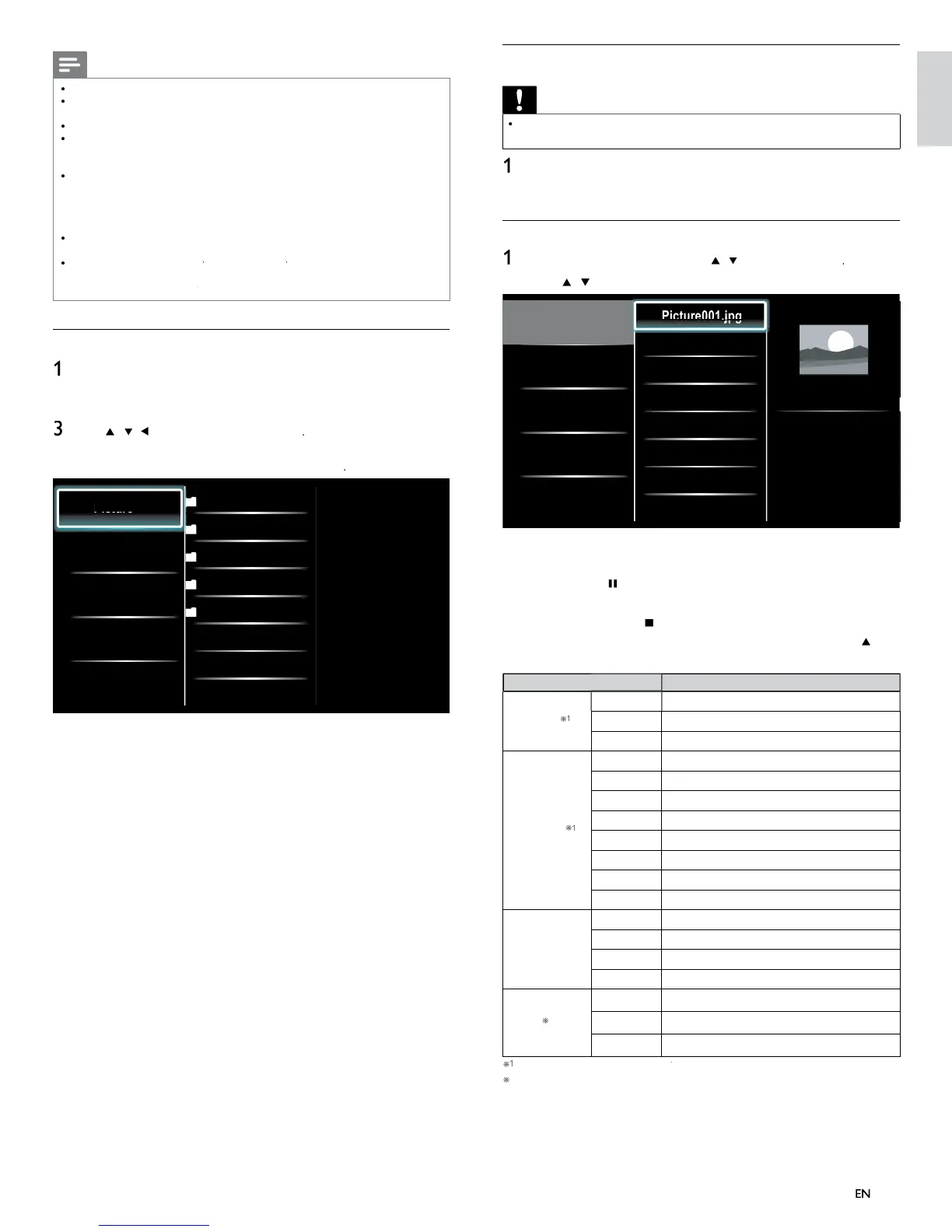
Picture
Music
Video
Picture001.jpg
Picture002.jpg
Picture003.jpg
Picture001.jpg
02/02/2009 11:29 AM
2031 x 1434 pixels
3
ress
o
Δ
to start a slideshow of the fi les
ress
o
to pause t
e s
e s
ow
e
con a
ears
ress
o
to move
etween
mages
ress BAC
or
to sto
t
e s
e s
ow
ress
PTIONS to
sp
ay t
e opt
ona
menu, t
en use
/
ï
o se
ect t
e
es
re
tem
etting item
escription
lide time
Short
witches to the next ima
e in 5 seconds
e
ium
witches to the next ima
e in 10 seconds
ong
witches to the next ima
e in 15 seconds
ransitions
one
o effect when switchin
ima
es
isso
ve
verlaps a next image on a current image
ipe rig
ushes a current image out from left
ipe lef
ushes a current image out from right
ipe u
ushes a current image out from bottom
ipe
own
ushes a current image out from top
ox in
next image comes into the center from out
ox ou
next ima
e
oes to the out from cente
.
otate *
s
a
s an
ma
e at
ts or
na
rect
on
9
Rotates an image clockwise by 90 degrees
8
Rotates an ima
e clockwise 180 de
rees
27
Rotates an ima
e clockwise 270 de
rees
oom
x
sp
ays an
mage at
ts or
g
na
s
ze
2x Magnifies a current image as twice
4x Magnifies a current image as fourfold
ou can set
lide time
an
ransition
when images are in Slide show
ou can set
otate
an
oom
when Slide show is in pause mode
Note
A maximum of 1,023 folders or fi les can be reco
nized
hilips can not be held responsible if your USB storage device is not supported, no
ill Philips accept any liability for damage or loss of stored data
he USB stora
e device is not su
lied with the TV
BOUT DIVX VIDEO: DivX
is a di
ital video format created b
DivX, Inc. This is
an offi cial DivX Certifi ed device that plays DivX video. Visit www
ivx
m for more
nformation and software tools to convert your fi les into DivX video
BOUT DIVX VIDEO-ON-DEMAND: This DivX Certifi e
ev
ce must
e
registered in order to play DivX Video-on-Demand (VOD) content. To generate the
registration code, locate the DivX VOD section in the device setup menu. Go to
www
ivx
m
v
ith this code to complete the registration process and learn more about DivX VOD
ffi cial DivX
Certifi ed product; Plays all versions of DivX
video (including DivX
6)
ith standard playback o
Div
media fi les
USB device containing the DivX
GMC (Global Motion
ompensation)
playback feature, which is DivX
supplemental function, cannot be played back on this un
Connect a USB storage device
urn on t
e
2 Connect the USB storage device to the USB port on the side o
our
se
/
/
o se
ect
Browse US
ress
PTIONS to
sp
ay t
e opt
ona
menu, t
en press
o sw
tc
etween
is
an
um
nai
Picture
Music
Video
2009/09/08
2009/09/09
2009/09/10
2009/09/11
Picture
Picture001.jpg
Picture002.jpg












 To Next Page