18
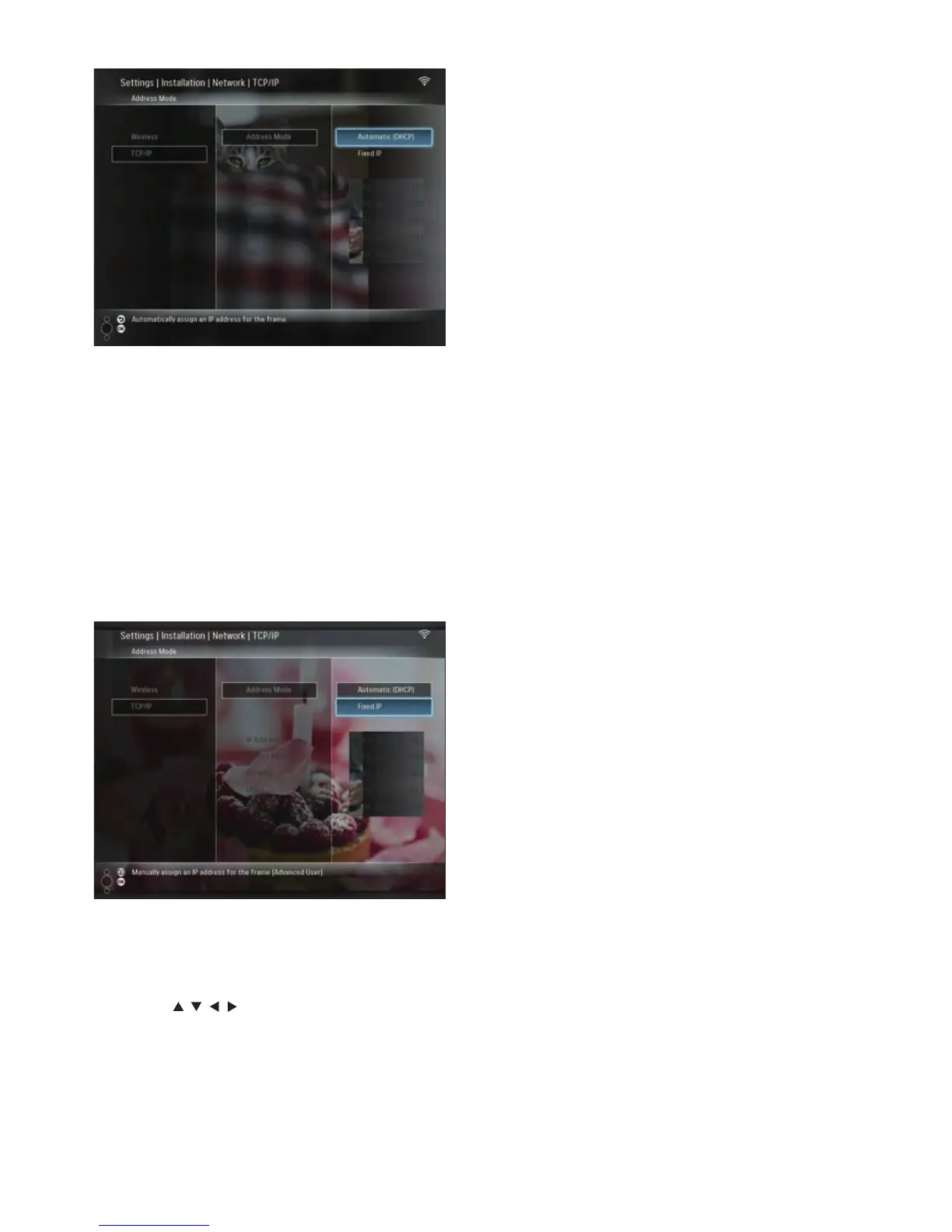
An IP address is automatically selected
for the PhotoFrame.
4 Share PC photos for wireless display (see
‘Share PC/Mac photos for wireless display’
on page 15).
To use a fi xed IP address for the PhotoFrame:
1 Select [Installation] > [Network] > [TCP/
IP] > [Address Mode] > [Fixed IP], then
press OK to confi rm.
2 Select [IP Address] / [Subnet Mask] /
[Gateway] / [DNS 1] / [DNS 2], then
press OK to confi rm.
3 Press / / / to adjust the numbers, then
press OK to confi rm.
4 Share PC photos for wireless display (see
‘Share PC/Mac photos for wireless display’
on page 15).
»
EN



 To Next Page