28
5 Select a photo source and a destination
album, then press OK to confi rm.
The photo copied from a storage
device to the PhotoFrame is resized to
the optimized resolution and renamed
with “PHI_” before the original name.
Rotate photos
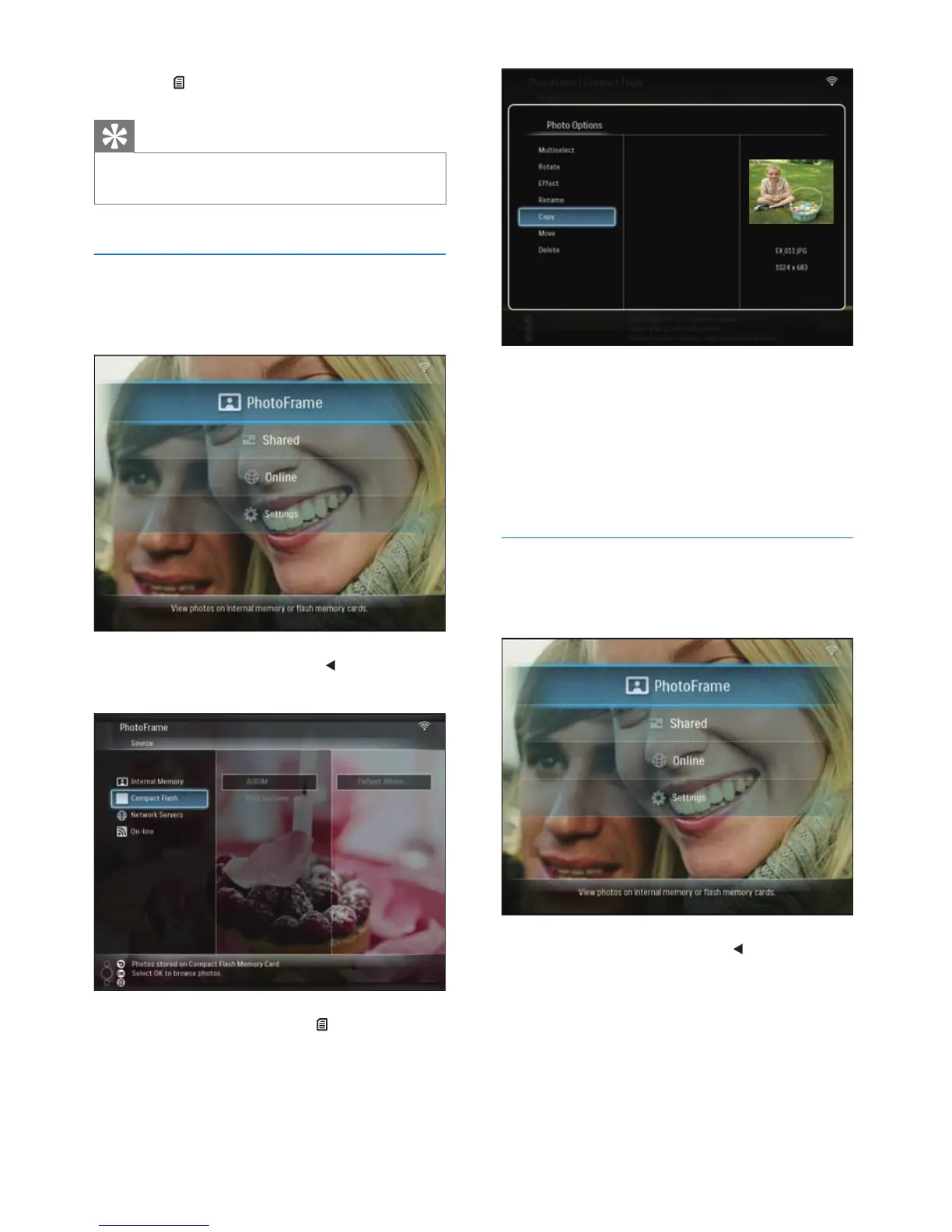
1 In the main menu, select [PhotoFrame] >
a photo source, then press OK to confi rm.
2 Select an album and press (Right) to
access the thumbnail mode.
»
6 Press to access [Photo Options].
Tip
If the MultiSelect function is enabled, you can edit many
photos at a time.
•
Copy photos
1 In the main menu, select [PhotoFrame] >
a photo source, then press OK to confi rm.
2 Select an album and press (Right) to
access the thumbnail mode.
3 Select a photo and press to access
[Photo Options].
4 Select [Copy], then press OK to confi rm.
EN



 To Next Page