20
An available UPnP server is installed and
set up on the PC/Mac.
Photo folders to be shared are added to
the UPnP server.
Note
Only JPEG photos can be displayed on the PhotoFrame.•
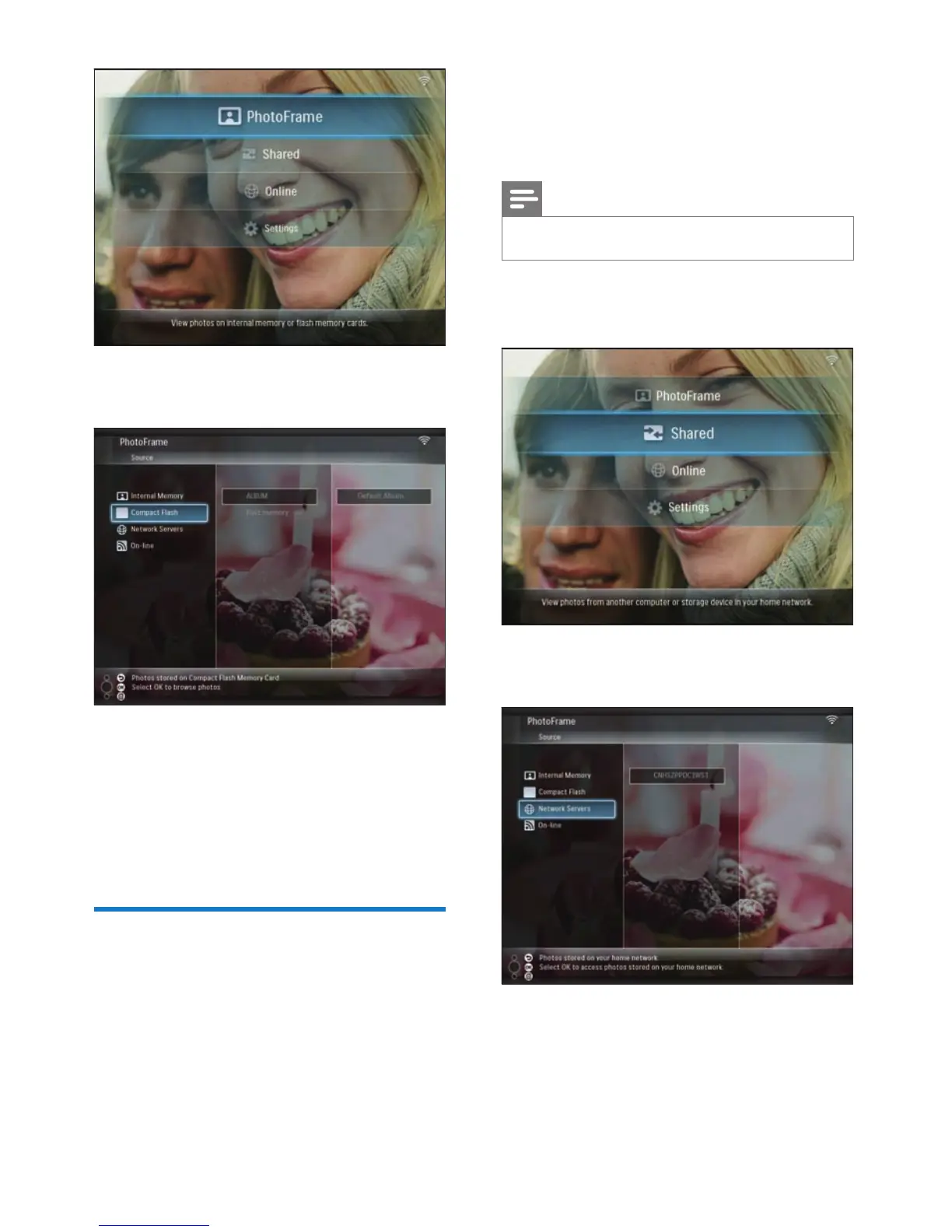
1 In the main menu, select [Shared], then
press OK to confi rm.
2 Select [Network Servers], then press OK
to confi rm.
3 Select a PC/Mac to access, then press OK
to confi rm.
4 Select a shared photo folder from the list,
then press OK to confi rm.
•
•
2 Select a storage device, then press OK to
confi rm.
3 Select an album, then press OK to confi rm.
Photos in the album are displayed in
slideshow mode.
During slideshow:
To pause slideshow, press OK.
To resume slideshow, press OK again.
Display streaming photos in
a shared folder on a home
network
To display streaming photos in a shared folder
on a home network, ensure that:
The PhotoFrame and the PC/Mac are
connected to the same network.
»
•
•
•
EN



 To Next Page