41
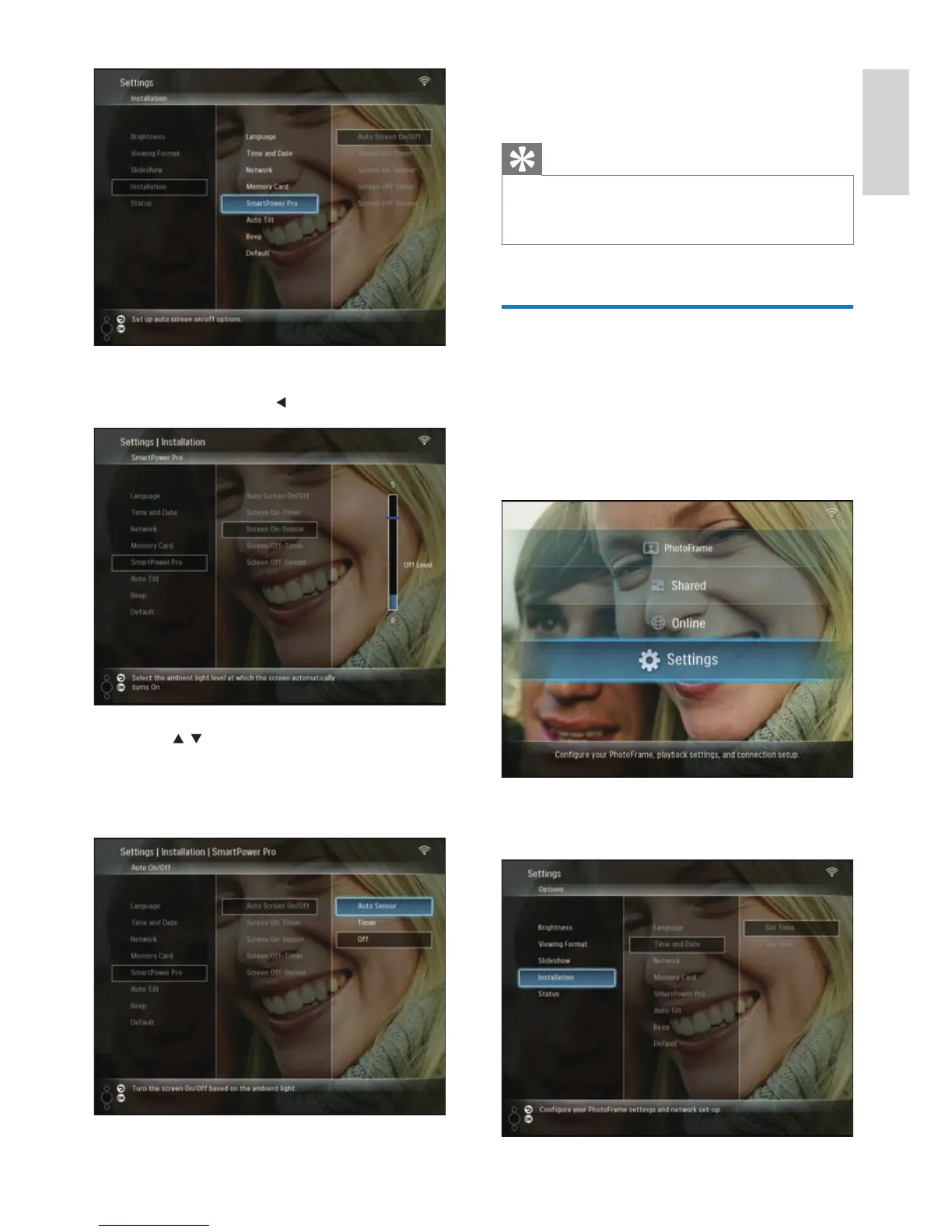
7 Select [Auto Sensor], then press OK to
confi rm.
Tip
When the ambient light reaches the set auto on/off
level and lasts 15 seconds, the Auto Sensor function
takes effect.
•
Select auto orientation
You can display photos in the correct
orientation depending the horizontal/vertical
orientation of the PhotoFrame.
1 In the main menu, select [Settings], then
press OK to confi rm.
2 Select [Installation], then press OK to
confi rm.
4 Select [Screen On-Sensor] / [Screen Off-
Sensor], then press
(Right).
5 Press / to adjust brightness sensor, then
press OK to confi rm.
6 Select [Auto Screen On/Off], then press
OK to confi rm.
English
EN



 To Next Page