47
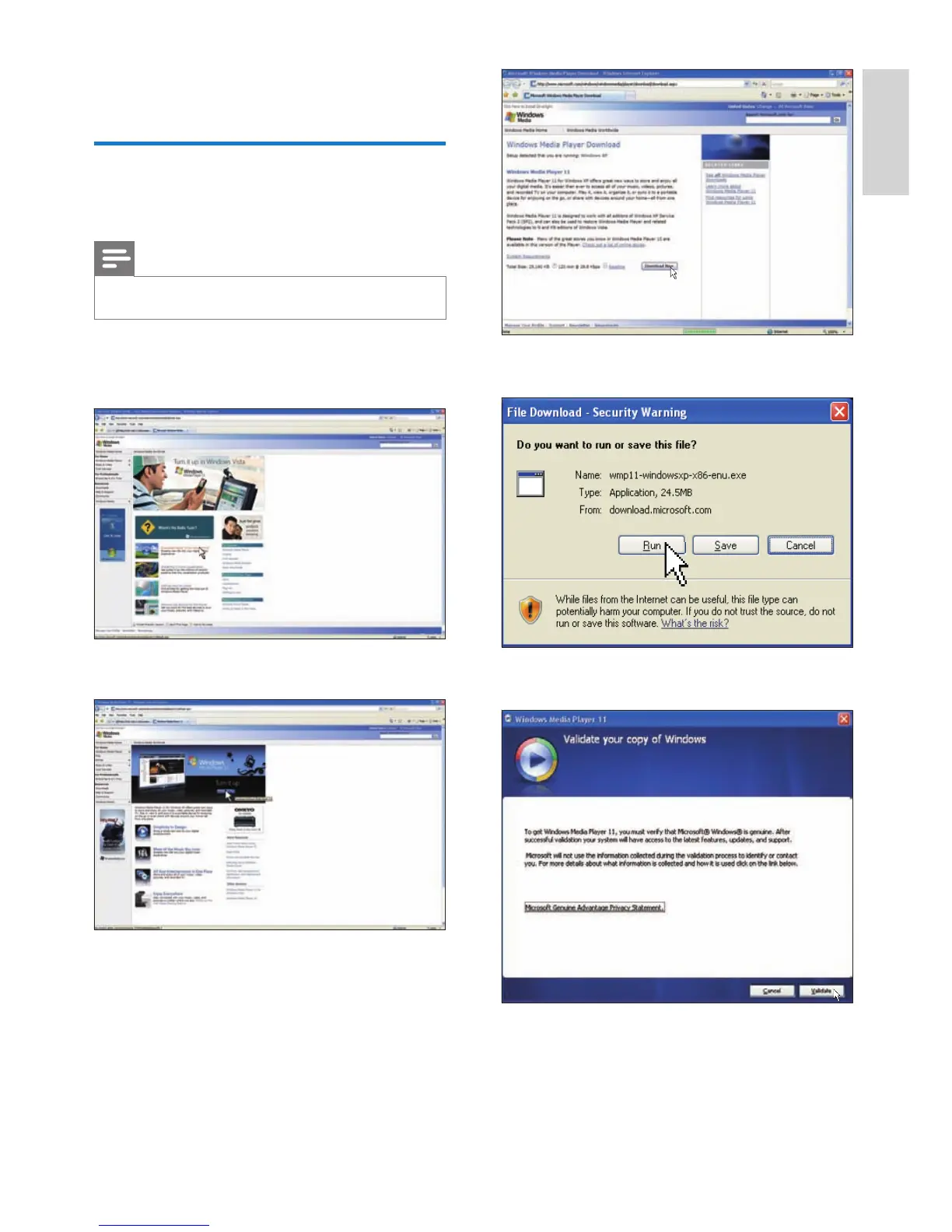
4 Click [Run].
5 Click [Validate] to confi rm.
6 Click [I Accept] to accept the
supplemental license for Windows Media
Player 11.
8 Appendix
Download and set up
Windows Media Player 11
Note
Ensure that the PC is connected to the Internet.•
1 Search for the Microsoft Windows Media
Player download page.
2 Click [Download Now].
3 Click [Download Now] to start the
download.
English
EN



 To Next Page