48
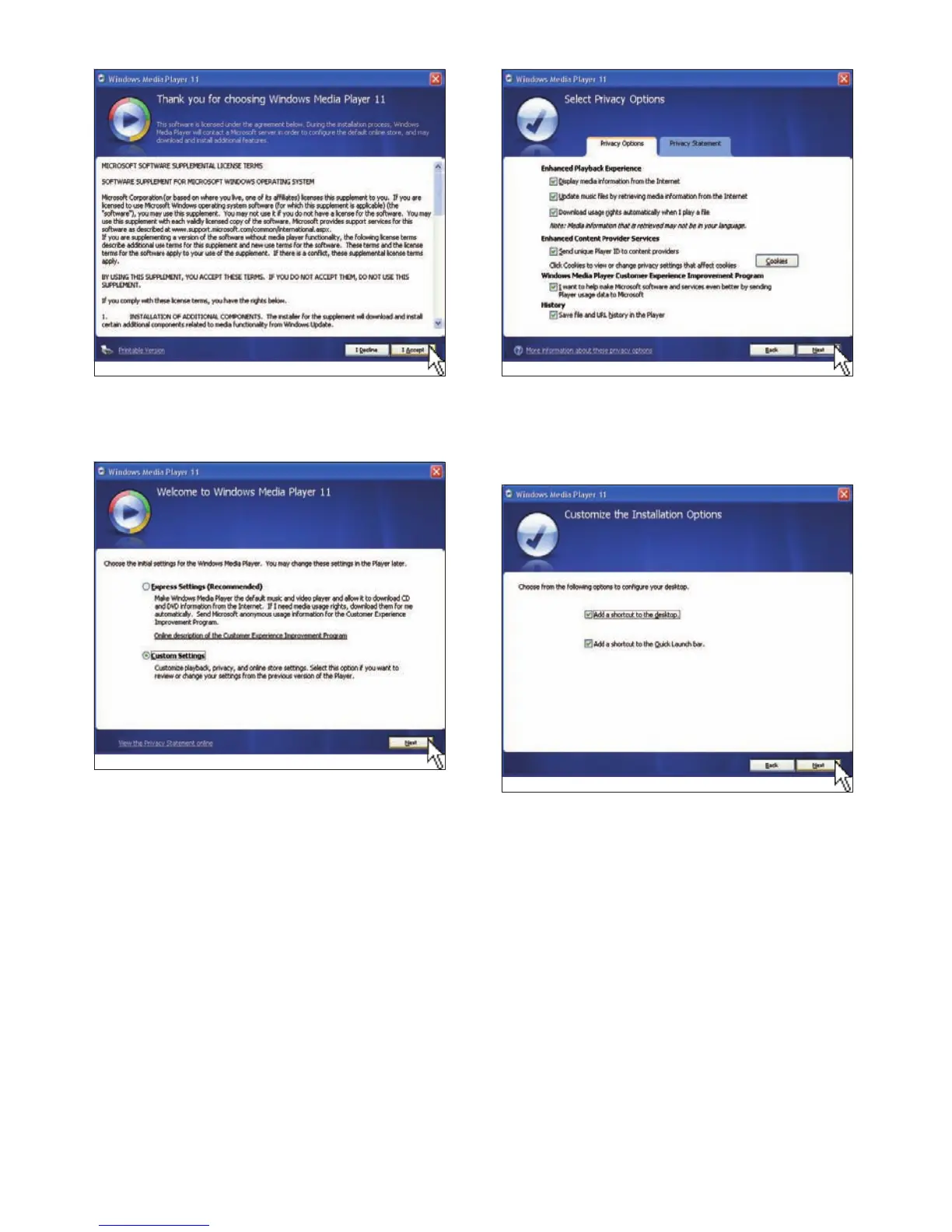
9 On the [Customize the Installation
Options] window, choose an option or
both, then click [Next].
10 Select the fi le types that you want
Windows Media Player 11 to play by
default, then click [Finish].
7 On the Welcome screen, select [Custom
Settings], then click [Next].
8 Accept all options, then click [Next].
EN



 To Next Page