35
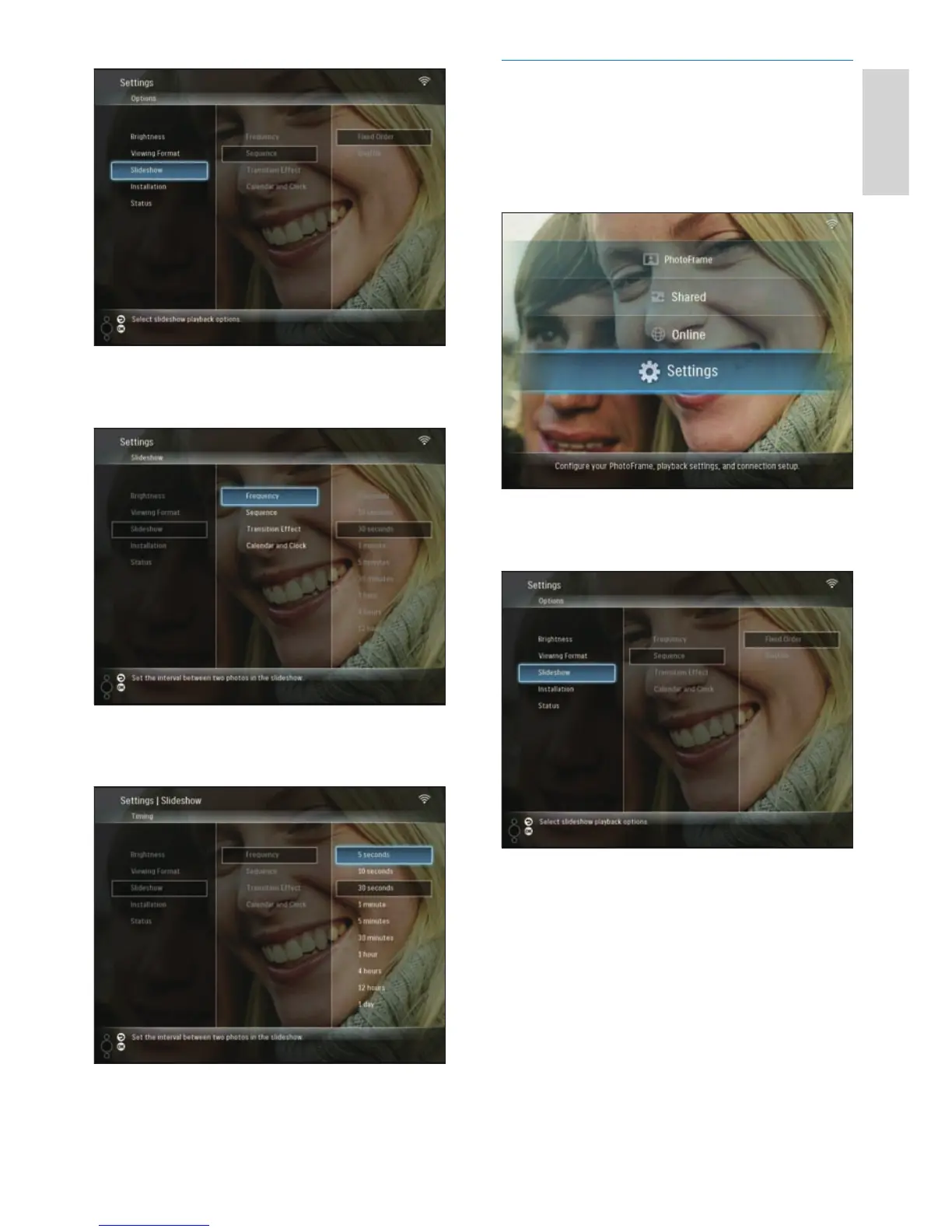
Select slideshow sequence
You can display slideshow in a fi xed order or in
a random order.
1 In the main menu, select [Settings], then
press OK to confi rm.
2 Select [Slideshow], then press OK to
confi rm.
3 Select [Sequence], then press OK to
confi rm.
3 Select [Frequency], then press OK to
confi rm.
4 Select a slideshow frequency, then press
OK to confi rm.
English
EN



 To Next Page