36
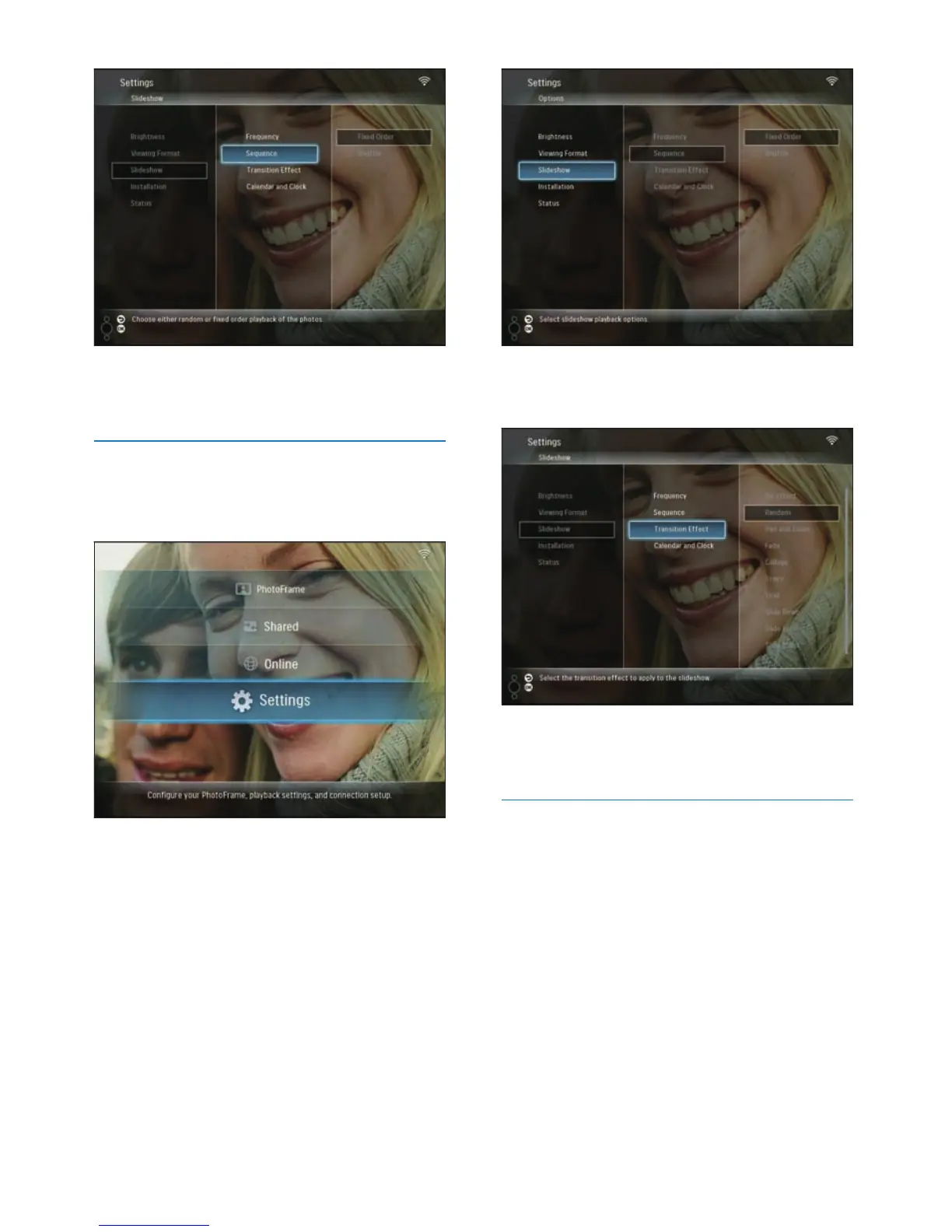
3 Select [Transition Effect], then press OK
to confi rm.
4 Select a slideshow effect, then press OK to
confi rm.
Display calendar/clock with slideshow
1 In the main menu, select [Settings], then
press OK to confi rm.
4 Select a sequence, then press OK to
confi rm.
Select a transition effect
1 In the main menu, select [Settings], then
press OK to confi rm.
2 Select [Slideshow], then press OK to
confi rm.
EN



 To Next Page