38
Protect/Unprotect content
on a storage device
You can enable the delete function on a storage
device available on the PhotoFrame. To protect
photos on a storage device from accidental
deletes, you can disable the delete function on a
storage device.
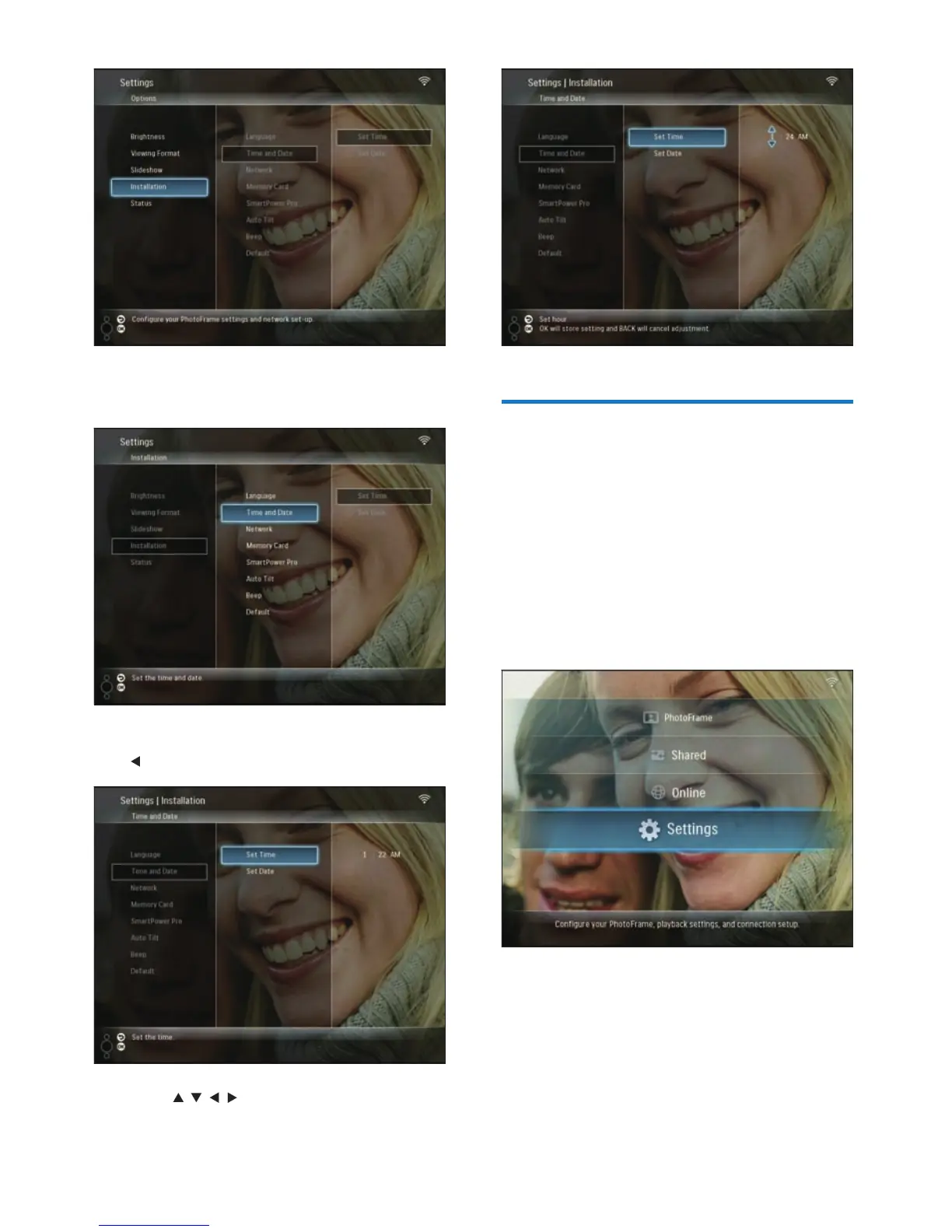
1 In the main menu, select [Settings], then
press OK to confi rm.
2 Select [Installation], then press OK to
confi rm.
3 Select [Time and Date], then press OK to
confi rm.
4 Select [Set Time] / [Set Date], then press
(Right).
5 Press / / / to set time/date, then press
OK to confi rm.
EN



 To Next Page