42
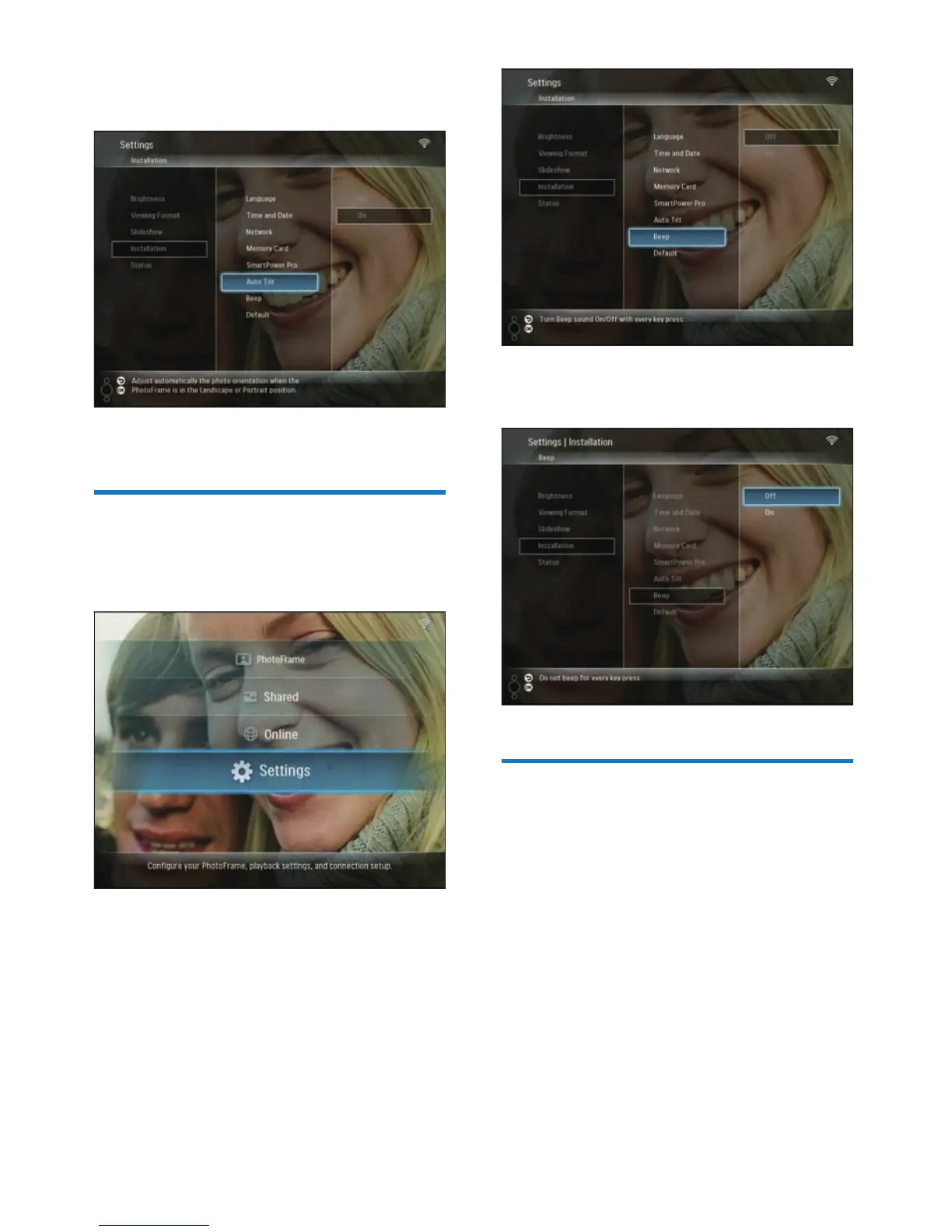
3 Select [On] / [Off], then press OK to
confi rm.
View system status of the
PhotoFrame
You can fi nd the following information on the
PhotoFrame:
Internal memory space
Connected storage device: name and space
Firmware version
Online status
IP address
1 In the main menu, select [Settings], then
press OK to confi rm.
•
•
•
•
•
3 Select [Auto Tilt], then press OK to
confi rm.
4 Select [On], then press OK to confi rm.
Turn on/off button sound
1 In the main menu, select [Settings], then
press OK to confi rm.
2 Select [Installation] > [Beep], then press
OK to confi rm.
EN



 To Next Page