40
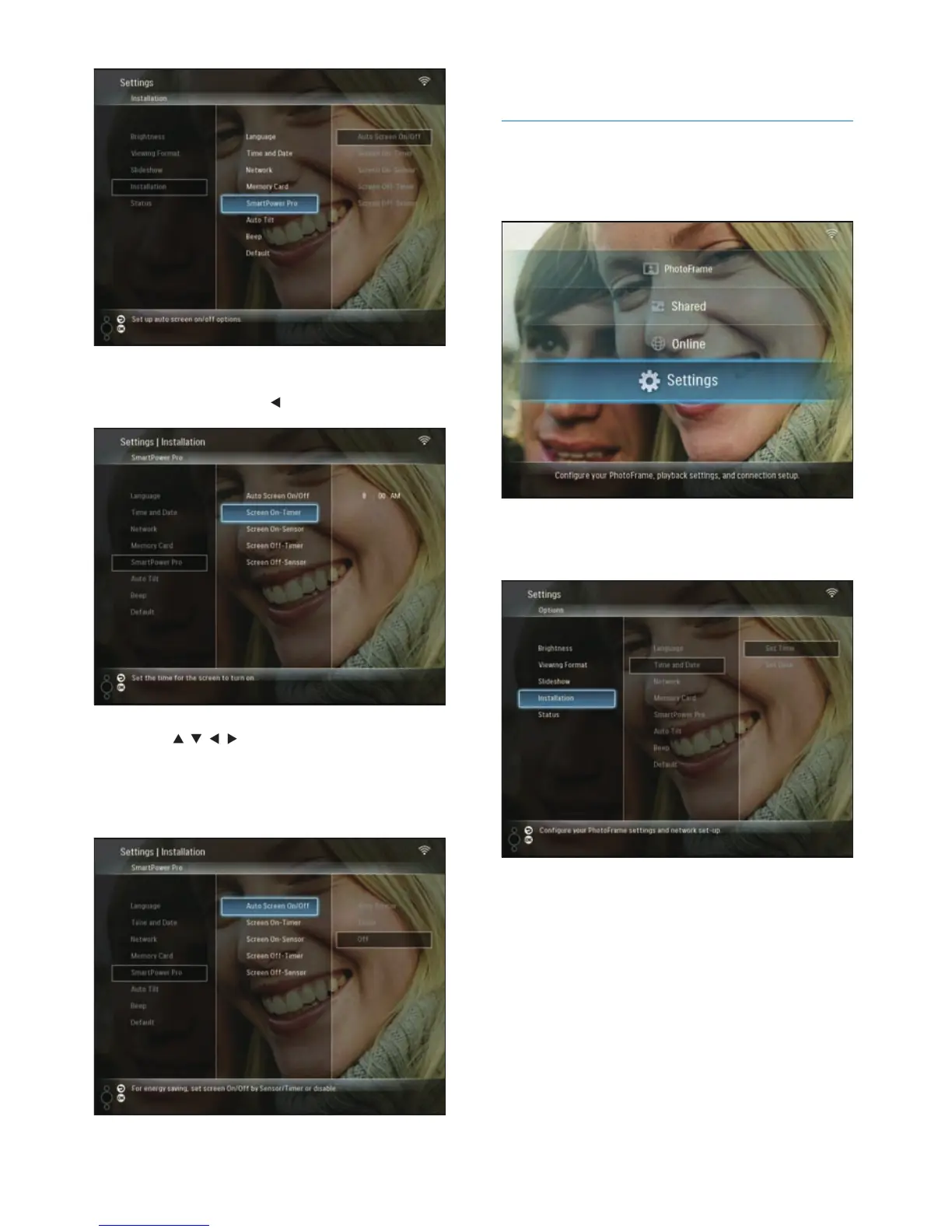
7 Select [Timer], then press OK to confi rm.
Specify brightness to auto on/off
1 In the main menu, select [Settings], then
press OK to confi rm.
2 Select [Installation], then press OK to
confi rm.
3 Select [SmartPower Pro], then press OK
to confi rm.
4 Select [Screen On-Timer] / [Screen Off-
Timer], then press
(Right).
5 Press / / / to set time, then press OK
to confi rm.
6 Select [Auto Screen On/Off], then press
OK to confi rm.
EN



 To Next Page