13
English
EN
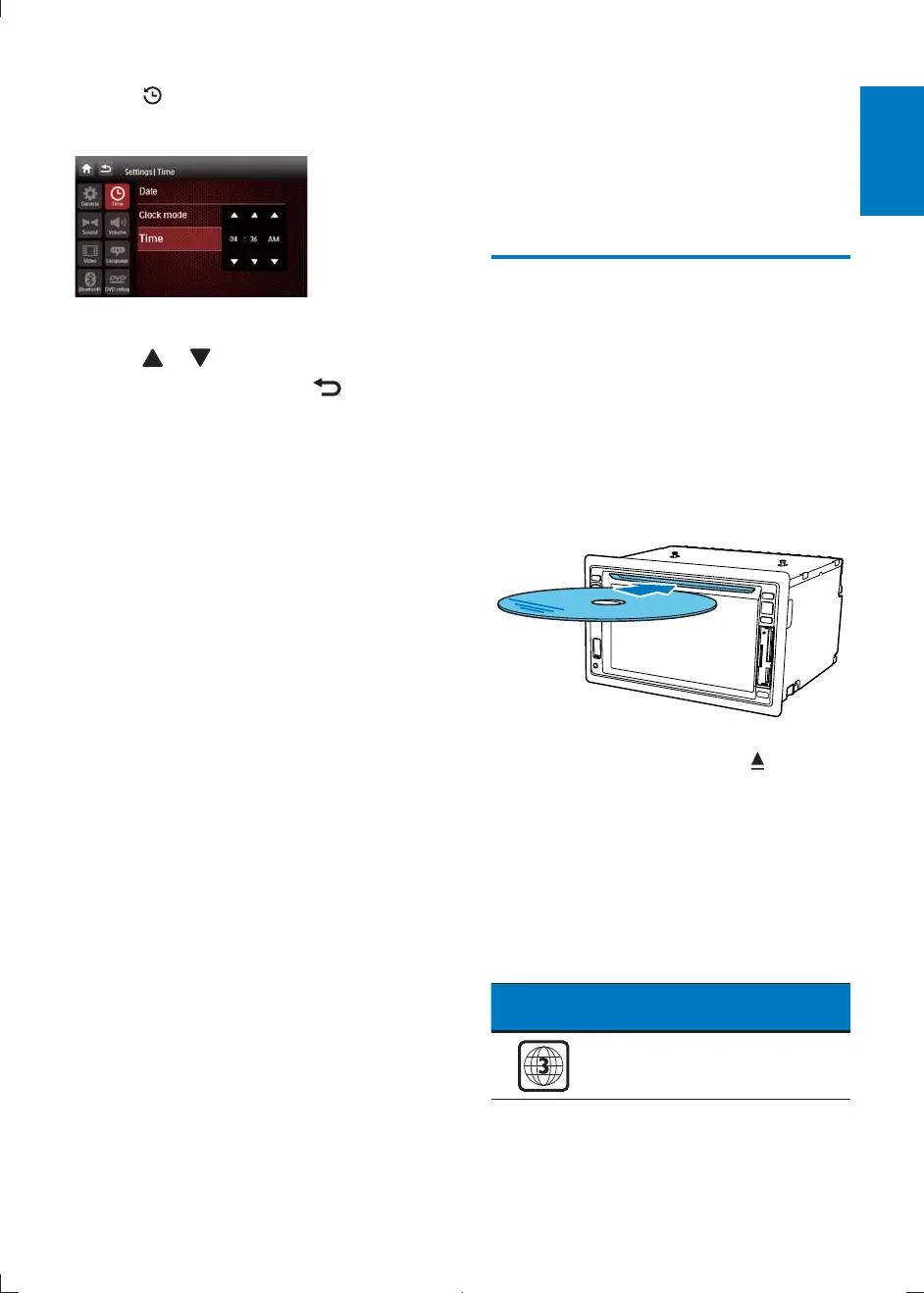
4 Tap .
» The date/time setup menu is displayed.
5 Tap on
[Date]
,
[Clock mode]
or
[Time]
.
6 Tap or to set date/time.
7 When date/time is set, tap to return
to main menu.
4 Play audio/
video/picture
Load discs
You can play video, audio or images stored on
the following discs:
DVD video, DVD-R, DVD-RW
VCD
Audio CD, CD-R, CD-RW
1 Insert the disc into the disc slot with label
side facing up.
» The disc starts playing automatically.
2 To remove the disc, press the button.
» When the disc is ejected, the unit
switches to the previous source,
if connected. Otherwise, the
unit switches to [Radio] mode
automatically.
Region code
This player can play discs with the following
region code.
DVD region
code
Countries
CID2780_98_UM_V1.1.indb 13 2012/3/19 10:42:57



 To Next Page