30 EN
Select listening zone
Philips’ innovative Zone technology enables
driver or passengers to enjoy music with the
best speakers balance and experience more
vivid spacial effect as the artist is intended to
create. You can switch the music listening zone
from driver to passengers for the best speaker
sound settings in car.
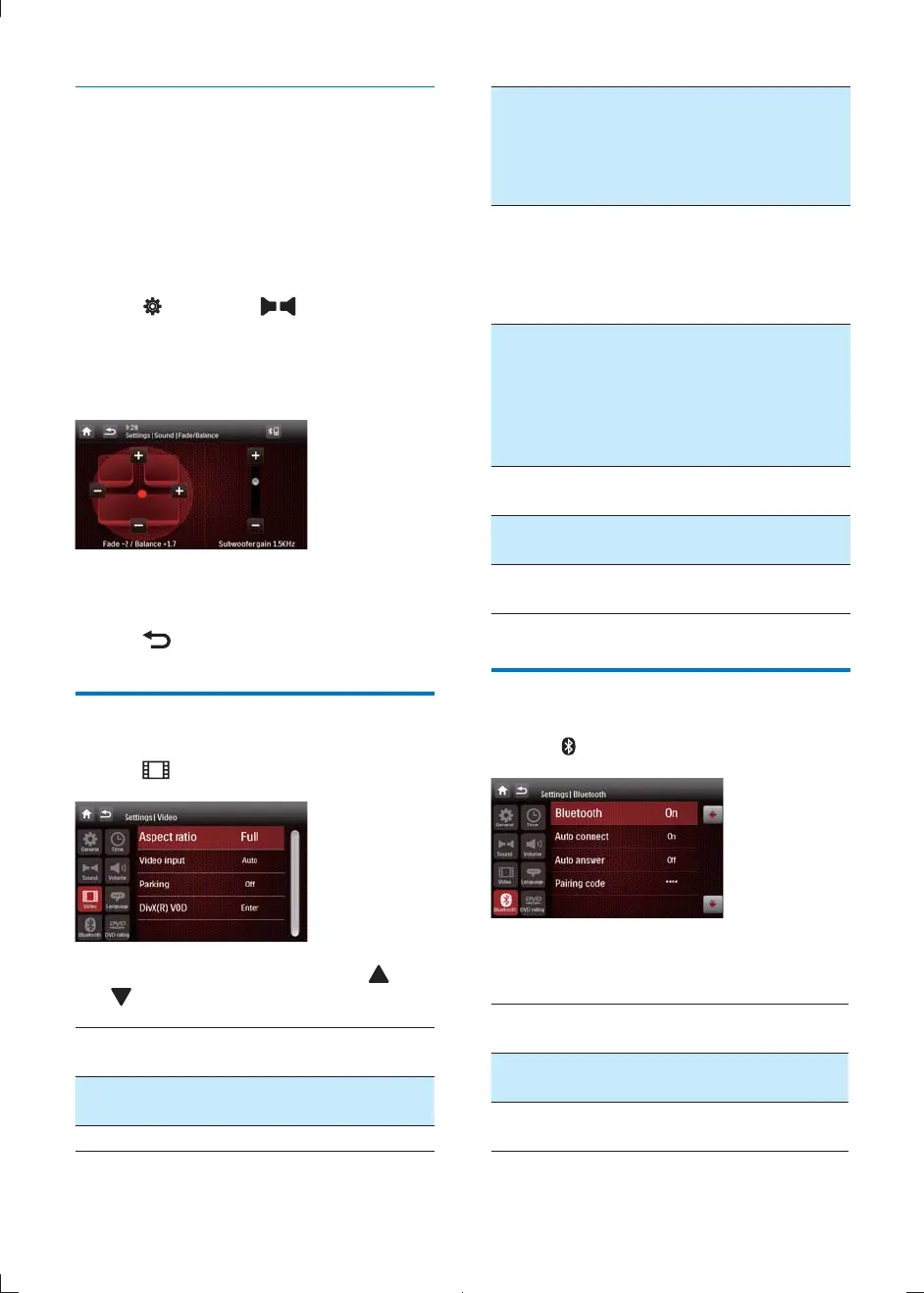
1 Tap (Settings) > (Sound).
2 [Listening
Zone]
and tap on it.
» The listening zone screen is displayed.
3 Tap on the seat to select an area.
» Sound effect changed.
4 Tap to exit.
Adjust video settings
1 Tap .
2 Tap on a setting repeatedly or tap or
to change setting.
Video
settings
Options Description
[Aspect
ratio]
[Full] For wide screen display.
[Normal] For normal display.
[Video
input]
[Auto]
The correct format is
set automatically. Select
this option if you are
not sure which format
should be selected.
[NTSC]
Used in the United
States, Canada, Japan,
Mexico, the Philippines,
South Korea, Taiwan, and
some other countries.
[PAL]
Used in China, India,
Singapore, the western
European countries
(except France),
Australia, and some
other countries.
[Parking] [On] Disable video view
when driving.
[Off] Enable video view
during drive.
[DivX(R)
VOD]
[Enter] To deactivate the device
for DivX playback.
Adjust Bluetooth settings
1 Tap .
2 Tap on a setting repeatedly to change
setting.
Bluetooth
settings
Options Description
[Bluetooth] [On] Turn the Bluetooth
function on.
[Off] Turn the Bluetooth
function off.
CID2780_98_UM_V1.1.indb 30 2012/3/19 10:43:17



 To Next Page