31
English
EN
[Auto
connect]
[On]
If the pre-paired
device is within
effective range, the
system re-connects
to pre-paired device
automatically.
[Off]
Need to re-connect
manually.
[Auto
answer]
[On]
Answer paired
phone call
automatically.
[Off]
Answer phone call
manually.
[Pairing
code]
Set code for
pairing the car
entertainment
system with other
Bluetooth devices.
The default code is
0000.
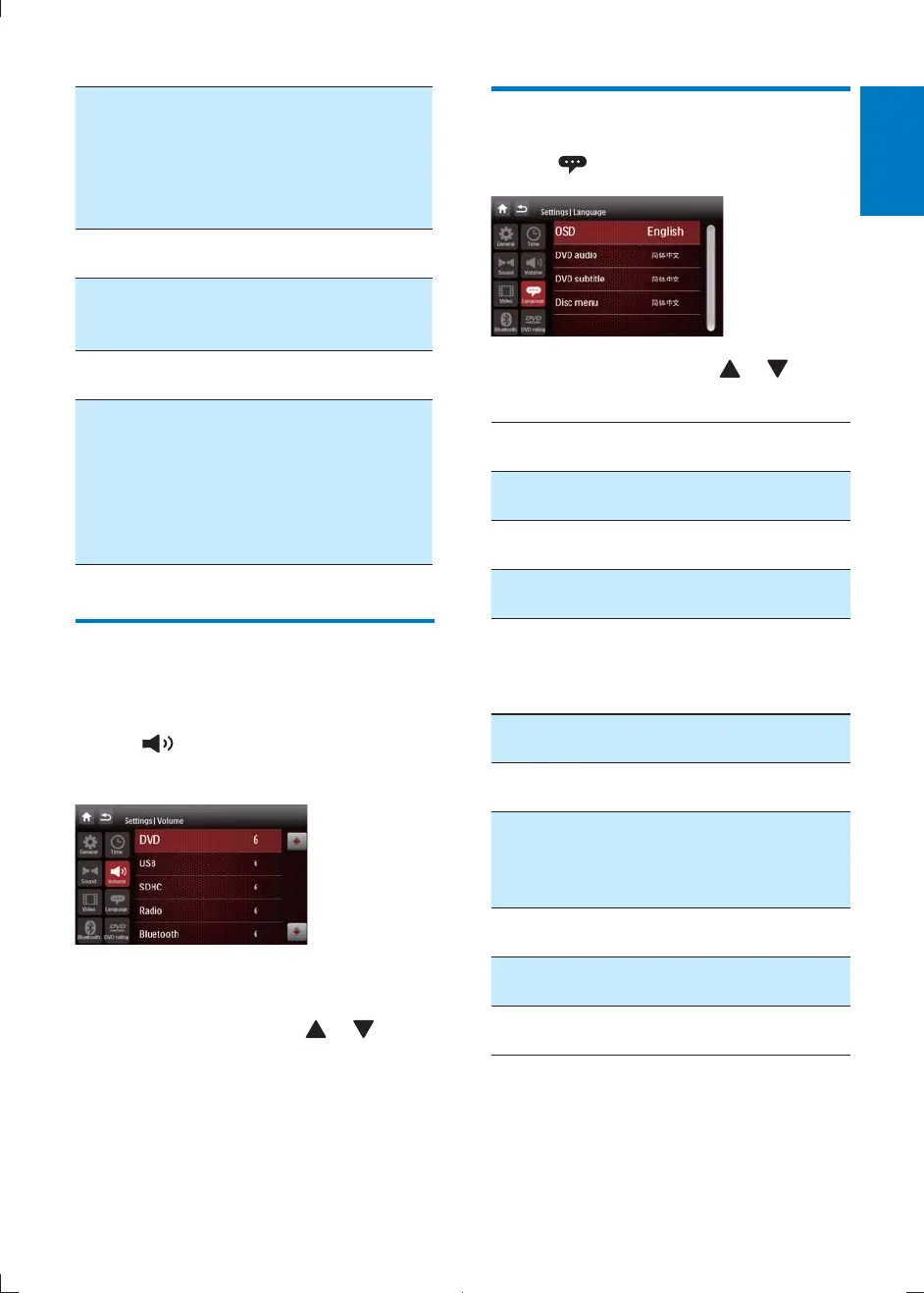
Adjust volume settings
You can set different volume for different
modes.
1 Tap .
» The volume submenu is displayed.
2
highlight an option.
3 Tap on a source, then tap or to
assign value: 0 to 12.
» When switches to the source, the
volume increases automatically.
Adjust language settings
1 Tap .
2 Tap on a setting, then tap or to
select an option.
Language
settings
Options Description
[OSD] [English] Select on-screen-display
language.
[ኘ
ˊஔ]
[ጆ
ˊஔ]
[DVD
audio]
[English] Select DVD audio
language. Options
available depends on
the DVD.
[ኘ
ˊஔ]
[ጆ
ˊஔ]
[DVD
subtitle]
[English] Select DVD subtitle
language. Options
available depends on
the DVD.
[ኘ
ˊஔ]
[ጆˊ
ஔ]
[Off] Turn off subtitle
language display.
CID2780_98_UM_V1.1.indb 31 2012/3/19 10:43:18



 To Next Page