27
English
EN
3 To skip backward/forward, tap / .
4 To search for a track, tap .
» Tracks sorted by genre is displayed.
5
upward/downward to search for preferred
tracks.
Charge the iPod/iPhone
When the iPod/iPhone is connected to the car
audio system, the iPod/iPhone begins to charge.
Tip
For certain iPod models, it may take up to a minute
before the charging indication is displayed.
9 Adjust sound
Adjust volume
1 Press to increase volume.
Press
to reduce volume.
Mute
1 During play, press .
2 To turn the sound back on, press again.
Tip
You can tap on the screen to turn sound on/off.
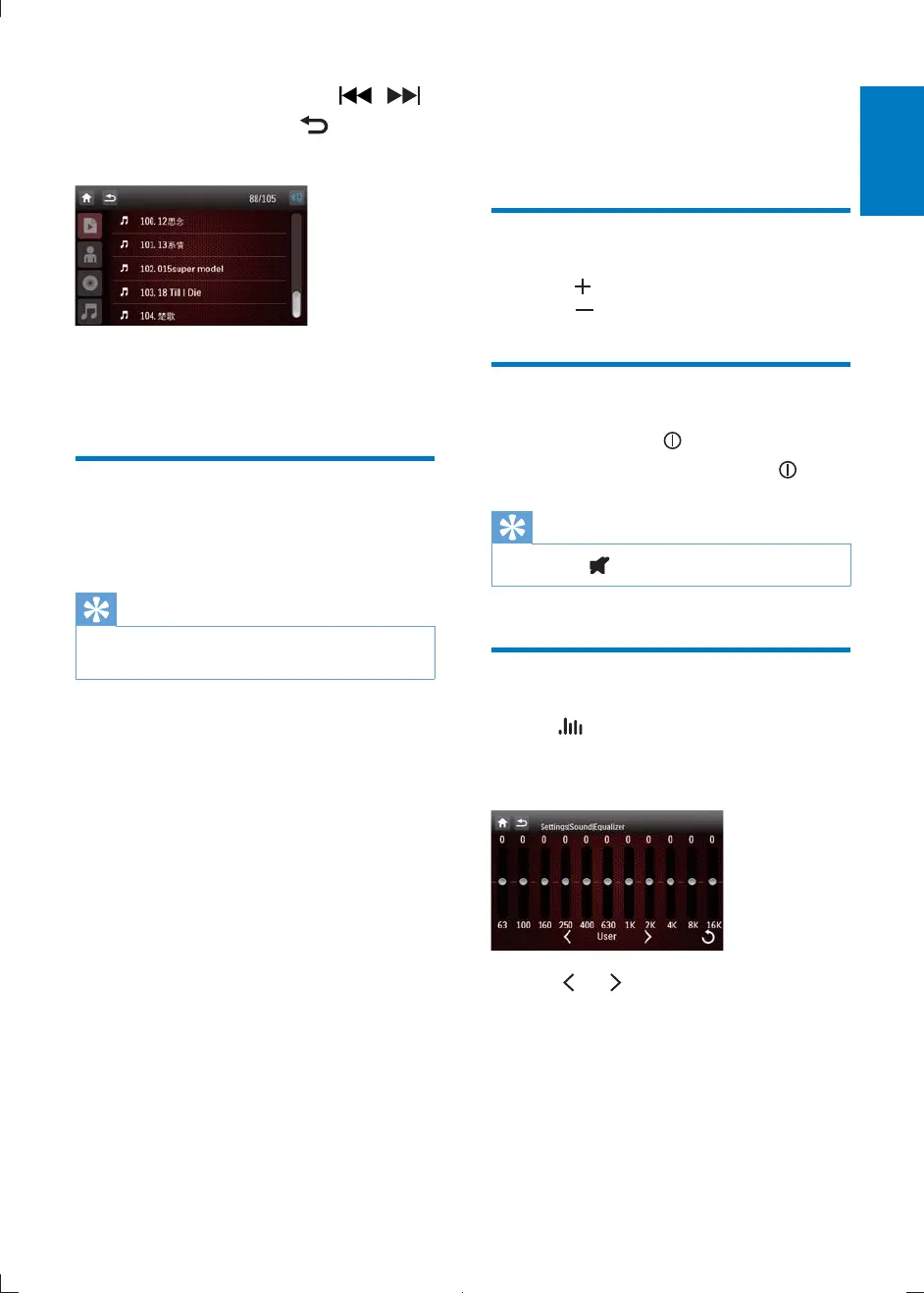
Select preset equalizer
1 Tap .
» The current equalizer setting is
displayed.
2 Tap or to select an preset EQ:
[User]
[Techno]
[Rock]
[Classic]
[Jazz]
[Optimal]
CID2780_98_UM_V1.1.indb 27 2012/3/19 10:43:13



 To Next Page