29
English
EN
[Radio
range]
[Local]
Only stations with
strong signals can be
broadcast.
[Distance]
Stations with strong
and weak signals can
be broadcast.
[Blackout] [off]
Never turn on the
screen saver.
[10s]
Turn on the screen
saver automatically
10 seconds after last
operation.
[20s]
Turn on the screen
saver automatically
20 seconds after last
operation.
[Dimmer
Mode]
[Night] Select this mode at
night.
[Dark] Select this mode at
dusk.
[Normal] Set screen dimmer
to normal mode.
[Bright] Select this mode in
bright environment.
[Key
color]
[Red] Button backlight
turns red.
[Blue] Button backlight
turns blue.
[Beep] [On] Turn on the beep
sound. Each time you
press a button, the
unit beeps.
[Off] Turn off the beep
sound.
[WallPa-
per]
[WallPaper]
1/2/3
Select a wall paper
[Calibra-
tion]
Calibrate the touch
screen.
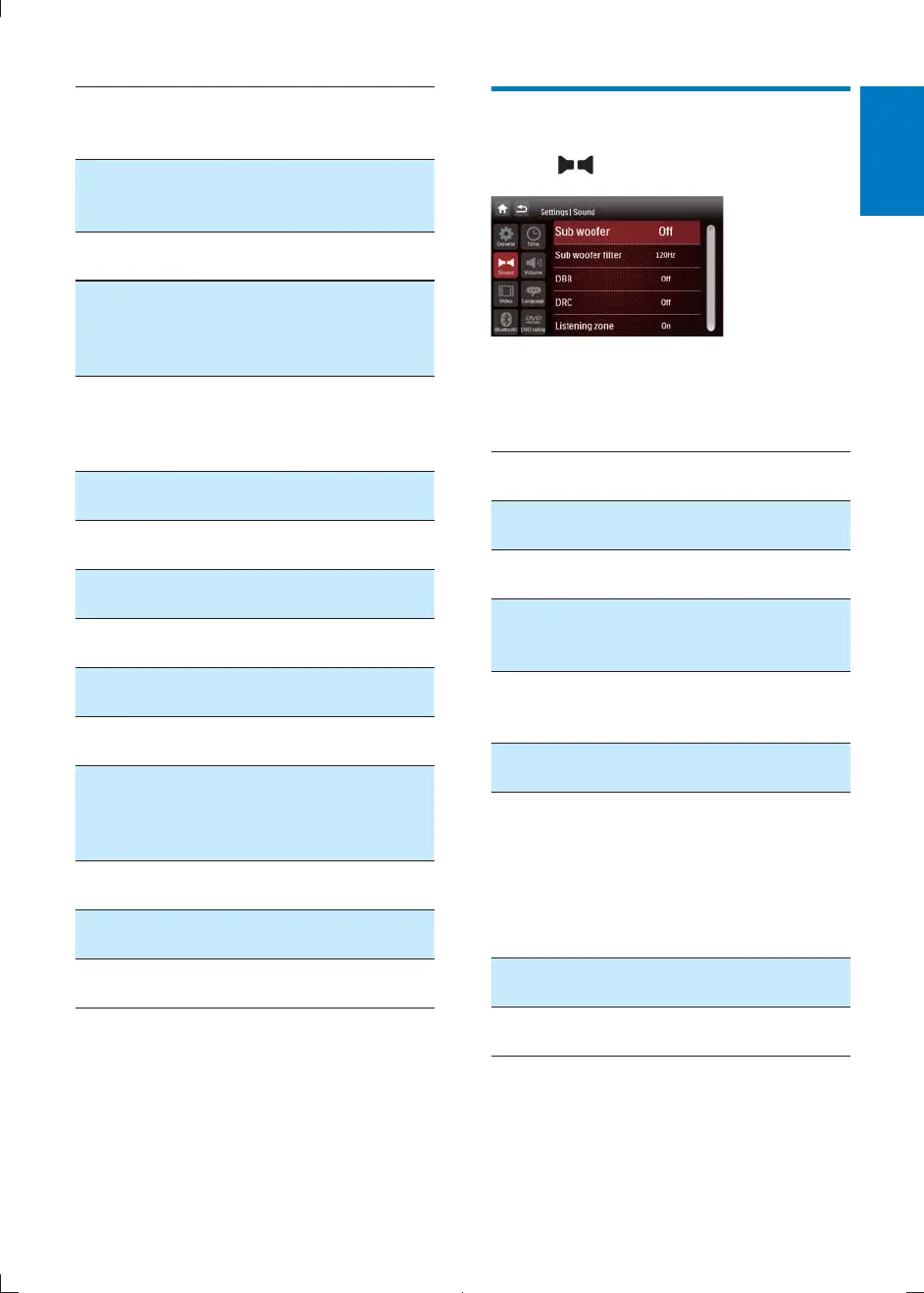
Adjust sound settings
1 Tap .
2
highlight a setting.
3 Tap on it repeatedly to change setting.
Sound
settings
Options Description
[Sub
woofer]
[On] Turn the subwoofer
on.
[Off] Turn the subwoofer
off.
[Sub
woofer
[80Hz] /
[120Hz]
/[160Hz]
Select subwoofer
[DBB]
(Dynamic
Bass Boost)
[On] Turn on DBB to
enhance low tones.
[Off] The DBB function
is off.
[DRC]
(Dynamic
Range
Control)
[On] Make loud sound
level softer and soft
sound level louder so
that you can watch
the DVD movies at a
low volume, without
disturbing others
[Off] The DRC function
is off.
[Listening
Zone]
[On] Select listening areas.
CID2780_98_UM_V1.1.indb 29 2012/3/19 10:43:16



 To Next Page