17
English
EN
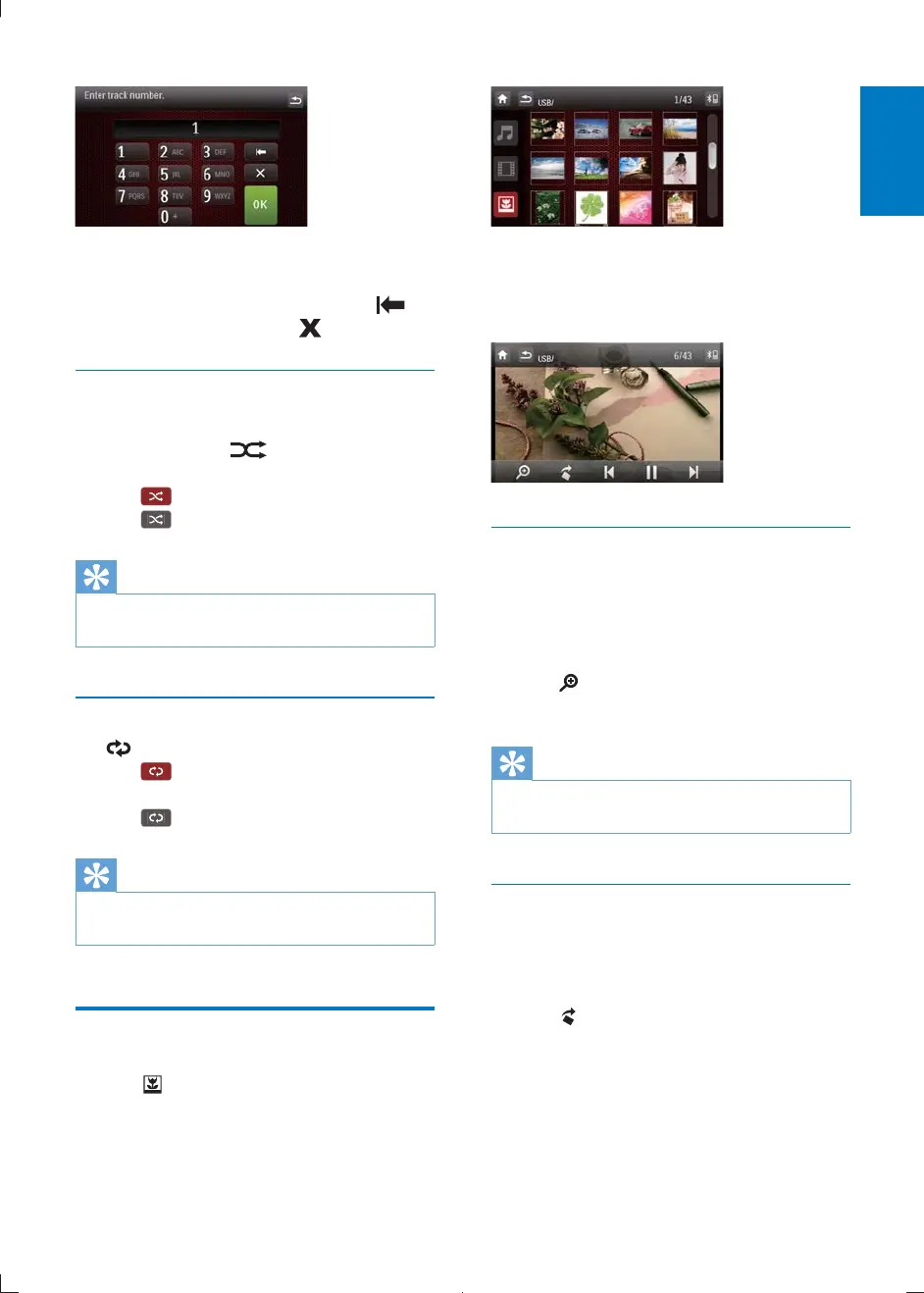
2 Tap the numbers to enter track number,
then tap
OK
.
To clear the previous input, tap
.
To clear all input, tap
.
Random play
1 During play, tap repeatedly to turn
random play on or off.
(red) : start random play.
(gray): cancel random play.
Tip
You can also press SHUFF on the remote control to
select random play mode.
Repeat one/all
Tap repeatedly to select:
(red): play the current track
repeatedly.
(gray) : cancel repeat play.
Tip
You can also press REPEAT on the remote control to
select repeated play mode.
View photo
1 Tap .
» Thumbnail view of the pictures is
displayed.
2 Drag the bar downward to view all
pictures.
3 Tap on a picture to view it in full screen.
Zoom
You can zoom in pictures for a close view.
1 During view pictures, tap anywhere except
for the upper left corner to display menu
on the screen.
2 Tap repeatedly to zoom in/out the
picture.
Tip
To zoom in/out video image, press PHOTOZOOM on
the remote control.
Rotate pictures
1 When you view pictures, tap anywhere
except for the upper left corner to display
menu on the screen.
2 Tap repeatedly to rotate the picture.
CID2780_98_UM_V1.1.indb 17 2012/3/19 10:43:03



 To Next Page