26 EN
Listen to music from
Bluetooth device
If the connected Bluetooth device supports
you can listen to the music stored on the device
through the unit. If the device also supports
its remote control to play music stored on the
device.
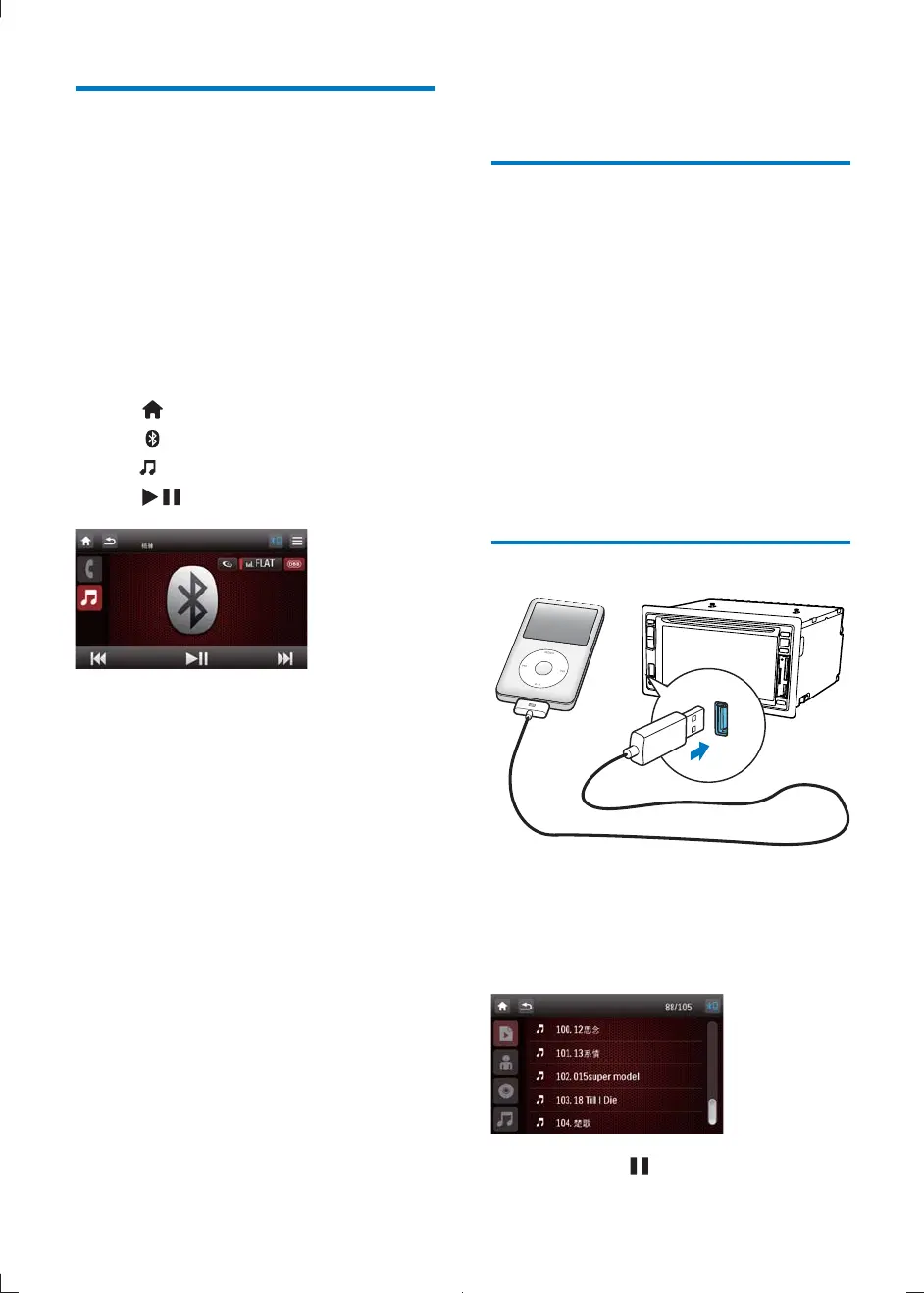
1 Pair the phone with the unit.
2 Tap to return to home menu.
3 Tap .
4 tap .
5 Tap to start play.
8 Play iPod
Compatible iPod/iPhone
The car audio system supports below iPod and
iPhone models:
Made for.
iPod touch (1st, 2nd, 3rd and 4th
generation)
iPod classic
iPod nano (1st, 2nd, 3rd, 4th, 5th and 6th
generation)
iPhone 4
iPhone 3GS
iPhone 3G
iPhone
Listen to the iPod/iPhone
1 Connect your iPod/iPhone to the front
USB socket via Apple's own 30pin USB
cable.
» Music playback starts.
2 To pause, tap .
CID2780_98_UM_V1.1.indb 26 2012/3/19 10:43:12



 To Next Page