28 EN
[Flat]
[Pop]
3 Adjust EQ settings by tapping on the
screen.
4
sound settings, tap
to restore default
settings.
5 Tap to exit.
Turn FullSound on/off
Philips FullSound restores the audio details that
is lost in music compression. It enriches the
music signal, so what you hear is the full sound
with every nuance of emotion and every detail
of musical genius. Philips FullSound can:
impact
in compressed audio
1 During play, tap .
» The FullSound icon changes to red (
).
» FullSound is activated.
2 To turn FullSound off, tap the icon until it
changes to gray (
).
Turn DBB on/off
When DBB (Dynamic Bass Boost) is activated,
low tones will be enhanced electronically.
Tap
to toggle between the settings.
[DBB] on: the icon turns red (
).
[DBB] off: the icon turns gray (
).
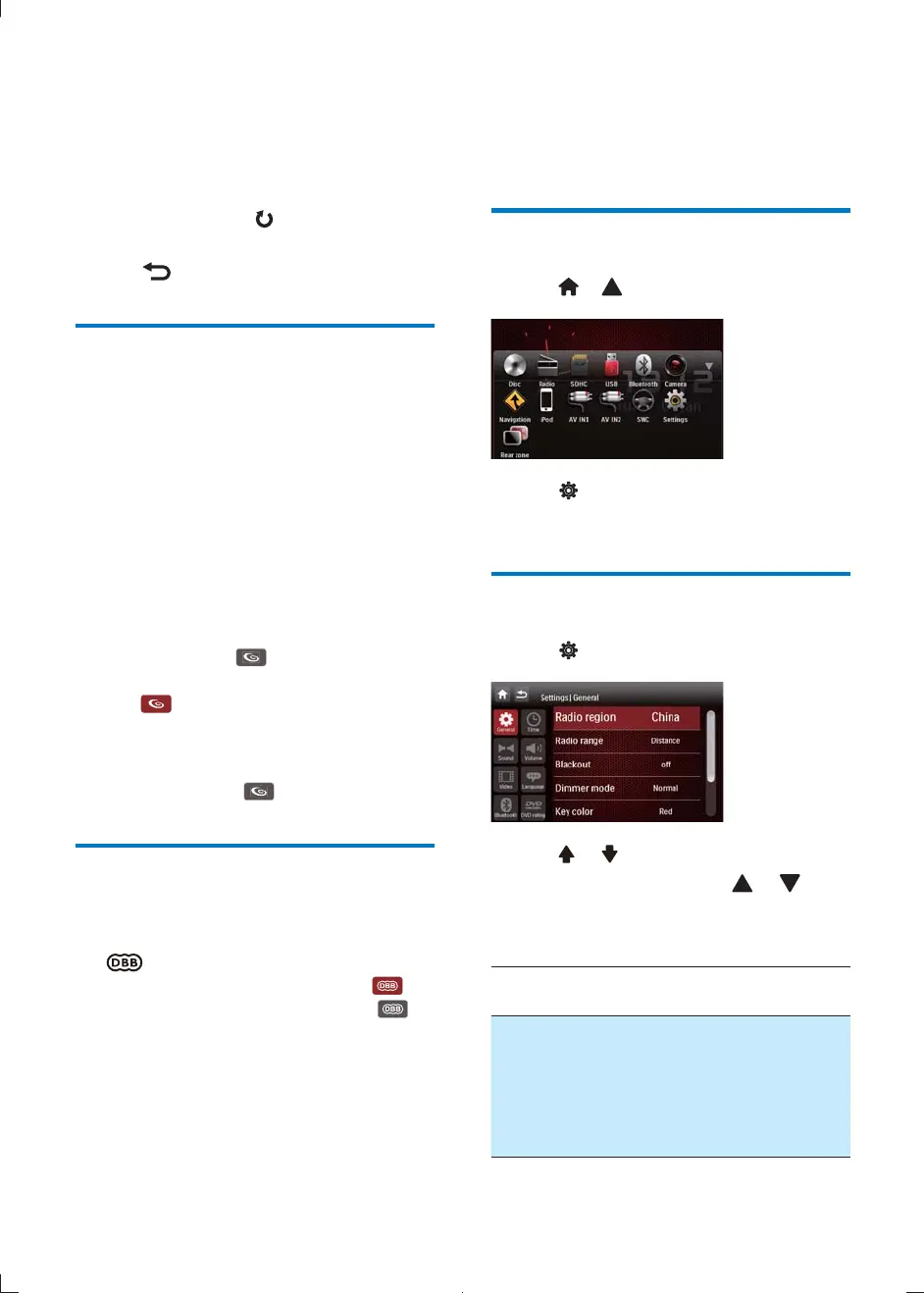
10 Adjust settings
Display system setup menu
1 Tap > to display the full menu.
2 Tap .
» The settings menu is displayed.
Adjust general settings
1 Tap .
2 Tap or to highlight a setting.
3 Tap on it repeatedly or tap or to
select an option.
» The setting is changed.
General
settings
Options Description
[Radio
region]
[USA],
[China],
[Japan],
[Europe],
[Europe]
(LW),
[OIRT]
Select one that
matches your loca-
tion.
CID2780_98_UM_V1.1.indb 28 2012/3/19 10:43:15



 To Next Page