25
1
Getting Started
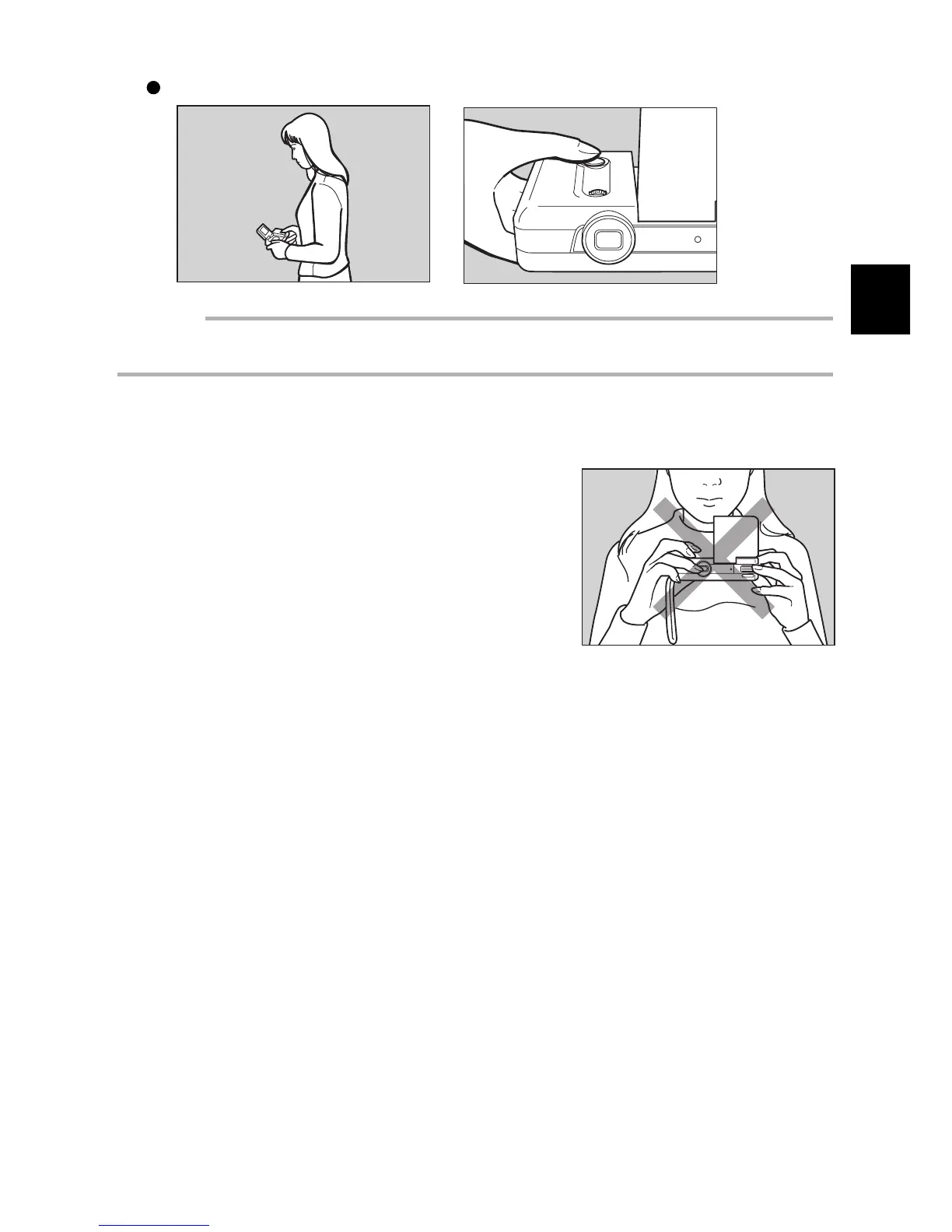
When holding the camera in a low position:
Important
• If you place your finger too far from the Release button, then press the button too fast, the camera
may shake and a blurred picture may result.
Note: Hold the camera vertically for a more vertical image. The image will appear vertically on the
LCD monitor.
Be sure to keep your fingers and the wrist strap away
from the camera lens and the flash window.














 To Next Page