30
Standard Data
Image Quality Mode Data Size/Image
Fine mode Approx. 160 KB/image
Normal mode Approx. 80 KB/ image
Economy mode Approx. 40 KB/ image
Note: The following chart indicates the maximum number of images that can be recorded when
the image quality mode is selected.
Image Quality Mode Number of Recorded images
Fine mode Approx. 25 images
Normal mode Approx. 50 images
Economy mode Approx. 100 images
Taking Pictures
This section explains the basic operations and other information needed to record images.
Note: See “Holding the Camera” on page 24
q Look at the LCD monitor and position the
camera to compose the image.
Use the macro mode to take pictures of subjects at
distances from 1 to 60 cm.
Note: See “Macro Shooting” on page 45.
w Press the Release button lightly so that it
is halfway down.
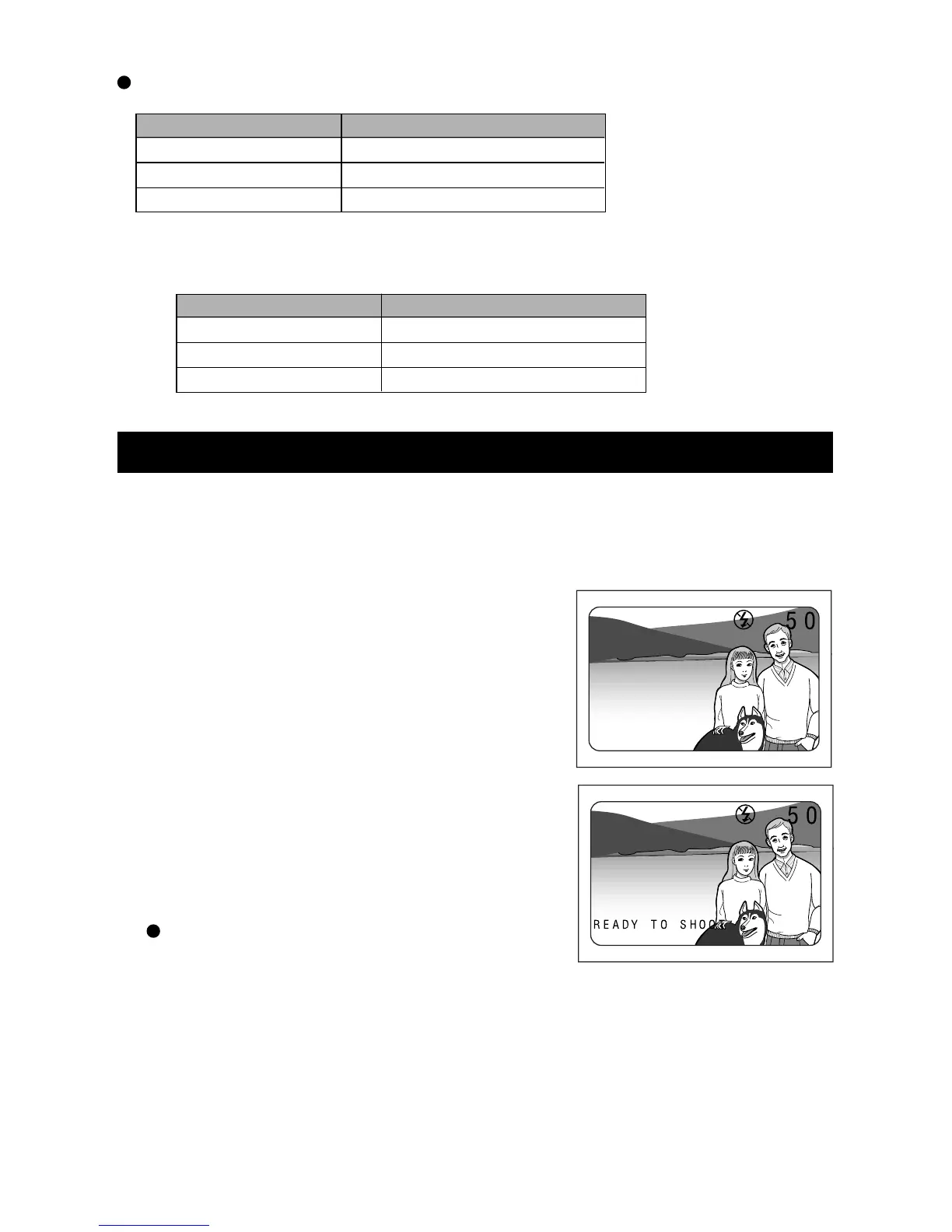
The Release button has two steps. Messages are
displayed if the button is pressed halfway down. The
exposure and white balance are set at this time.
Displayed Messages
Pictures can be taken when the message “READY
TO SHOOT” is displayed.
When the message “SLOW SHUTTER CHECK FLASH MODE” appears, press the
FLASH button to select a Flash mode.
Note: See “Selecting a Flash Mode” on page 36.














 To Next Page