52
File Erasing
This section explains how to erase recorded files. You may erase one file at a time, or you
may erase all files at one time.
Operation Flow
The following is the basic explanation of how to erase a file.
Turn the power on.
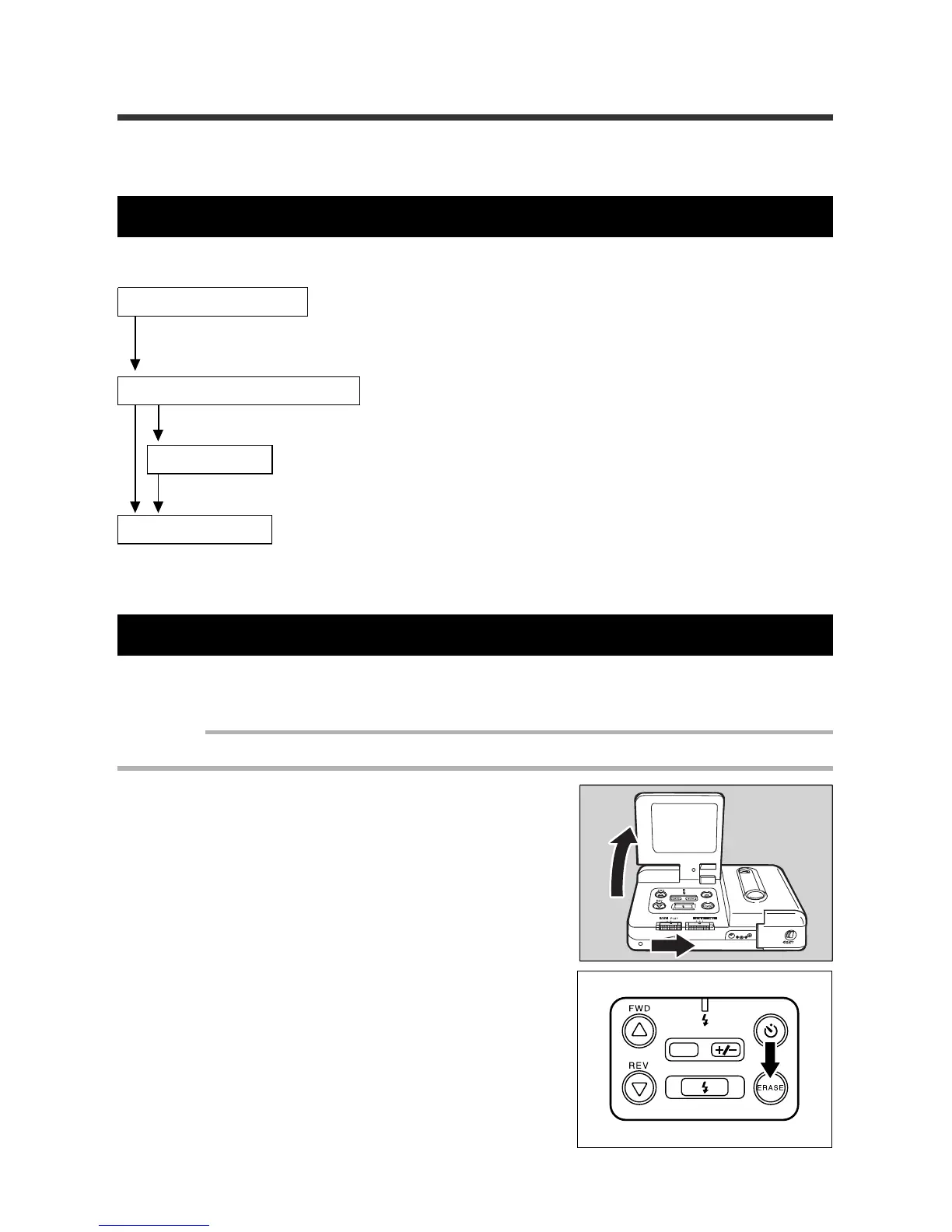
Open the LCD monitor and set the REC(ord)/PLAY switch to PLAY. Press the
ERASE.
Select the erase method.
Choose to erase either a single file or all files.
Select a file.
Select a file to be erased, or erase all files
Erase the file.
See pages 52 - 53 for information on erasing one file.
See page 54 for information on erasing all files.
Erasing One File
The following steps explain how to erase a specific file.
Important
• An erased file cannot be restored. Carefully confirm the contents of a file before erasing it.
q Open the LCD monitor, then set the
REC(ord)/PLAY switch to PLAY.
w Press the ERASE button.
DATE














 To Next Page