24
Adjusting the LCD
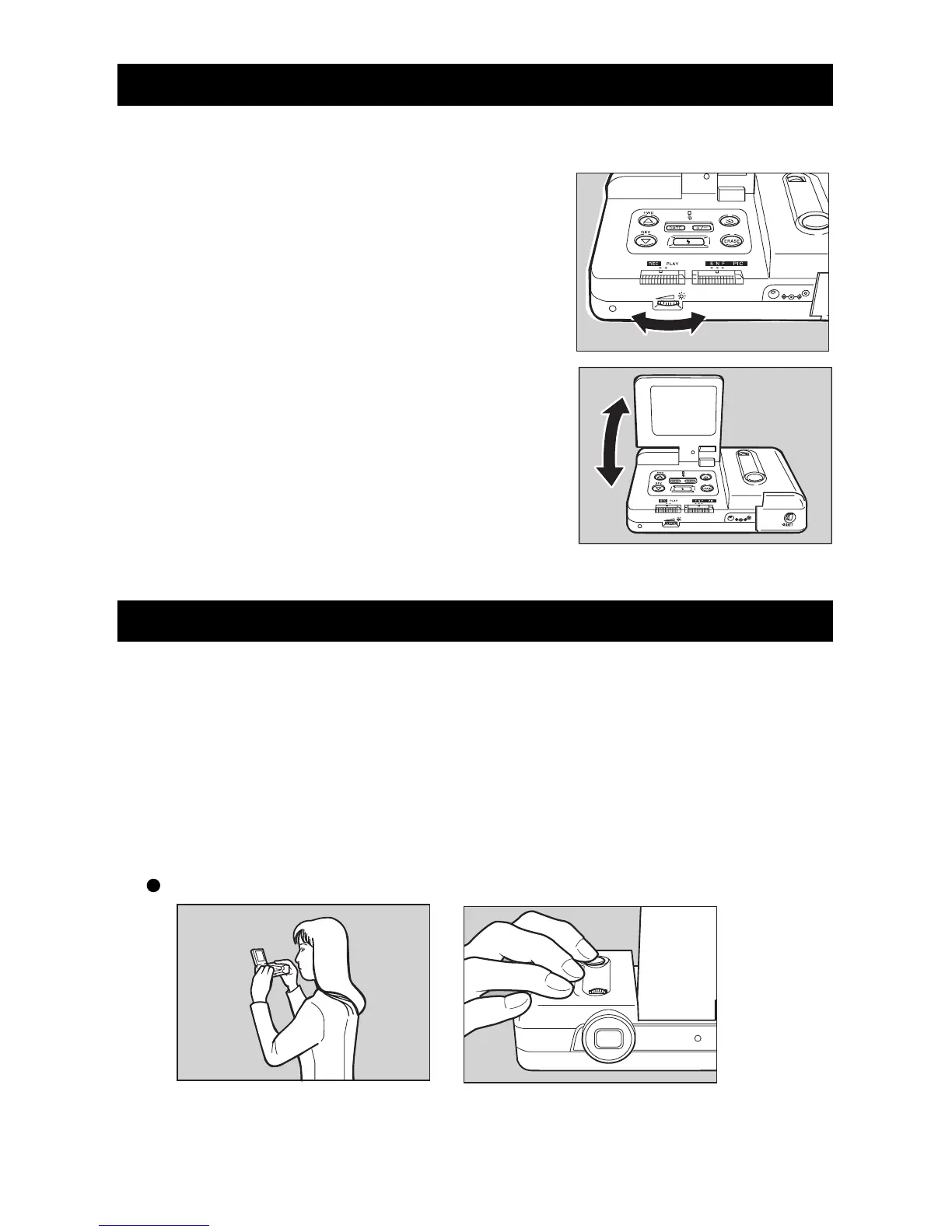
This section explains how to adjust the brightness and angle of the LCD monitor.
q Turn the brightness adjustment dial to the
right or left to adjust the brightness.
The brightness increases when you turn the bright-
ness adjustment dial to the right. It decreases when
you turn the brightness adjustment dial to the left.
w Adjust the LCD monitor toward you or
away from you to obtain the optimal angle.
The LCD monitor can be adjusted between 60°
and 140°.
Holding the Camera
Moving the camera during picture taking will result in blurred pictures. For best results,
hold the camera steady when pressing the Release button.
q Securely hold the camera with both hands; hold your elbows lightly
against your side. Point the camera toward the subject and view the
subject in the LCD.
w Lightly press the Release button.
When holding the camera in a high position:














 To Next Page