60
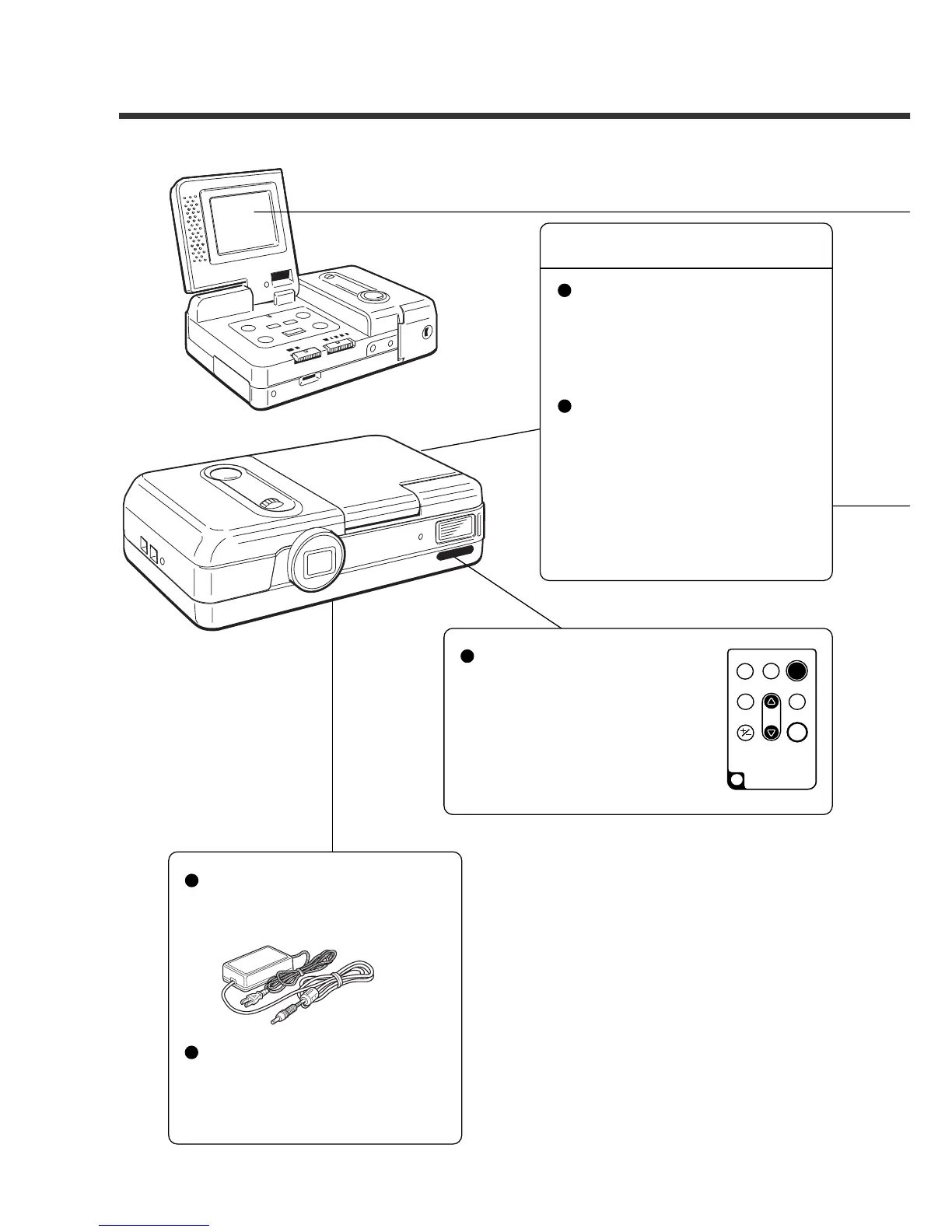
System Configuration Figure
Computer
File transmission to a per-
sonal computer
Philips utility software for
ESP2 and a serial cable are
required.
Digital camera
Batteries
Alkaline batteries
Nickel Cadmium batteries
Nickel-metal-hydride batteries
Remote control
• Remote control AY3740
* When using this unit with
the camera, the screen dis-
play button and the moni-
tor button do not function.
Power supply
• AC adaptor
AY3140 (100 V to 240 V)
Image transmission to a per-
sonal computer
You can transmit your file to a
personal computer using the
utility software for the ESP2.
The file can be transmitted us-
ing a special cable from the
camera.














 To Next Page