42
Fluorescent Mode
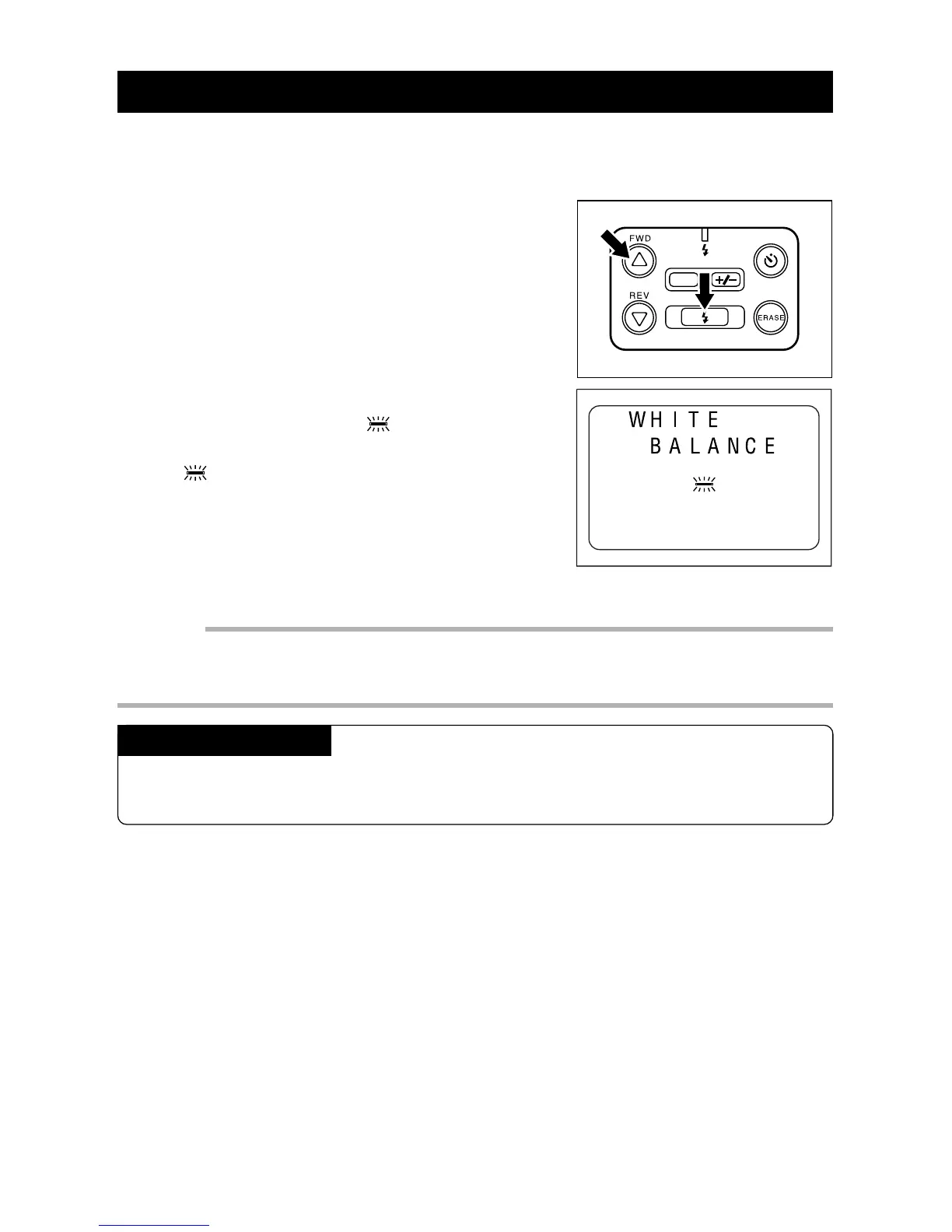
Use the fluorescent mode when shooting a picture in fluorescent lighting or when the
Auto White Balance does not work properly.
q When the REC(ord)/PLAY switch is set to
REC, press the FLASH button while press-
ing the
UU
UU
U button.
w Within three seconds, press the
U U
U U
U or
TT
TT
T
button to display the
symbol on the
LCD monitor.
The will remain on the LCD monitor for about
three seconds.
Important
• The Flash Off mode is set when the Fluorescent mode is set. At this time, the Flash mode cannot
be switched, even if the FLASH button is pressed.
• The color tone for the same subject may vary depending on the type of the fluorescent light .
Canceling the Mode
Press the FLASH button while pressing the U button. Within three seconds, press
the U or T button to select AUTO.
DATE














 To Next Page