32
Exposure Compensation
When there is a significant difference in brightness between the background and the
subject, the subject may be underexposed (too dark) or overexposed (too light). In such
cases, adjust the exposure. This function allows you to intentionally underexpose or over-
expose an image.
Exposure compensation range
± 2.0 EV (in 0.5 EV increments)
Shooting with backlighting
When the background is bright, the subject is underexposed. In this case, adjust the
exposure by increasing the value (positive (+) compensation).
Important
• In backlit conditions, place the subject at the center of the shooting range. If the subject is not
placed at the center of the shooting range, the camera cannot determine the backlit conditions.
Shooting images that are too light
When shooting an image that is too light, the entire image is underexposed. The image
is recorded too dark; light-colored subjects are recorded in a grayish tone. In this case,
increase the value (positive (+) compensation) to adjust the exposure.
Shooting images that are too dark
When shooting an image that is too dark, the entire image is overexposed. The image
is recorded too light; light-colored subjects are recorded in a grayish tine. In this case,
decrease the value (negative (–) compensation) to adjust the exposure. Follow the
same procedures as when shooting an image in direct light.
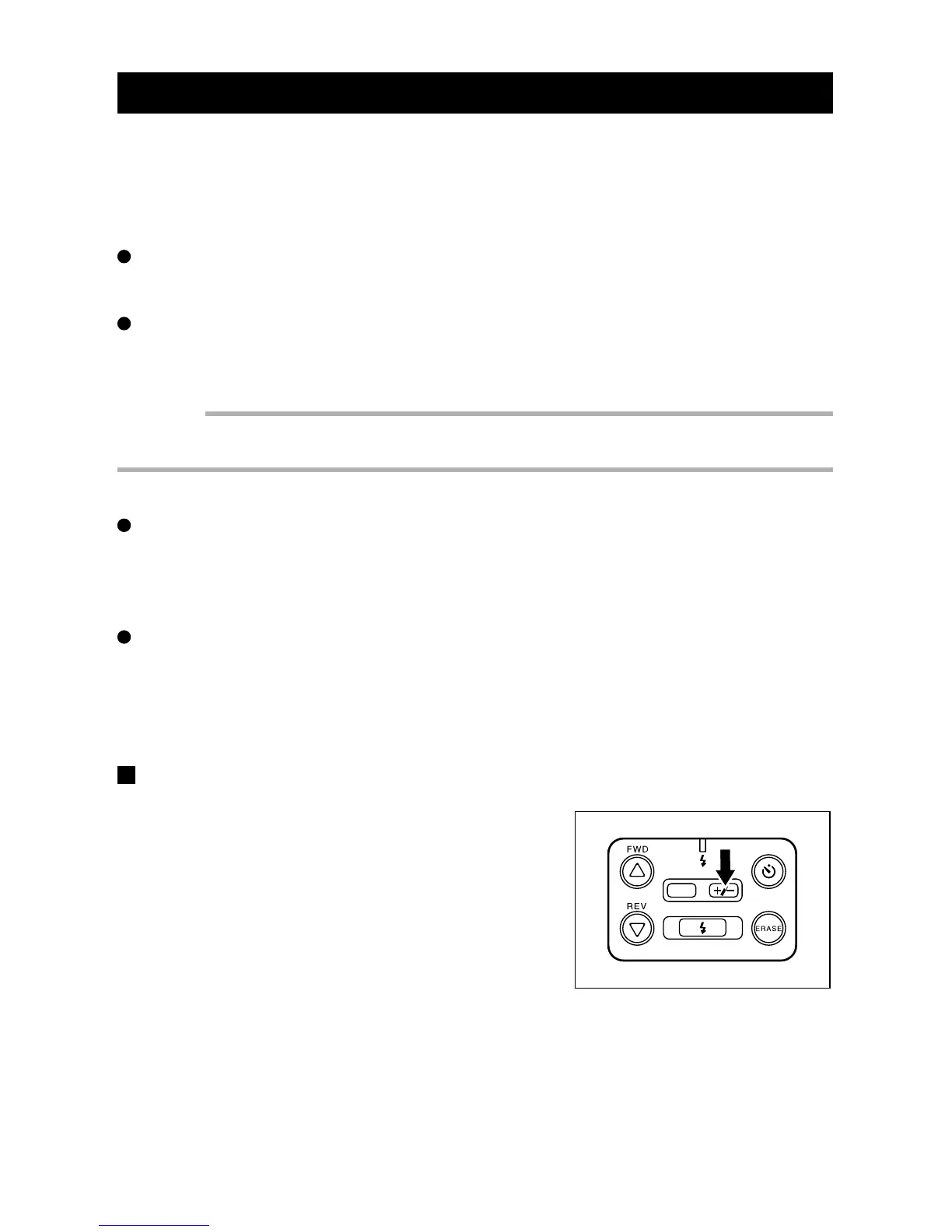
Exposure compensation setting
q When the REC(ord)/PLAY switch is set to
REC, press the +/– button to display the
exposure compensation value on the LCD
monitor.
DATE














 To Next Page