59
3
4
5
Additional Information
Returning the Settings to the Original Position
This section explains how to reset Flash mode, White Balance mode, Auto Power Off,
Automatic Playback and Power Off Memory settings the original positions.
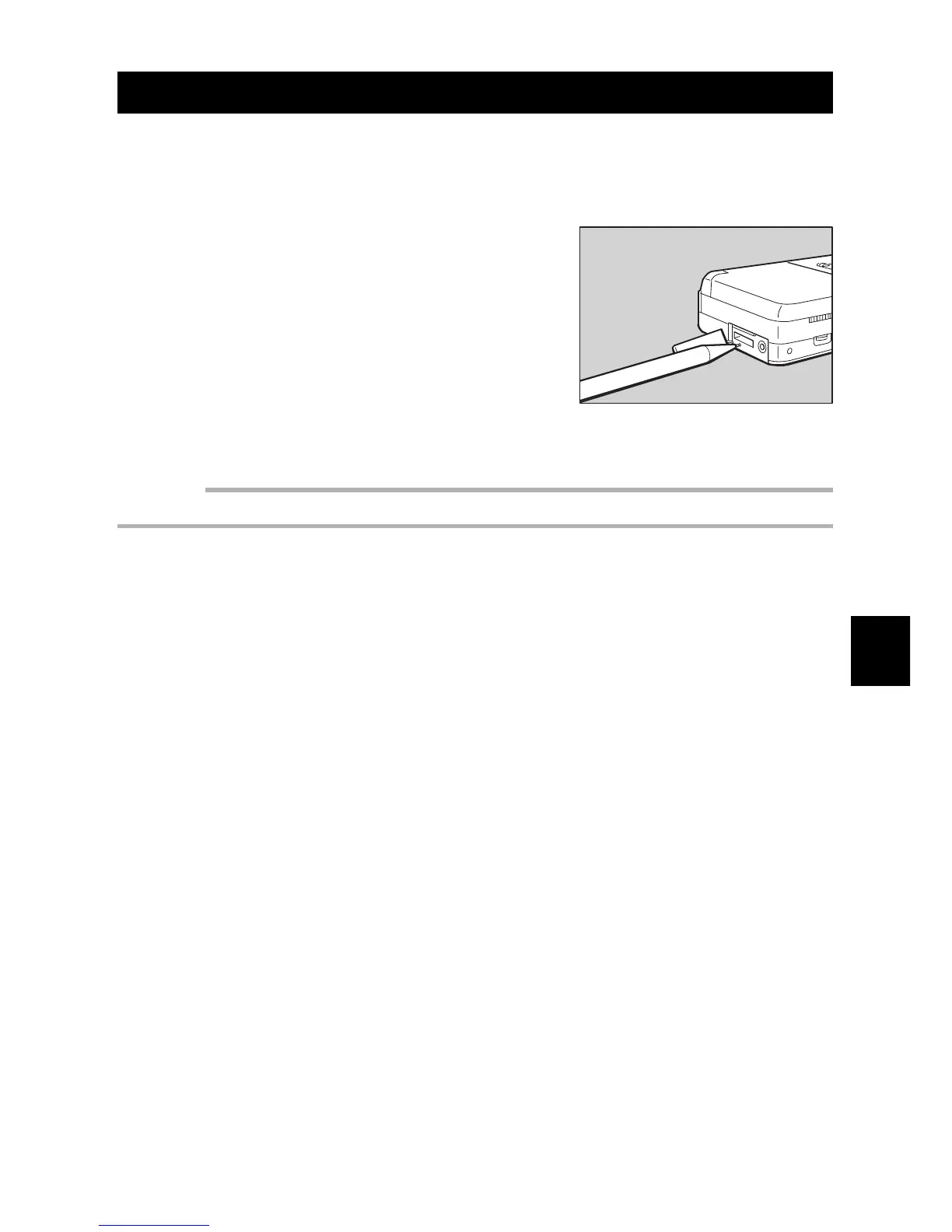
q Remove the terminal cover on the side of
the camera. Depress the RESET button
with the tip of a sharp pencil or similar
object.
The settings also are reset when the batteries or
the clock batteries are installed. The recorded im-
ages are not erased even after a reset is per-
formed.
Important
• Do not use a sharp object or an object that breaks easily .














 To Next Page