51
3
4
Picture Playback/Erasure
RELEASE
ERASE
FWD
PROGRAM
EV
REV
ENTER
REMOTE CONTROL
AY3740
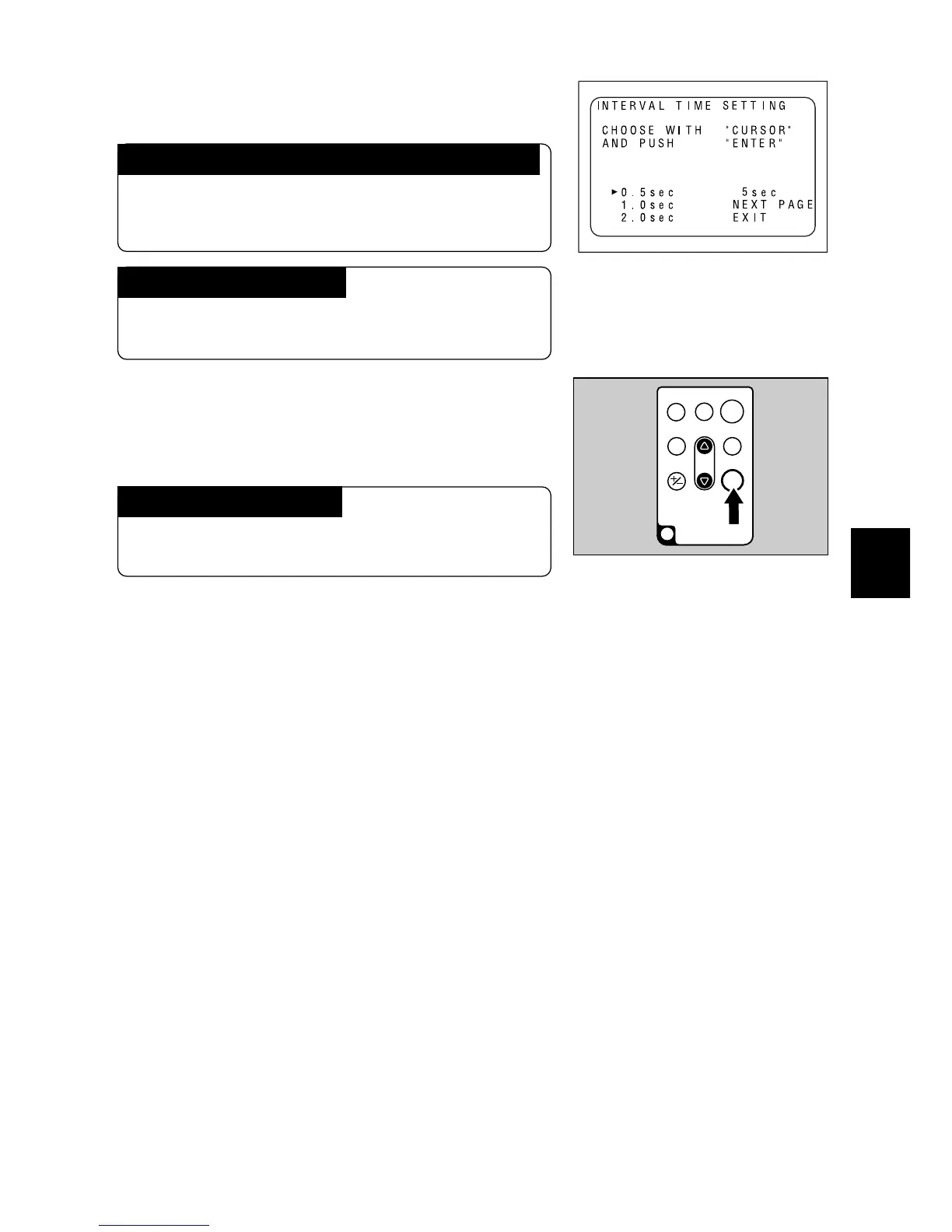
w Press the
UU
UU
U or
TT
TT
T button to set the length
of time for playback.
To display the previous page or the next page
Use the U or T button to select the previous page
or the next page, then press the ENTER button on
the remote control unit.
To cancel the settings
Use the U or T button to select EXIT, then press
the ENTER button.
e Press the ENTER button of the remote
control.
The recorded files will be played back in se-
quence.
To stop the playback
Press the ENTER button or the PROGRAM but-
ton on the remote control.














 To Next Page