53
3
4
Picture Playback/Erasure
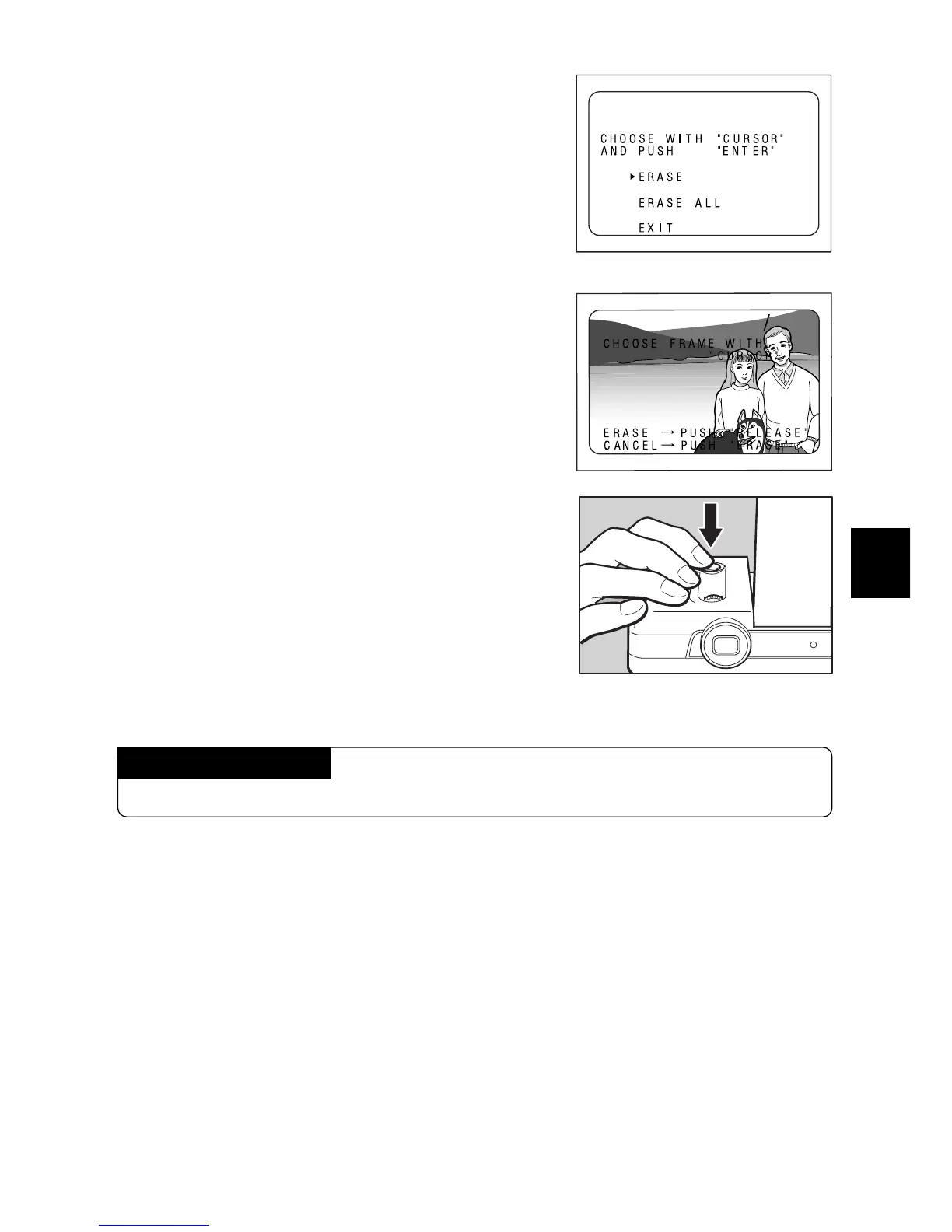
e Press the
UU
UU
U or
TT
TT
T button to select ERASE
with the arrow, then press the RELEASE
button.
Note: To stop erasing, select EXIT, then press the Release
button.
The Release button is also referred to as the ENTER
button in the LCD monitor.
r Press the
UU
UU
U or
TT
TT
T button to select the file to
be erased.
t Press the RELEASE button.
The selected file is erased. Repeat steps r and
t to erase another file. When you finish, press
the ERASE button.
Note: When a file is erased, the file numbers of the suc-
ceeding files decrease by one.
Canceling the Mode
Press the ERASE button again.














 To Next Page