6
Warnings
When the following warnings appear on the LCD monitor, verify the problem and correct
it.
Message Condition Description Reference page
Lights 17
Lights 19
Errors
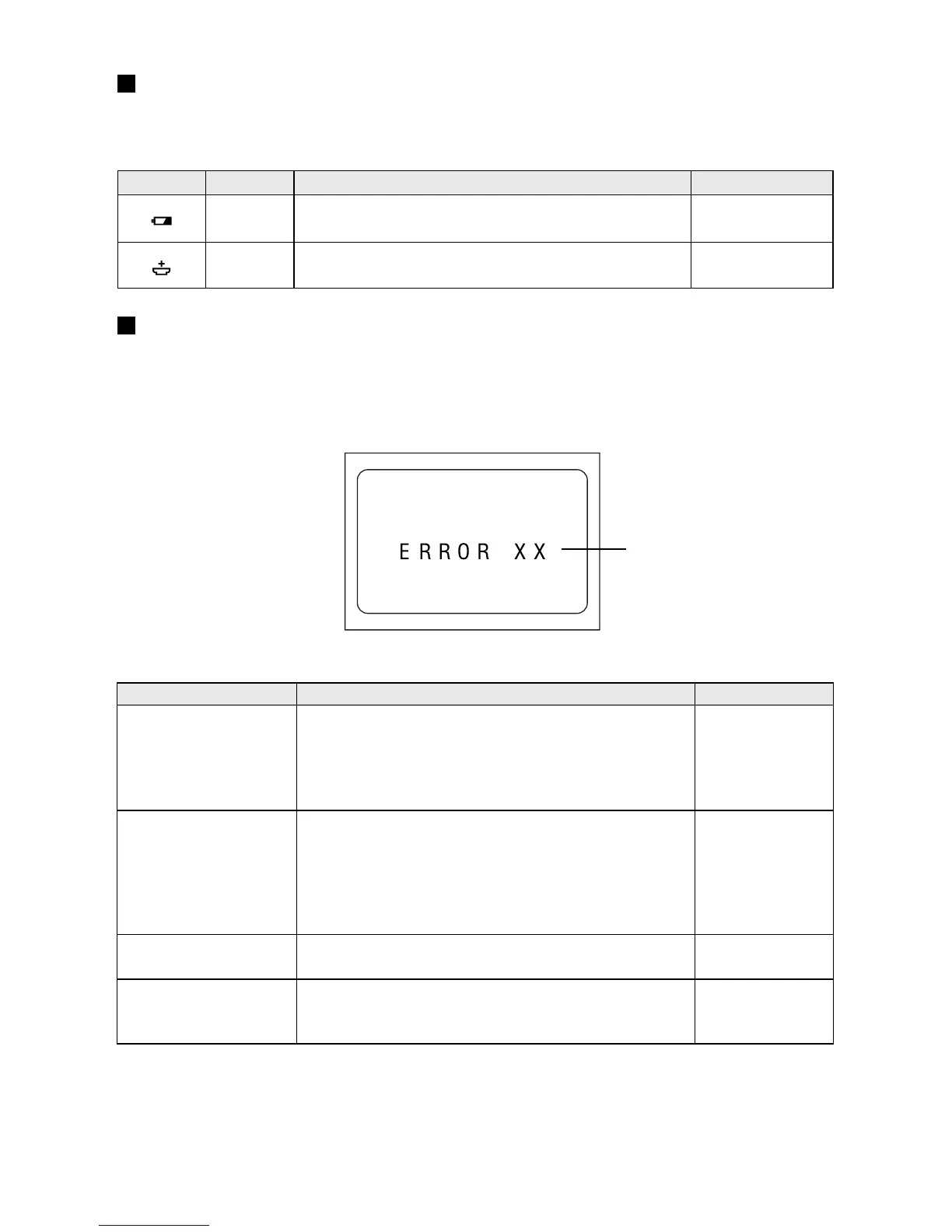
When one of the following errors appears on the LCD monitor, verify the problem and
correct it.
Error message
Error message Description Reference page
ERROR RECORD 28
59
ERROR ERASE 28
52
59
ERROR PLAY 28
59
SYSTEM ERROR1 28
SYSTEM ERROR2 59
SYSTEM ERROR3
* When problems cannot be solved by following the steps above, please contact your
dealer or the local service representative.
This indicates that the batteries are depleted. Re-
place or recharge the batteries.
The clock battery is depleted or the clock battery is
not set. Replace or insert a new batteries.
The file is lost or damaged. Record the image again;
the data that was recorded at this time may not be
played back correctly. If the error message is still
displayed, turn on the power again or press the
Reset button.
The erase operation was not performed correctly.
Turn off the power by closing the LCD monitor, then
turn it on again and take a test image. If the test
image data is erased, the incorrectly erased data
will also be erased at this time. If the error message
is still displayed, press the Reset button.
The playback failed. Turn on the power again or press
the Reset button.
Turn on the power again. Otherwise, press the Re-
set button.














 To Next Page