18 User manual
Record n instruction
Instructions re recorded comments by
the uthor tht re directed to the person
trnscribing the dicttion. SpeechExec
supports two types of instructions:
• Spoken instructions re stored within
the dicttion sound le t the position
where the instruction ws ctully
recorded.
Exmples: the correct spelling of
nme or technicl term, or instructions
to insert new prgrph
• Specil instructions re usully
recorded t the strt of dicttion
with specil informtion relting to the
dicttion. Specil instructions re stored
in seprte sound le.
Exmples: document formtting
instructions, nmes of individuls to
receive copies, or delivery instructions
Record spoken instruction
1
Mke sure you re in the recording
mode.
2
In SpeechExec, click the button in
the SpeechExec recorder window.
On the SpeechMike with slide switch
opertion, press nd hold the g
button.
On the SpeechMike with push button
opertion, press nd hold the INS/OVR
button.
On the Pocket Memo, press nd hold
the right function button below the
screen.
3
Dictte the instruction.
X The instruction will be recorded
into the dicttion le without
overwriting your dicttion.
4
When the spoken instruction is
complete, click the button gin or
relese the button on the SpeechMike
or the Pocket Memo.
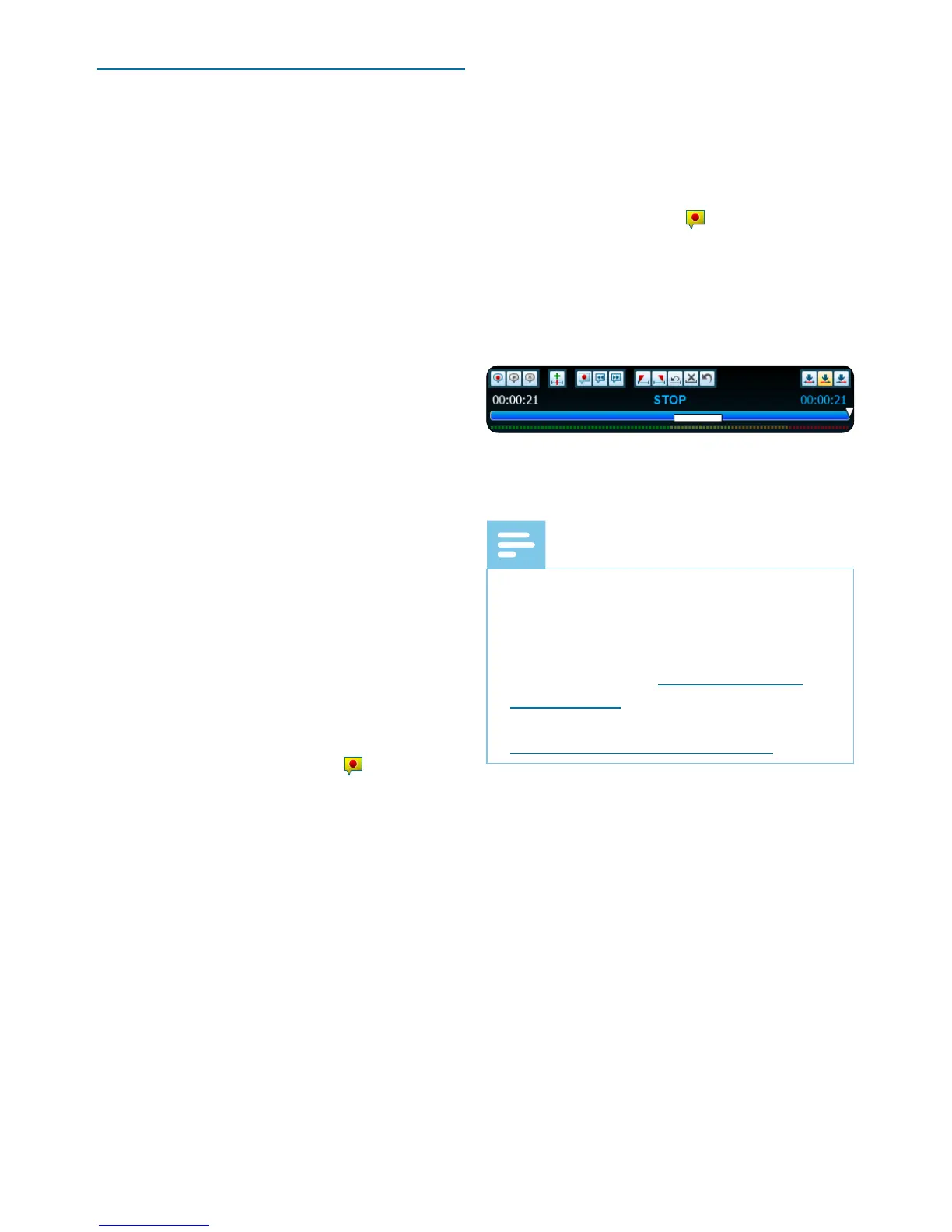
X The spoken instruction is displyed
s white br in the position slider.
5
Continue or stop recording.
Note
• A spoken instruction cn be deleted
just like ny other prt of dicttion
le: Delete the section of the recording
tht includes one or more spoken
instructions (see Delete prt of
dicttion le). Alterntively, record
over the spoken instruction (see
Edit previously recorded le).












 To Next Page