Allocating a decoder
Some TV stations willsend coded TV channels, that you can
only watch when you usea decoder. You can connect such a
decoder (descrambler)to your video recorder.With the
following function, theconnected decoder will automatically
be activated for theTV programme you want towatch.
a Switch on the TV set.If required, selectthe programme
number for the videorecorder.
b Choose the televisionchannel on which you wish touse
the decoder with the P q or P r buttons on the video
recorder or the numberbuttons 0-9 on the remote
control.
c Press the MENU button on the remote control. Themain
menu will appear.
d Select the line ’MANUAL SEARCH’ withthe Pq or
P r button.
e Confirm with the OK button.
f Press the INDEX E button. ’DEC’ willappear in the
display.
CH21
g Confirm with the OK button.
h To end, press the OK button again. Then, pressthe
TV/STANDBYm button.
This channel is now assignedto the decoder.
Manual TV channel search
In certain cases the’Automatic TV channel search’may not be
able to find all ofthe TV channels (e.g. coded TV channels).In
that case, use thismanual method to set thechannels.
DWhen you search for TV channelsmanually, you can
choose between the indicationfor ’channel’ or
’frequency’. Pleaseread the next paragraph
’Channel number or frequencydisplay’.
a Switch on the TV set.If required, selectthe programme
number for the videorecorder.
b Press the MENU button on the remote control. Themain
menu will appear.
c Select the line ’MANUAL SEARCH’ withthe Pq or
P r button and confirm withthe OK button.
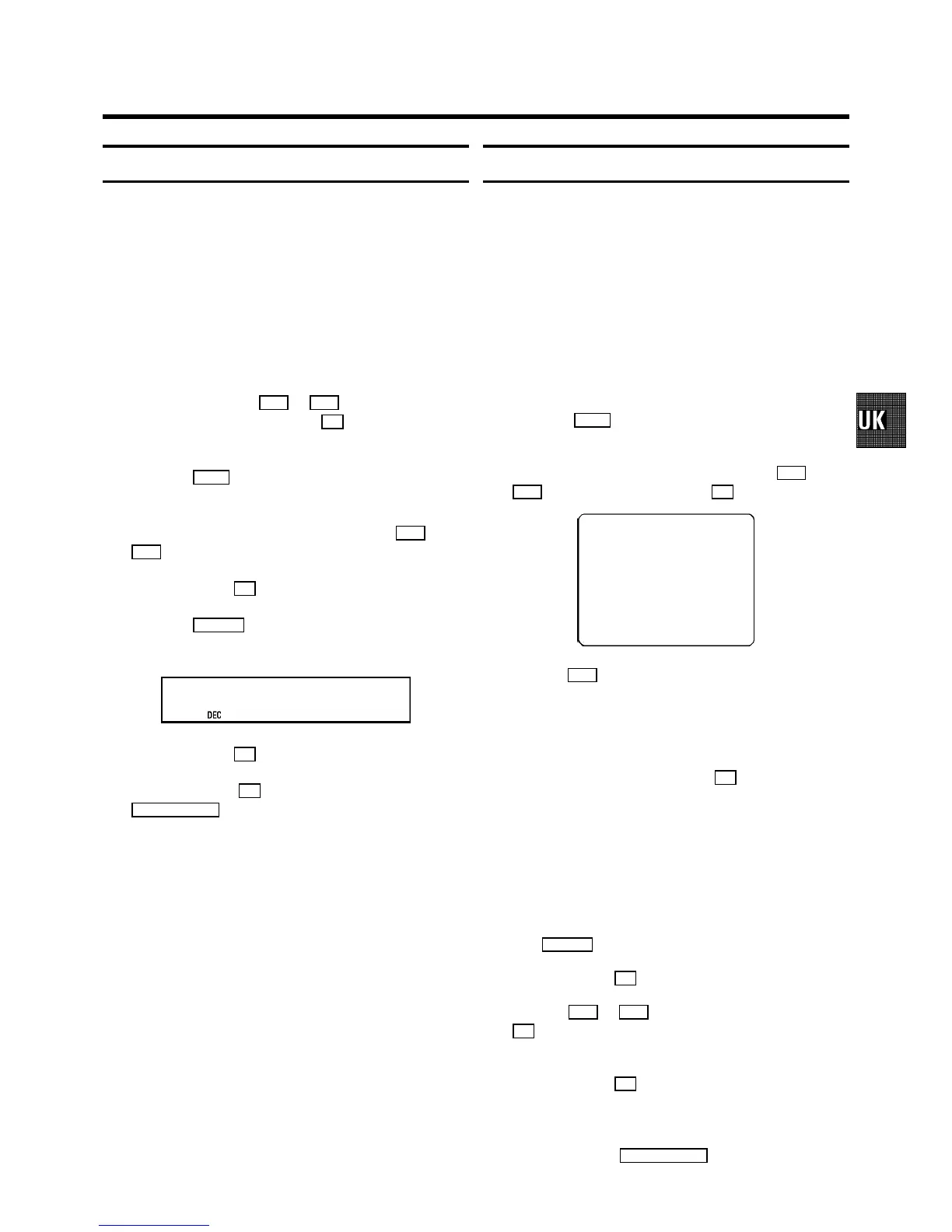
CH 26 P01
------------------------
SEARCH g+ 0-9 OK
d Hold the P q button until you have foundthe right TV
channel. A changing channel number orfrequency will
appear on the screen.
DIf you know the frequencyor channel number of the
desired TV channel, you canenter the information in
line with the numberbuttons 0-9 on the remote
control.
DTo enter a special/hyperband channel, youmust
enter a ’9’ beforethe first channel digit.The
indication changes from’CH’ to ’CA’. For example,
for special channel ’S30’, enter ’9 30’.
DIf the picture or sound qualityis poor, you might
have selected the wrongTV system. Pressthe
SYSTEM button to change the TV system.
e Confirm with the OK button.
f With the P q or P r button or with the numberbuttons
0-9 , select the programme number youwant to give to
this TV channel, forinstance, ’P01’.
g Confirm with the OK button.
If you want to allocatemore TV channels, repeatsteps
d through g .
h To end, press the TV/STANDBY m button.
7



 To Next Page