Searching for tape positionwithout the
picture (wind and rewind)
a Stop the tape with the STOP h button.
b Press the [ (reverse) or I (forward) button.
c To stop at a certainpicture, press the STOP h button.
Instant View
With this functionyou can switch to picturesearch during
wind and rewind.
a If you hold the [ (rewind)or I (wind) button
during wind or rewind,you will switch topicture search.
b When you release thebutton, the video recorderwill
automatically switchback to rewind or wind.
Automatic search for a tape position
(index search)
At the start ofeach recording, the video recorderwill write an
index code on the tape.
a Press the INDEX E button and then the I buttonto
select the next codemark or the [ button for the
previous code mark.
b When the video recorderfinds the code mark,it will
automatically switchto play.
Automatic search for a blank space on the
tape
You can search for a spaceon the tape (at least 1minute of
blank tape) for a newrecording, for example,after an existing
recording on the tape.
a Press the INDEX E button. Then pressthe STOP h
button.
b When the video recorderfind a blank space, itwill
automatically switchto ’pause’.
DIf no empty space has been foundwhen the end of
the tape is reached, thecassette will be ejected.
Picture interference
When the picture qualityis poor when you playa cassette,
please follow theseinstructions.
Tracking during playback
a While a cassetteis playing, hold the P q button until
’TRAC’ (tracking)appears on the display.
b Hold the P r or P q button until the picture qualityis
at its best.
c Wait a few seconds,until ’TRAC’ disappearsfrom the
display. This picturesetting will notchange until you
eject the cassette.
Tracking during still picture
If the stillpicture vibrates vertically,you can improve the still
picture as follows:
a During still picture,hold the P q or P r button until
the picture qualityis at its best.
The video recorder willstore this settingautomatically.
DPlease note, however, that interferencemay still
occur with poor qualitycassettes.
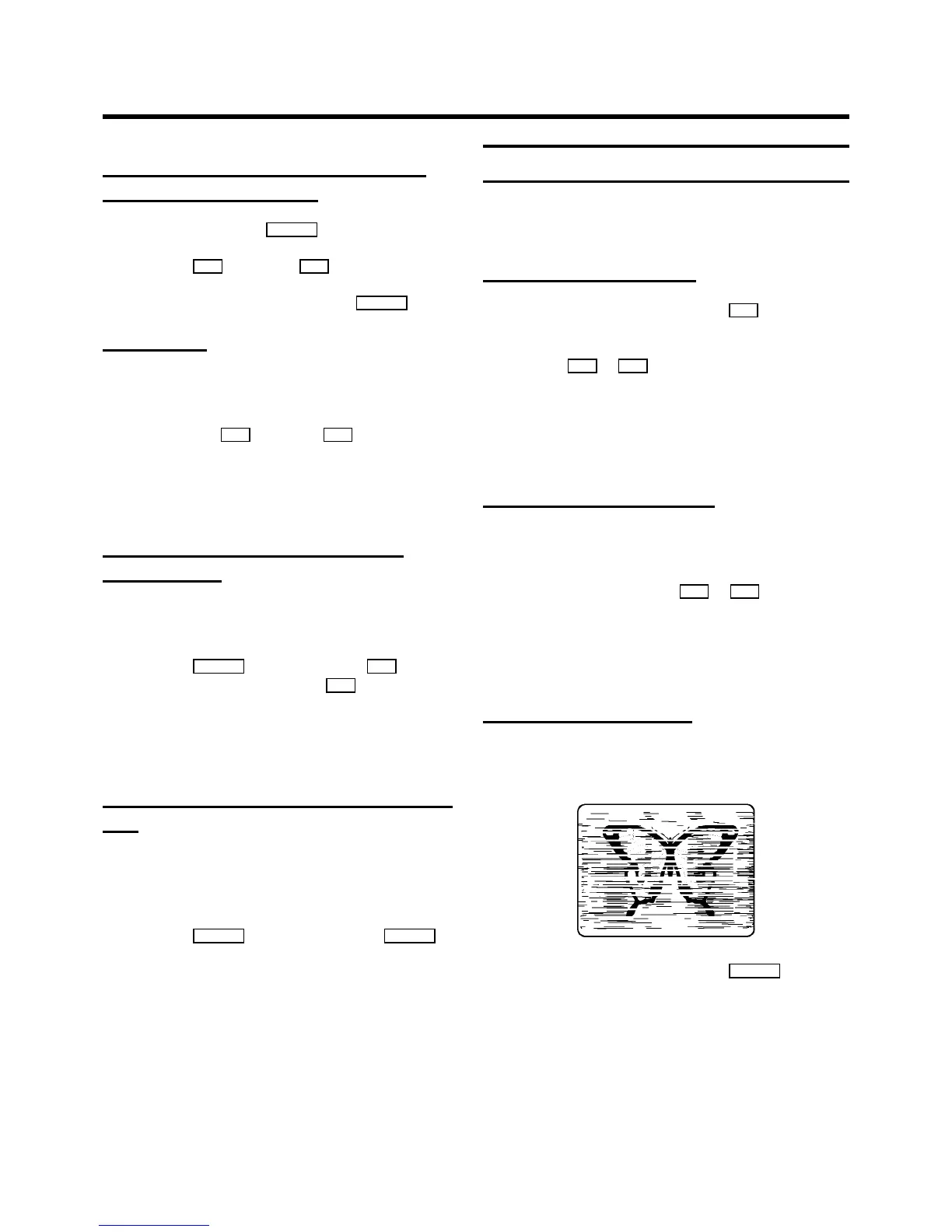
Cleaning the video heads
If horizontal linesappear on the screen when youplay a
cassette, you shouldclean the video heads.
a While a cassetteis playing, hold the PLAY G buttonuntil
’HEAD’ appears on the display.The video heads will now
be cleaned. The video recorderwill automatically switch
to play again.
14



 To Next Page