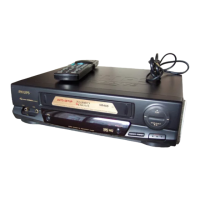
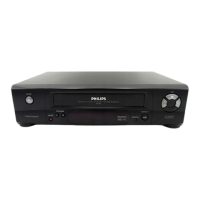
Summary of user guide
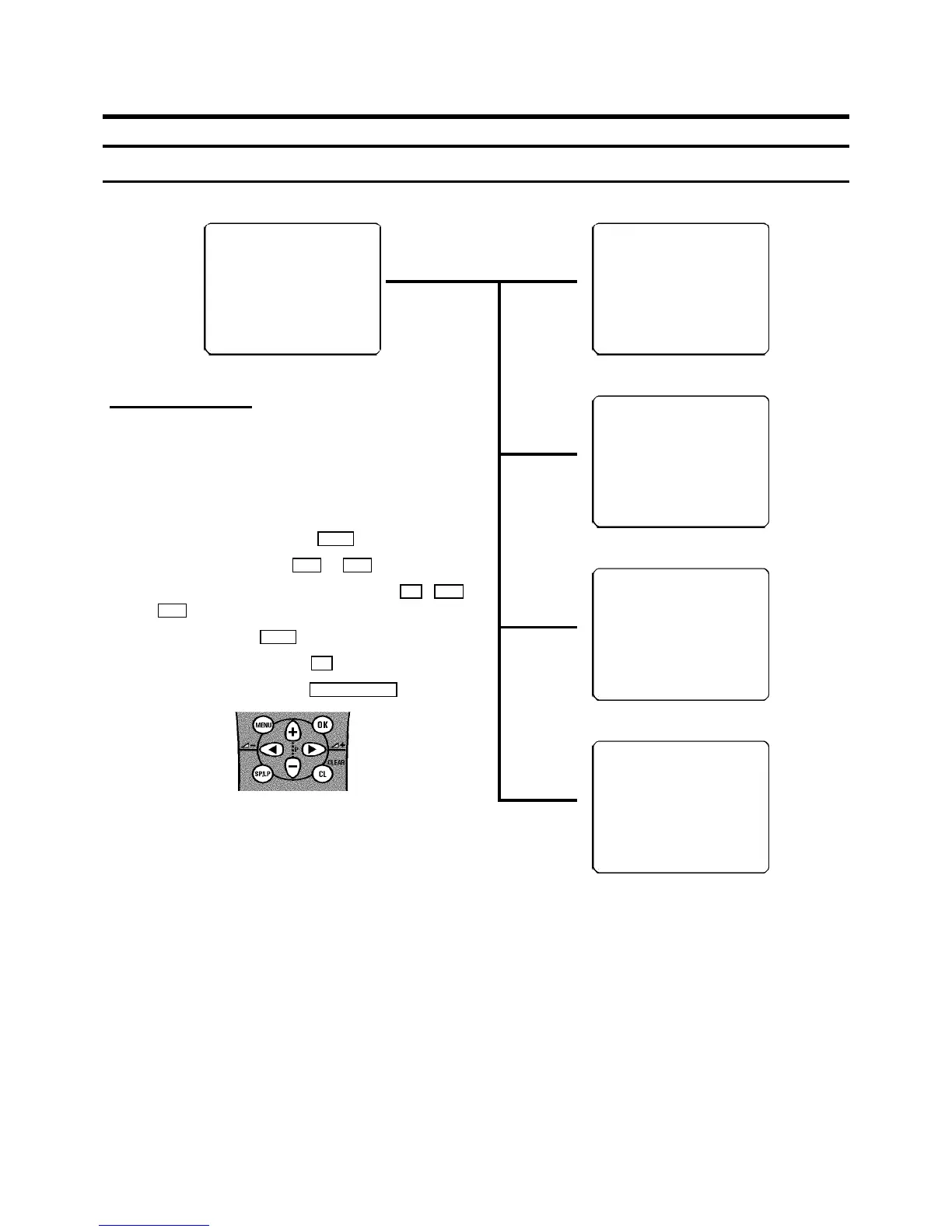
The OSD menu offers thefollowing functions. Moredetails on each can be found inthe appropriate chapter.
CLOCK
OSD
CHANNEL ALLOCATION
CHANNEL/FREQUENCY
MANUAL SEARCH
AUTOSEARCH
LANGUAGE
FOLLOW TV
DIRECT RECORD
COUNTER
------------------------
-/+ OK
MAIN MENU
User guide (OSD)
The OSD (On-screen display)shows the various functions in
the form of a menu onthe television screen.You can then
choose the settingsyou require. There is asummary of the
menus on this page. Themain button functions are displayed
in a help line along the bottomof the screen.
E To call up the menu: With the MENU button.
E To select a line: With the P r or P q button.
E To enter or change your selection:With the 0-9 , P r
or P q button.
E To cancel: With the MENU button.
E To save or confirm: Withthe OK button.
E To close the menu: With the TV/STANDBY m button.
TIME 20:00
YEAR 1999
MONTH 01
DATE 01
------------------------
-/+ 0-9 OK
Chapter: INSTALLINGYOUR VIDEO RECORDER -
’Setting the date and thetime’
OSD
ON
OFF
------------------------
-/+ OK
Chapter: ADDITIONALFUNCTIONS - ’Switching OSD
Information on or off’
P01 CH26
------------------------
-/+ CL OK
Chapter: INSTALLINGYOUR VIDEO RECORDER -
’Sorting and clearing TV channels manually’
CHANNEL
FREQUENCY
------------------------
-/+ OK
Chapter: ’INSTALLINGYOUR VIDEO RECORDER -
’Channel number or frequency display’
12



 To Next Page