44 EN
4 Start to Use
Insert Battery
(1)Open the battery cover.
(2)Insert the battery, please be careful with the polarity.
(3)Close the battery cover.
Power On/Off
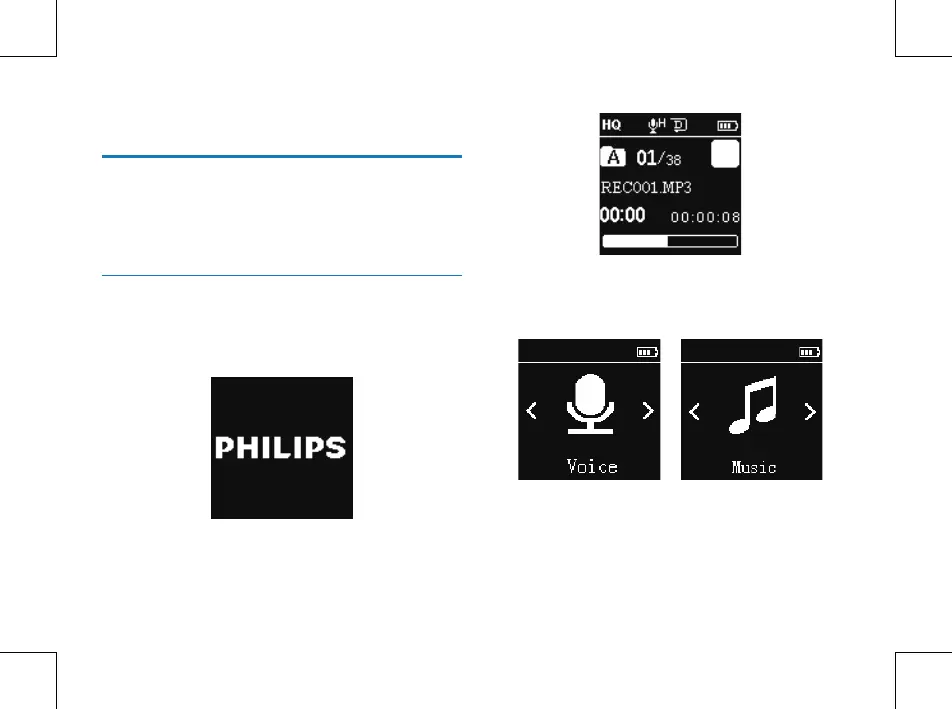
Slide and hold POWER button for 2 seconds, the device
starts or shutdown automatically and then displays “Philips
icon”, as shown below.
Then the device displays the stopped playing interface:
Press MENU button for 2 or 3 seconds to return to the
main interface. The main interface includes fire modes. The
following four pictures show the modes respectively: Music,
Voice, Radio , Wireless and Setting Mode.















 To Next Page