70 EN
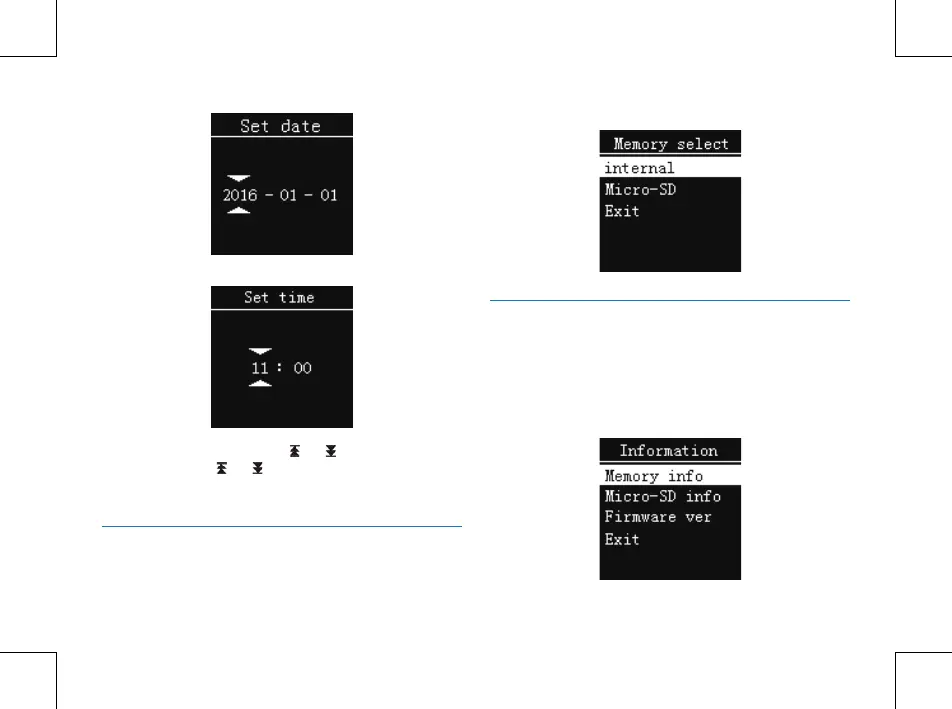
Choose “Set time”, the following interface will pop up:
On the above interfaces, press “ ”or“ ”and “+” or “-” to
set the time. Press“ ”or“ ”button to select year, month,
day, hour, minute and second; press “+” or “-” to change the
relevant numbers.
Memory select
You can choose the memory form “internal” or”Micor-SD”
to store the recording file. See the following picture:
Information
Use this function to check the remaining storage capacity
anytime.
You can check the memory information, Micor-SD
information and firmware version of this device by using this
function. See the below picture:















 To Next Page