EN 67
11 Setting Mode
From the main menu select Setting mode, press MENU
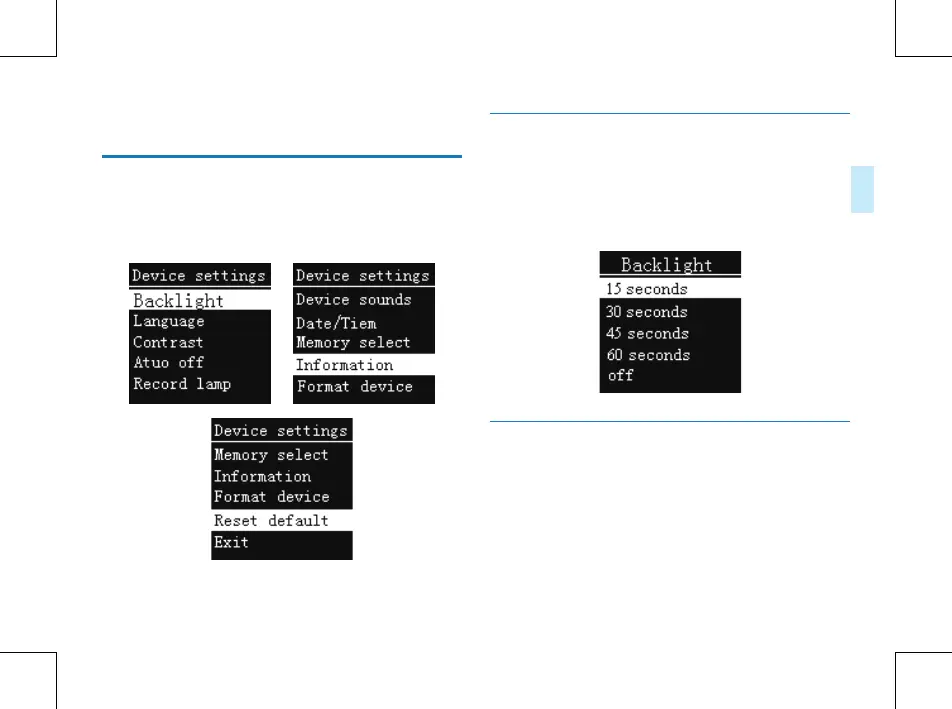
button to enter. The Setting mode interface includes:
Backlight, Language, Contrast, Auto o, Record lamp, Device
sounds, Date/Time, Memory select, Information, Format
device, Reset default.
Backlight Time
The backlight time function can be set at: 15, 30, 45 and
O. If there’s no operation on the device for the set time,
the backlight turns o automatically. If you select O, the
backlight is to be always. See the below picture of Backlight
Time setting:
Language
From the Language menu you can choose a language as
system language. See the following interface picture:















 To Next Page