52 EN
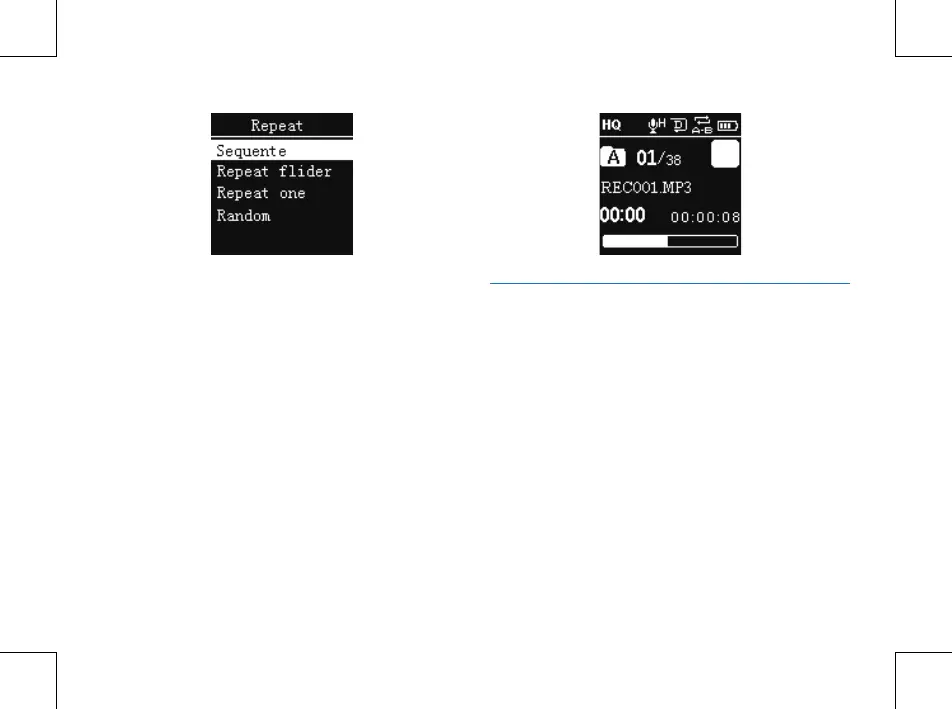
Repeat one: repeat continuously the current track.
Sequence: Play tracks sequentially in selected folder. After
playing all the tracks in the current folder, the playing stops
automatically.
Repeat Folder: Repeat tracks on a playlist.
Random: Play randomly tracks in selected folder.
(2)A-B Replay
Choose “A-B Replay” from the Playing Modes, then press
MENU button to enter A-B Replay. For operations of A-B
Replay please refer to A-B Replay section in “Music playback”.
Delete Files
On the stopped playing voice interface, long press the
delete button to pop up the following menu list: Delete file,
Delete all and Exit. Below are the pictures of the deletion
operations:















 To Next Page