EN 45
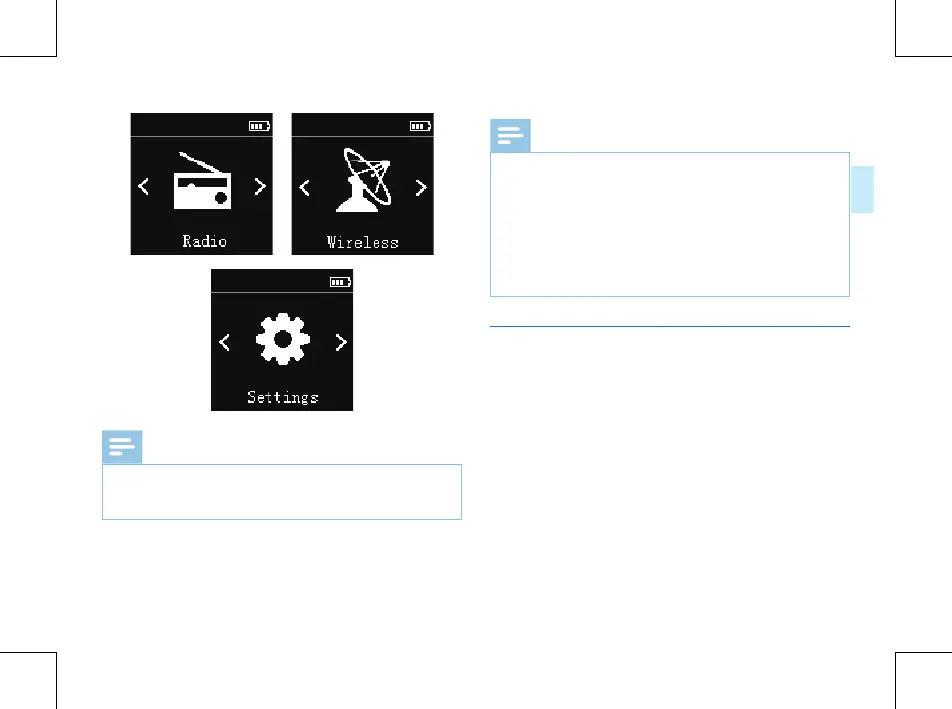
Note
• When not taking voice recording and playing audio files,
on anyother interface, users can press MENU button for
2 or 3 seconds to return to main interface.
Note
• Please take out the battery if the device will be idle for a
long time. Battery leakage may damage the device.
• In the event that the device cannot work normally, please
take out the battery and put them in again.
• Before replacing the battery, please first power off the
device. Taking out the battery with the device is switched
on may damage the files.
Keypad Lock (HOLD Function)
(1)Slide the POWER button to the lock position to lock all
1the buttons on the device, except the slide switch of
recording. Then “Hold” is displayed for a while and then
disappears.















 To Next Page