EN 69
Device sounds
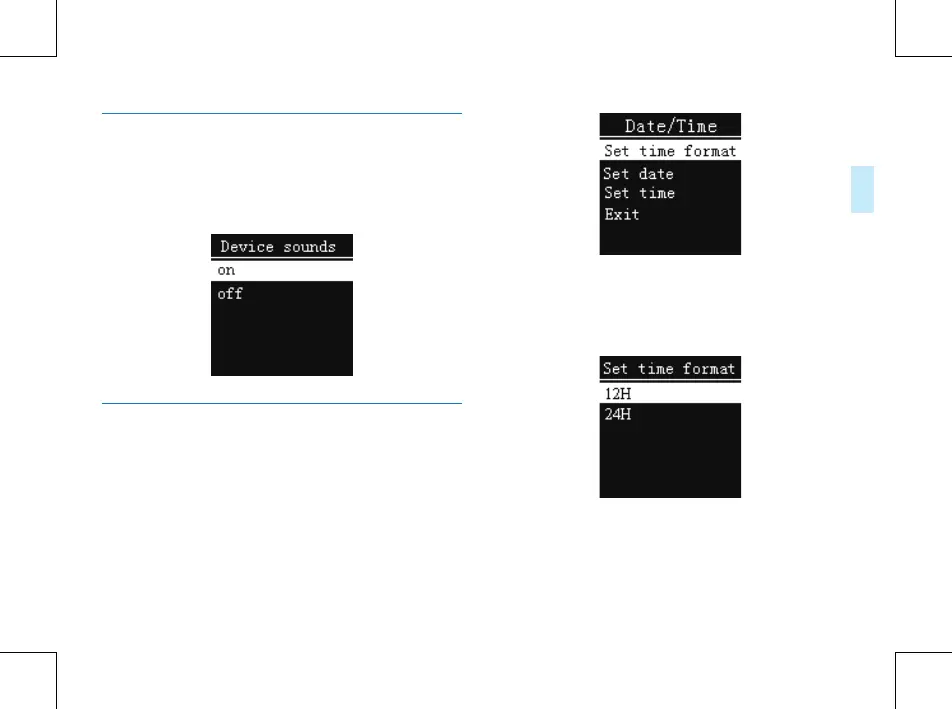
From the Device sounds settings menu, you can choose
to open or close the Device sounds. After closing Device
sounds, the Device sounds will not work in any key
operation. See the following picture:
Date/Time
See the Date/Time interface as follows:
On this interface, you can set the current system time and
display format. Press STOP return to the previous level
submenu.
For example: select “Time Format” to show the following
menu:
There are 2 time formats to choose, namely 12-hour format
and 24-hour format. The system default is 24-hour format.
Choose “Set date”, the following interface will pop up:















 To Next Page