56
English
15. Expandable features
15.1 Music playback
between Center and
Stations
You can connect up to 5 Stations (sold
separately) to the Center via Wi-Fi network.Via
Wi-Fi, music playback can be moved between
the Center and Stations. Even in different parts
of your home, you and your family will still be
able to enjoy and share music with ease.
15.1.1 MUSIC FOLLOWS ME
As you move around at home, let the music
move with you between the Center and Station
or between Stations.
On the source unit (Center) where
music is playing:
1 In HD source, select and play the album or
playlist you wish to play on the destination unit
(see 6.2 HD: Selecting and searching)
Helpful hints:
– Press OK/2; to interrupt playback if you want
the playback to continue from where it has
paused on the destination unit.
– The selected play modes (e.g. ) will be
retained on the destination unit (see 6.3
Different play modes: REPEAT, SHUFFLE).
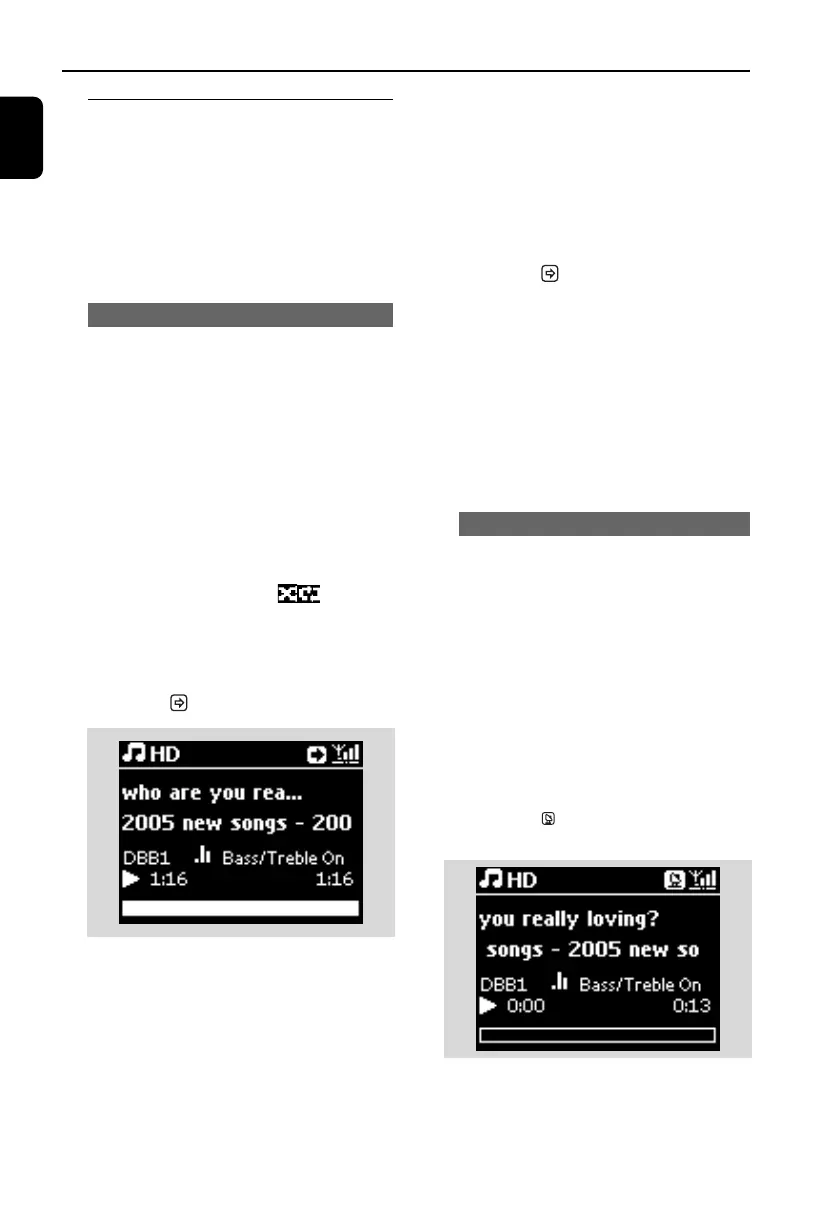
2 Press MUSIC FOLLOWS ME to activate
➜ The icon appears
Helpful hints:
– MUSIC FOLLOWS ME will be automatically
deactivated if you do not activate MUSIC
FOLLOWS ME on the destination unit within 5
minutes
– To deactivate MUSIC FOLLOWS ME, press
MUSIC FOLLOWS ME again or press other
function keys (e.g. SLEEP or 1 / 2 / 3 / 4)
On the destination unit (Center),
where the music will continue:
3 Check that the destination unit is switched on
or is already in standby mode
4 Press MUSIC FOLLOWS ME
➜ Playback of selected music stops on the
source unit and continues on the destina-
tion unit
➜ The icon disappears
5 To stop MUSIC FOLLOWS ME, press
STOPÇ on the destination unit
Helpful hints:
After activating MUSIC FOLLOWS ME on the
destination unit:
– make sure that the source unit is switched
on or is already in standby mode.
– you can select other tracks or source for
playback.
15.1.2 MUSIC BROADCAST
MUSIC BROADCAST allows you to
broadcast music from Center to Stations
(sold separately).
On the Station
1 Check that the Station is switched on or is
already in standby mode (see 5.Basic func-
tions)
On the Center
2 In HD source, select and play the album or
playlist that you wish to broadcast to the
Stations (see 6.2 HD: Selecting and
searching)
3 Press MUSIC BROADCAST to activate
➜ The icon appears on the Center and
Stations. A 5-second countdown starts.
➜ On the Center and Stations: The
selected music starts to play simultaneous-
ly after the 5-second countdown.
p1-67-wac3500_ifu_UK 2007.6.20 5:49 PM Page 56















 To Next Page